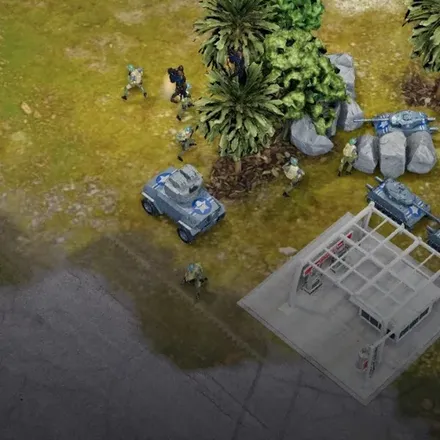
FREE CHEATS FOR
Easy Red 2
Released January 6, 2022
Updated
 EAGLE CHEATS
How to use Eagle in Easy Red 2
With Easy Red 2 running, press Insert to open the Eagle menu. The quick keys give direct access to No Vehicle Damage and Infinite Fuel. Use the menu for Flight Speed, Set Weather and Save Flight Position and the remaining listed features; close it with Insert to return to the app.
- F2 No Vehicle Damage
Press F2 to turn No Vehicle Damage on or off without opening the menu. - F3 Infinite Fuel
Press F3 to turn Infinite Fuel on or off without opening the menu. - Insert Flight Speed
Press Insert, choose Flight Speed, adjust the value, and apply. - Insert Set Weather
Press Insert, choose Set Weather, adjust its value or option, and apply. - Insert Save Flight Position
Press Insert, choose Save Flight Position, adjust its value or option, and apply.
EXPLORE THE MENUFeatures
11 features
The free Easy Red 2 trainer includes No Vehicle Damage, Infinite Fuel and Flight Speed. It also offers Set Weather, Save Flight Position and Free Camera. Press Insert to open the menu on Windows PC.
- No Vehicle Damage
- Infinite Fuel
- Flight Speed
- Set Weather
- Save Flight Position
- Free Camera
- Camera Speed
- Freeze Mission Timer
- Reveal Map
- Save Position
- Teleport to Waypoint
About the game
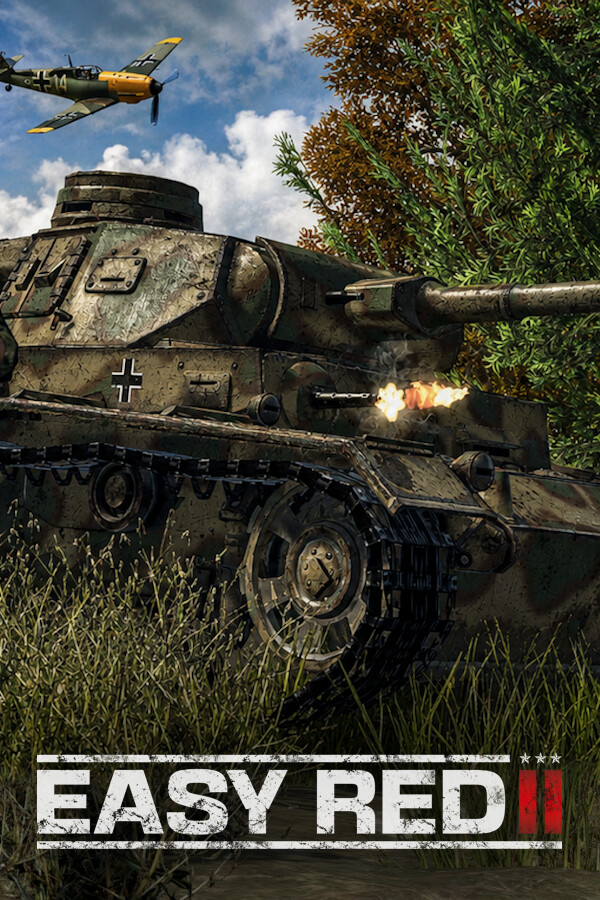
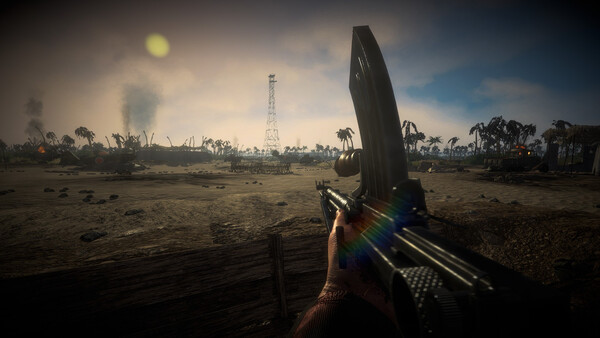
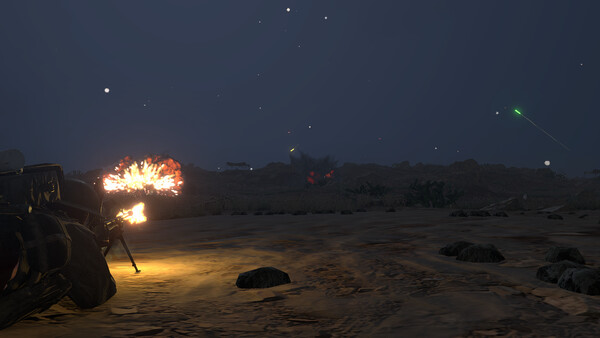
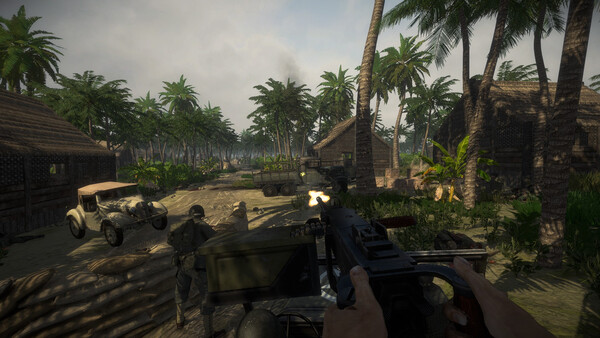
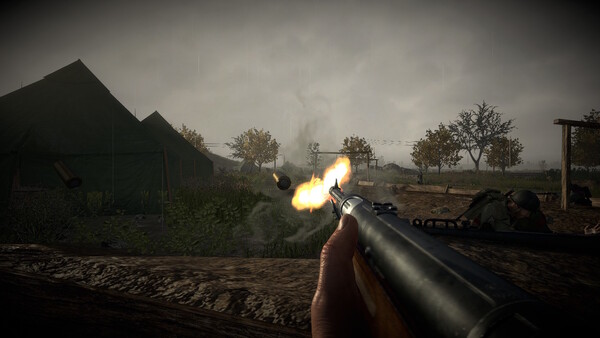
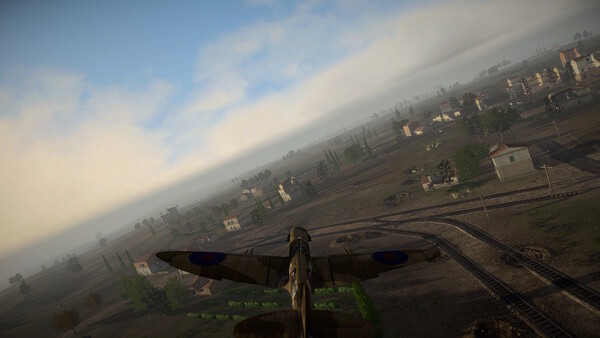
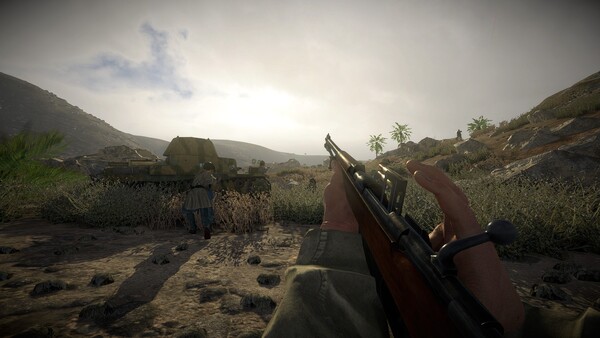
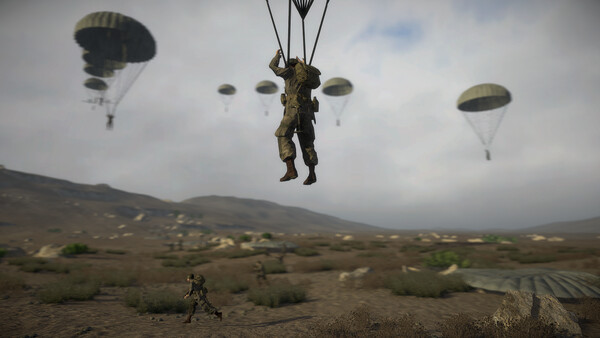
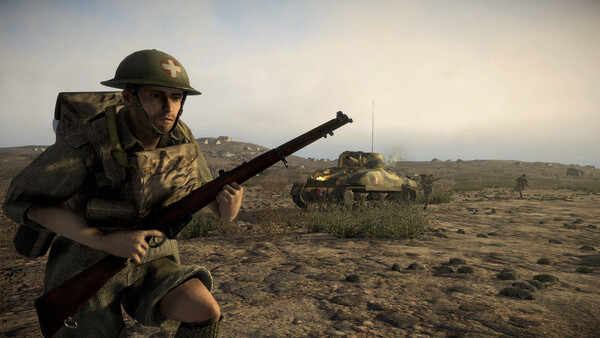
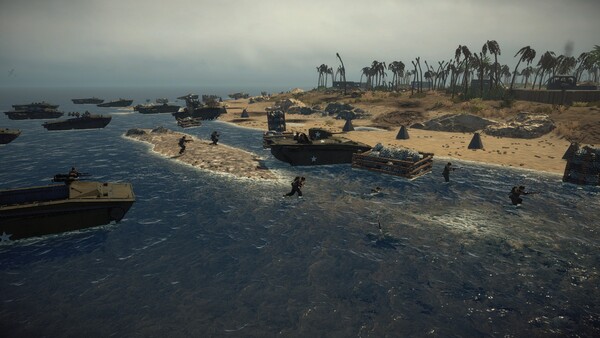
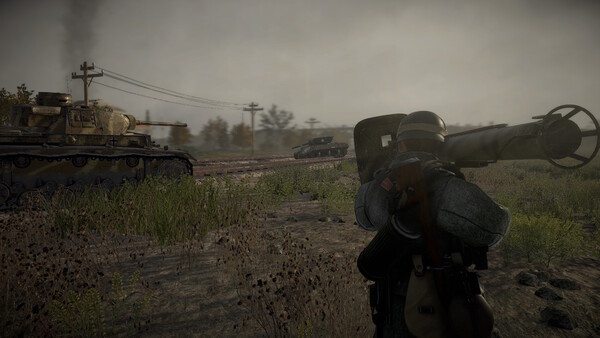
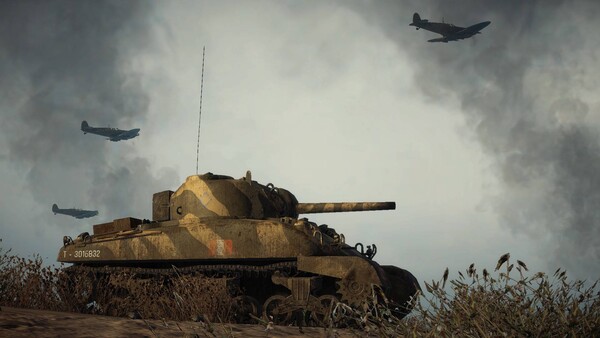
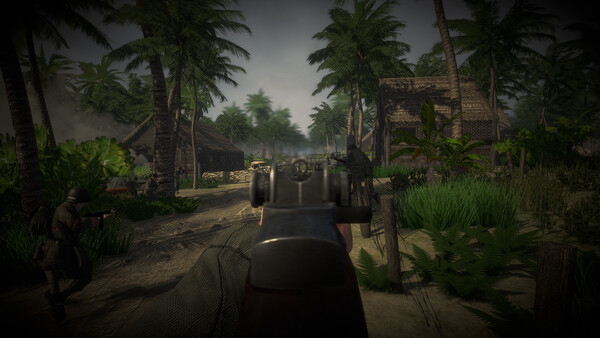
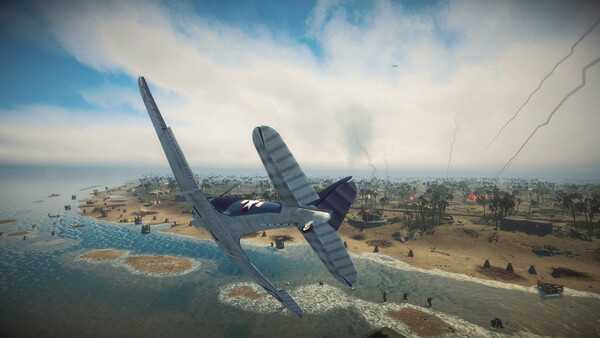
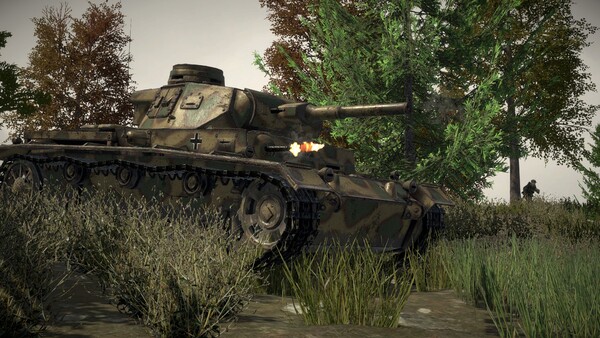
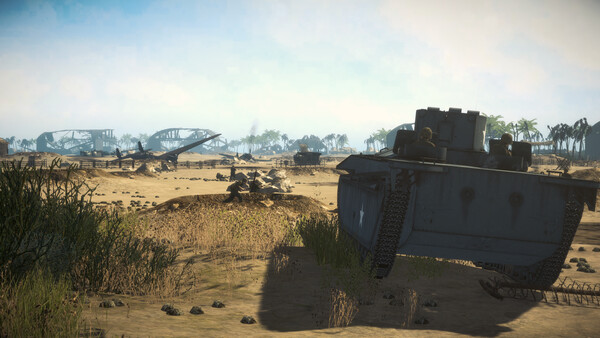
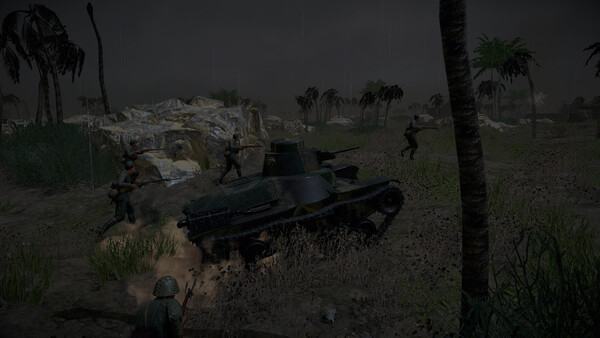
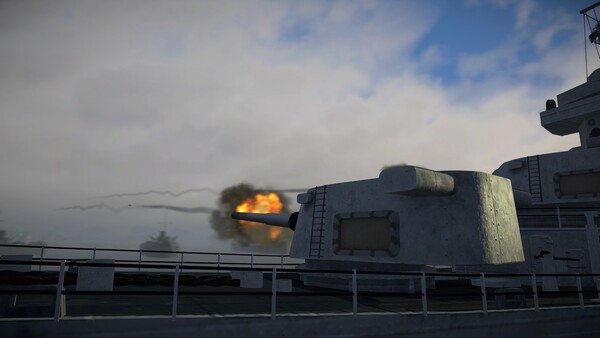
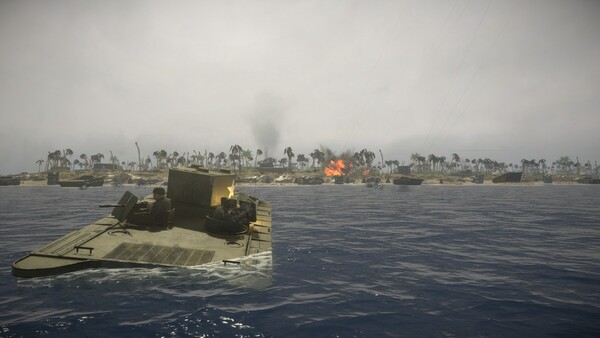
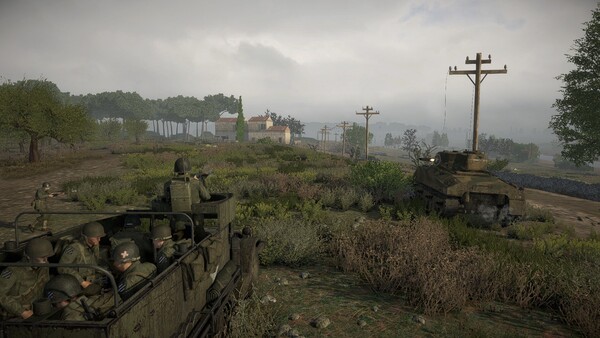
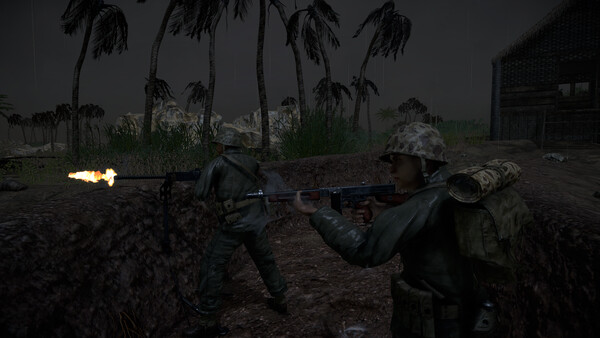
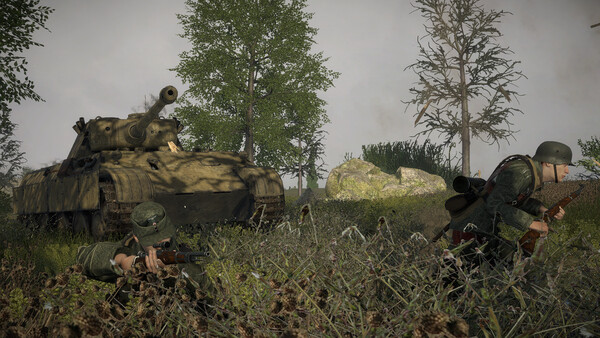
Experience massive battles with infantry, tanks, artillery, and aircraft on large destructible open-world maps. Equip yourself, coordinate with your squad, and fight through World War II in singleplayer, co-op, or multiplayer!.
Official game page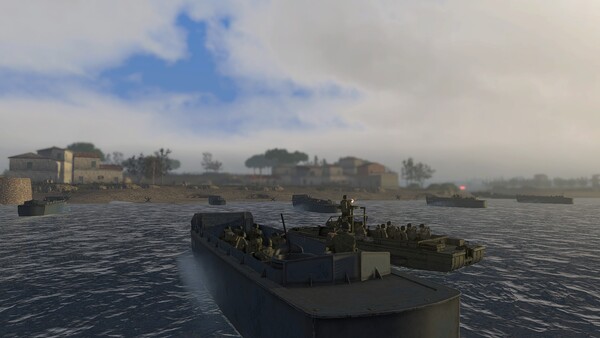
Why use Eagle for Easy Red 2?
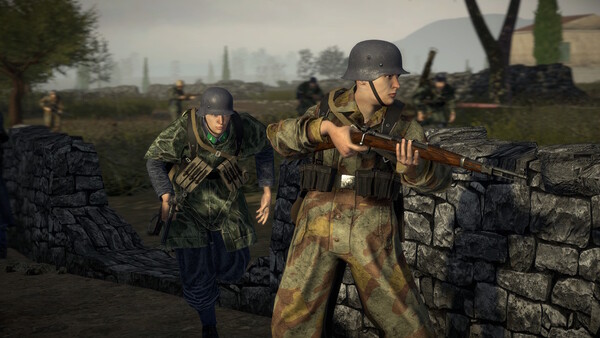
Easy Red 2 puts infantry, armor and aircraft into large World War II battles. Eagle's vehicle condition, fuel and weather controls help when trying a different approach to the same mission or comparing a route across open terrain. The menu is useful for keeping vehicle-related options in one place during an active battle. Press Insert on Windows PC to review the listed controls and return to the current operation.