FREE CHEATS FOR
Hacker or Dev Tycoon?
Released November 16, 2026
Updated
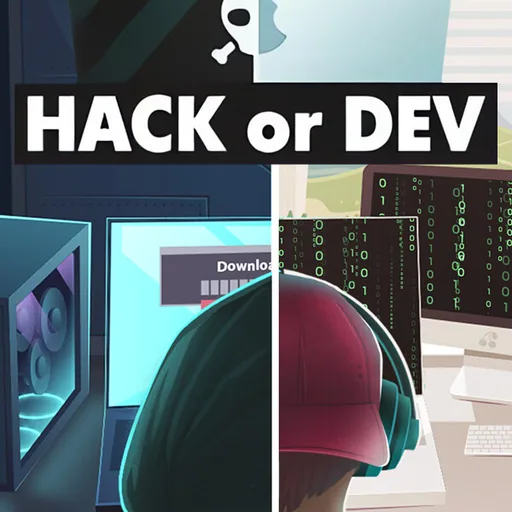
 EAGLE CHEATS
How to use Eagle in Hacker or Dev Tycoon?
With Hacker or Dev Tycoon? running, press Insert to open the Eagle menu. The quick keys give direct access to Project Queue and PC Capacity. Use the menu for App Sales, Office Costs and Conference Plan and the remaining listed features; close it with Insert to return to the app.
- F2 Project Queue
Press F2 to turn Project Queue on or off without opening the menu. - F3 PC Capacity
Press F3 to turn PC Capacity on or off without opening the menu. - Insert App Sales
Press Insert, find App Sales in the feature list, and switch it on or off. - Insert Office Costs
Press Insert, find Office Costs in the feature list, and switch it on or off. - Insert Conference Plan
Press Insert, find Conference Plan in the feature list, and switch it on or off.
EXPLORE THE MENUFeatures
8 features
The Eagle trainer for Hacker or Dev Tycoon? brings project queue, pc capacity, app sales together for the Windows PC release. Press Insert during play to open the menu, choose a control and return to the current session. Additional controls cover office costs, conference plan, and reputation during play.
- Project Queue
- PC Capacity
- App Sales
- Office Costs
- Conference Plan
- Reputation
- Virus Alerts
- Company Ledger
About the game
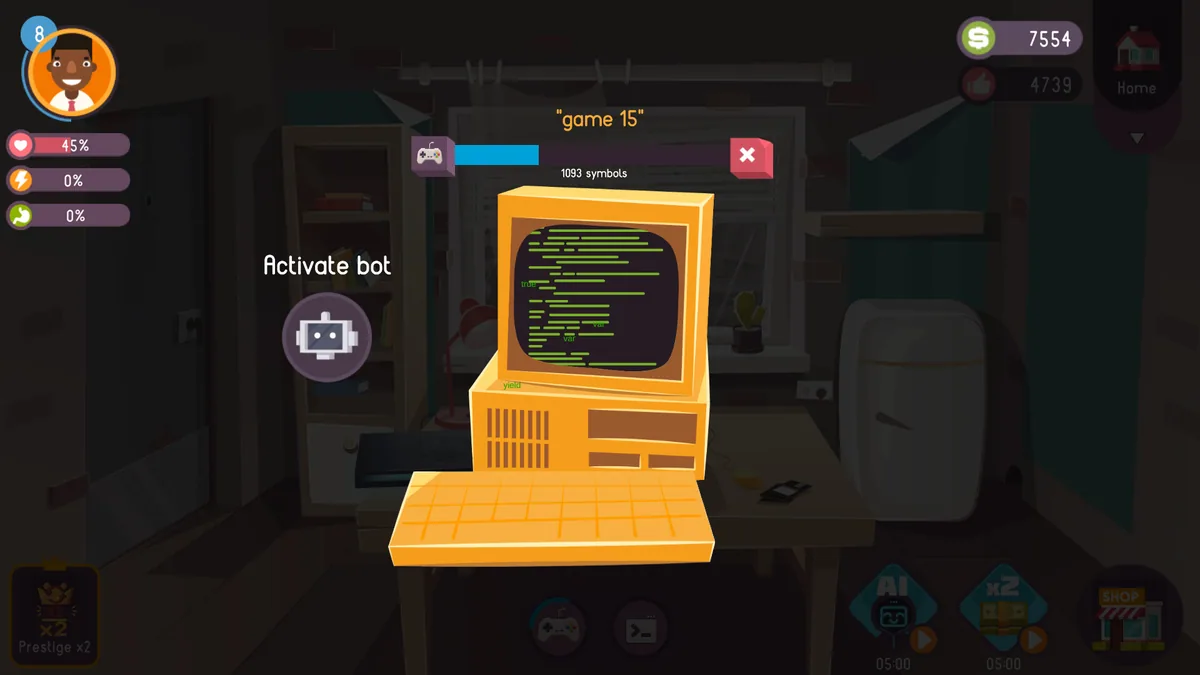
Hacker or Dev Tycoon? begins with a novice writing apps and games, then grows into a company with better computers and an office. Sales, conferences and a possible virus crisis shape the career. The same programming effort can fund growth or prepare for a wider threat.
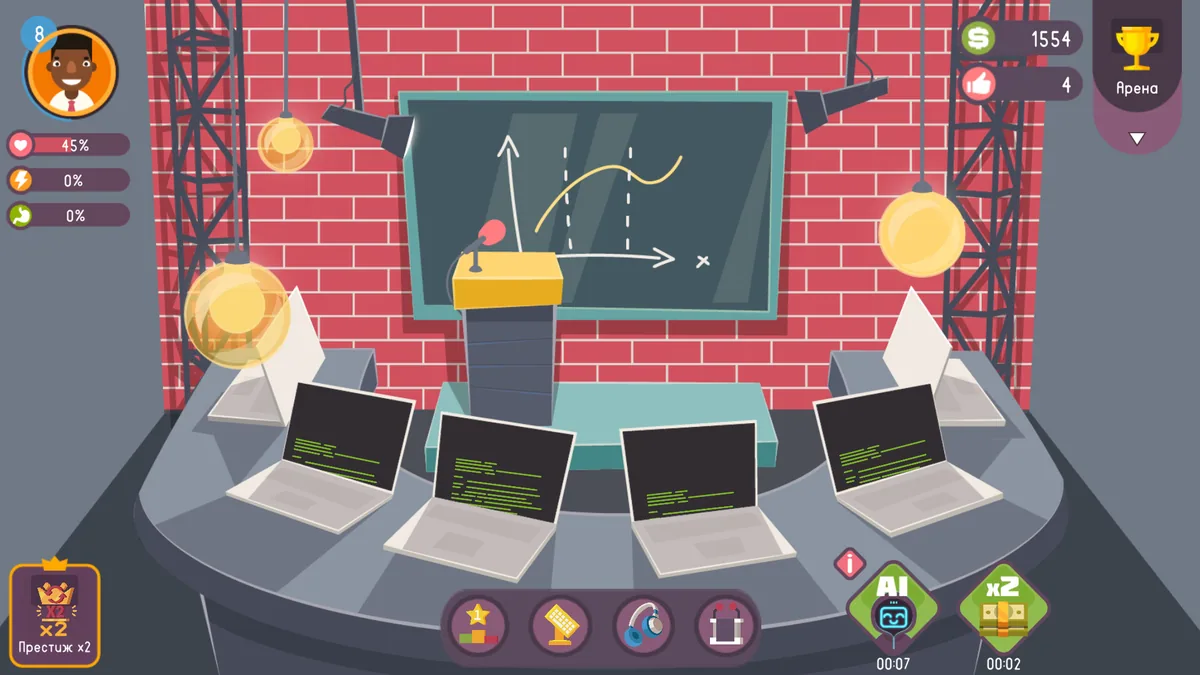
An expensive PC upgrade may improve output but consume money needed to publish the next project. A conference can raise reputation while work on an app pauses. The tycoon loop asks when to scale the business and when to finish what is already underway.
Official game page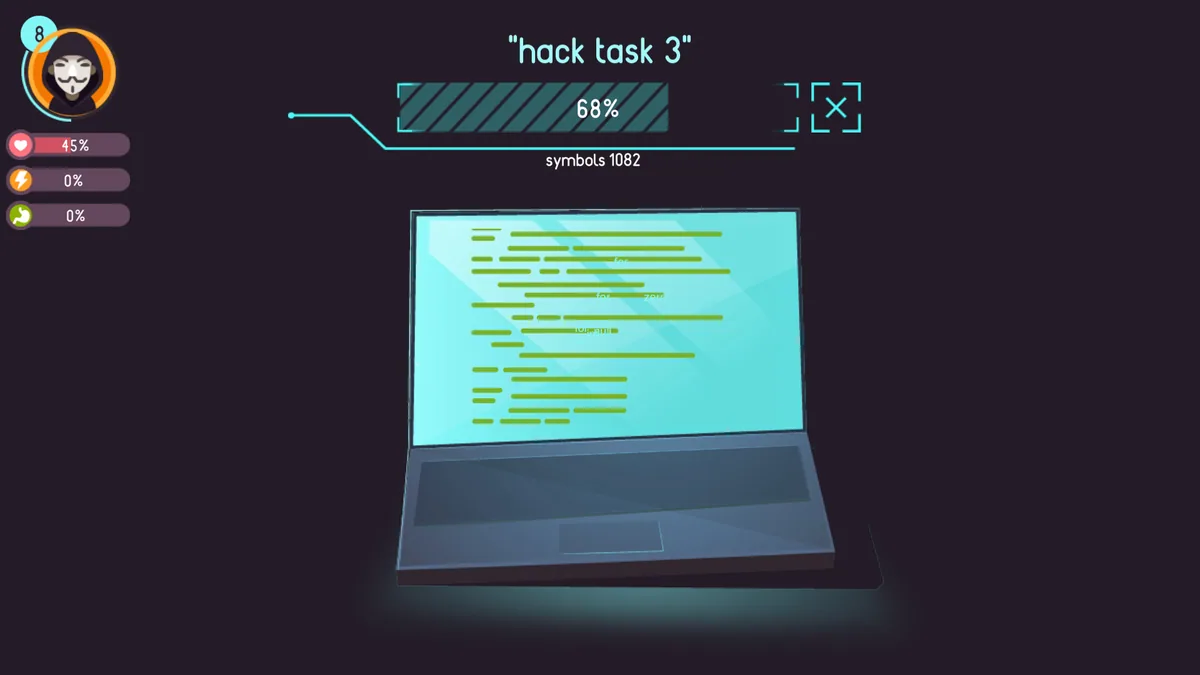
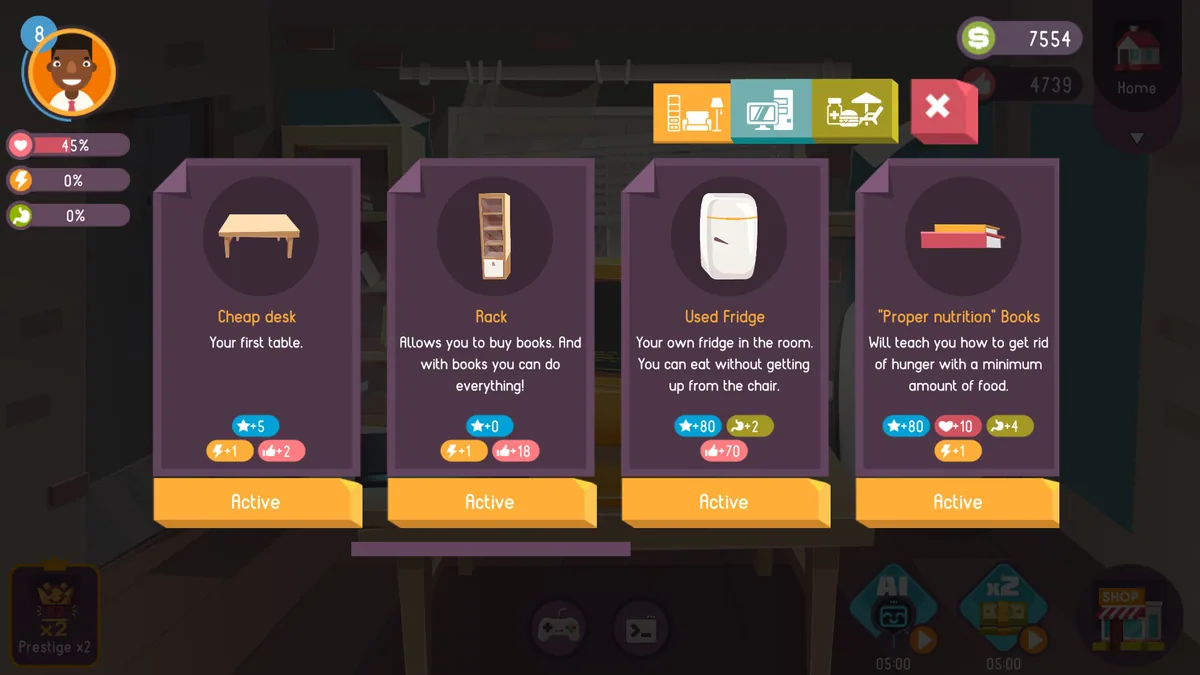
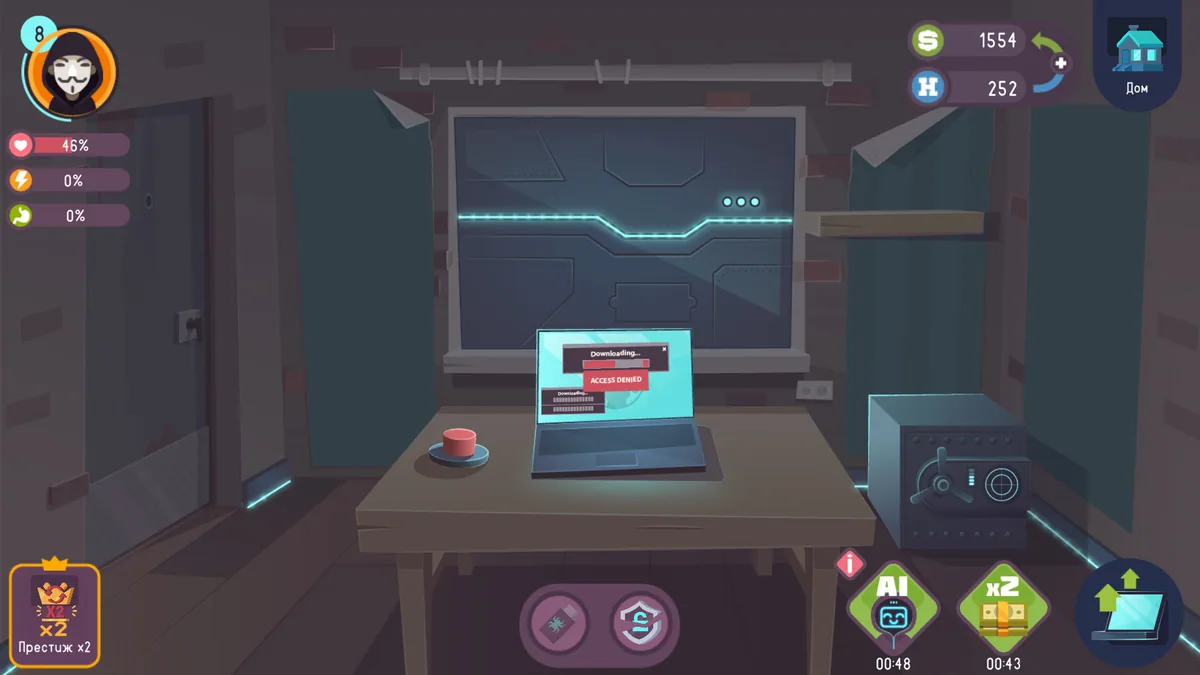
Using the Hacker or Dev Tycoon? trainer
The Eagle menu connects project progress, computer capacity and sales in a company dashboard. Open it with Insert before an investment to compare costs and expected income. A virus incident panel appears separately from ordinary production tasks.