FREE CHEATS FOR
Lanternwood
Released November 17, 2026
Updated
 EAGLE CHEATS
How to use Eagle in Lanternwood
With Lanternwood running, press Insert to open the Eagle menu. The quick keys give direct access to Weapon Set and Spell Timing. Use the menu for Trinket Effects, Party Formation and Synergy View and the remaining listed features; close it with Insert to return to the app.
- F2 Weapon Set
Press F2 to turn Weapon Set on or off without opening the menu. - F3 Spell Timing
Press F3 to turn Spell Timing on or off without opening the menu. - Insert Trinket Effects
Press Insert, find Trinket Effects in the feature list, and switch it on or off. - Insert Party Formation
Press Insert, find Party Formation in the feature list, and switch it on or off. - Insert Synergy View
Press Insert, find Synergy View in the feature list, and switch it on or off.
EXPLORE THE MENUFeatures
8 features
The Eagle trainer for Lanternwood brings weapon set, spell timing, trinket effects together for the Windows PC release. Press Insert during play to open the menu, choose a control and return to the current session. Additional controls cover party formation, synergy view, and battle journal during play.
- Weapon Set
- Spell Timing
- Trinket Effects
- Party Formation
- Synergy View
- Battle Journal
- Enemy Notes
- Run Progress
About the game
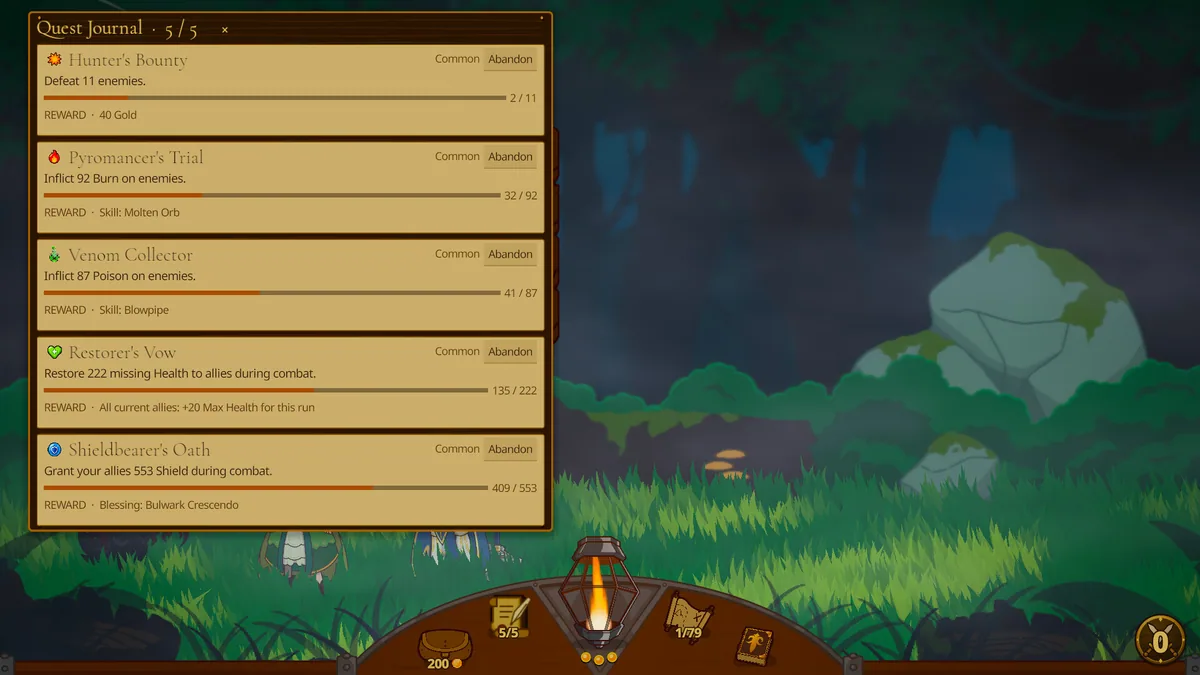
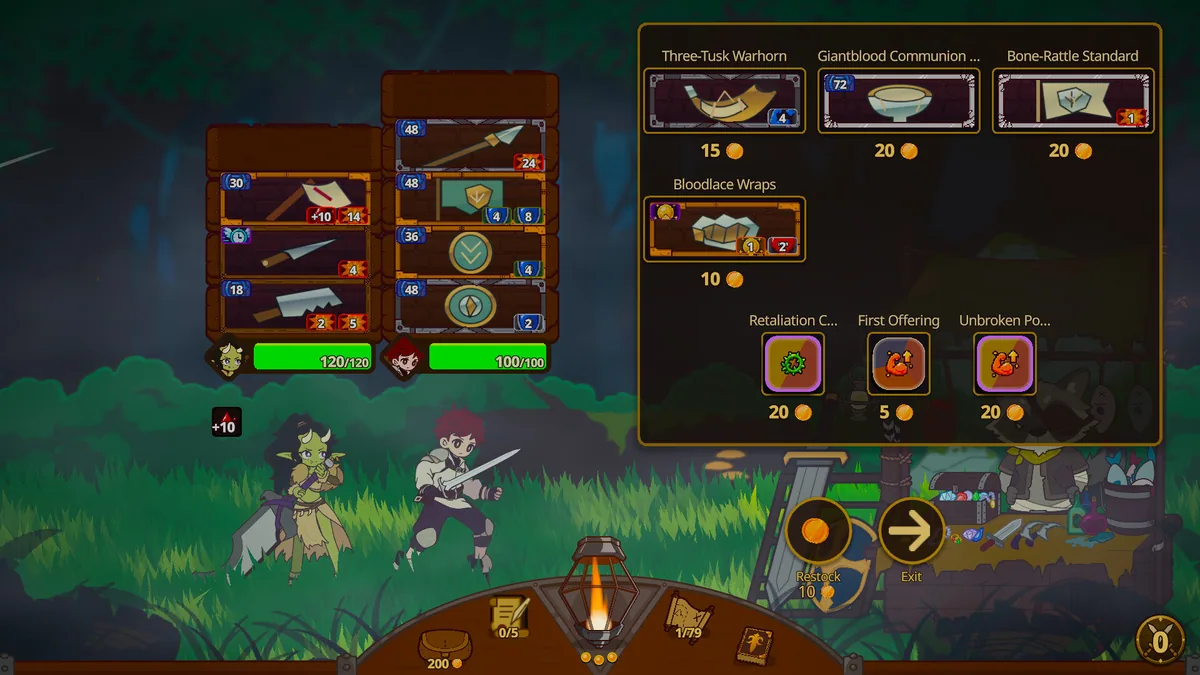
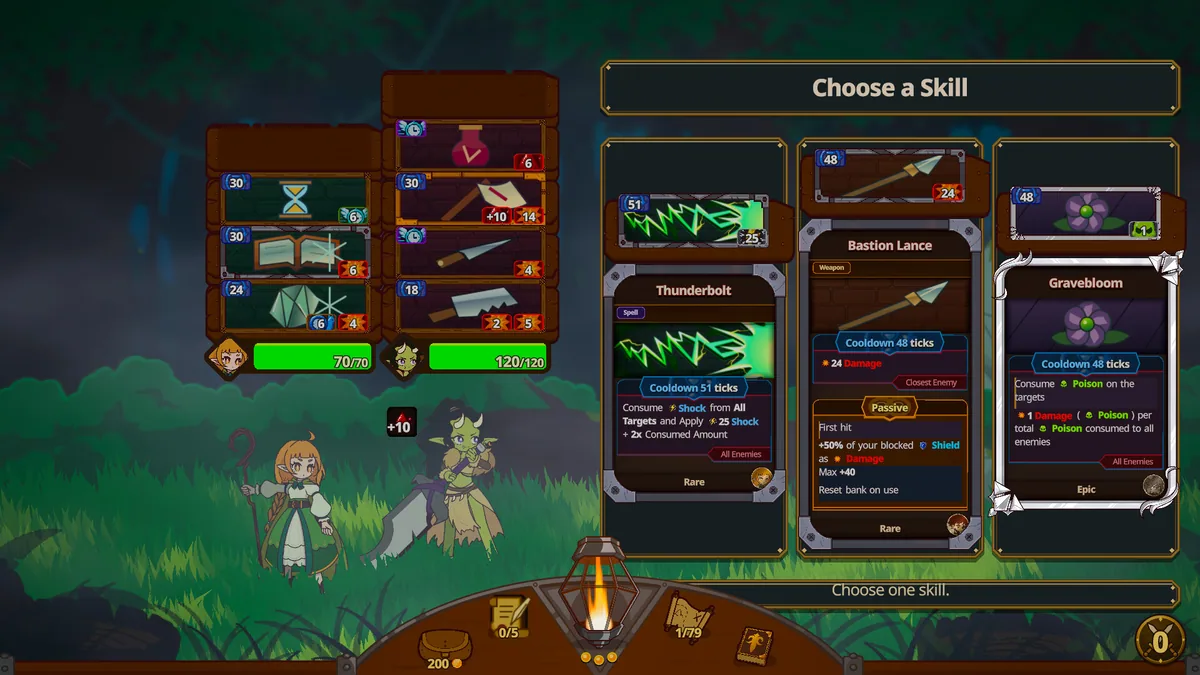
Lanternwood is a fantasy autobattler where weapons, spells and trinkets combine into surprising builds. The player assembles a party before each fight and watches the strategy resolve. Synergy matters more than collecting individually strong items.
A spell may be excellent but trigger too late for the current front line. A trinket can change the value of several weapons at once. Reviewing battle order and losses helps identify a combination that supports the whole team.
Official game page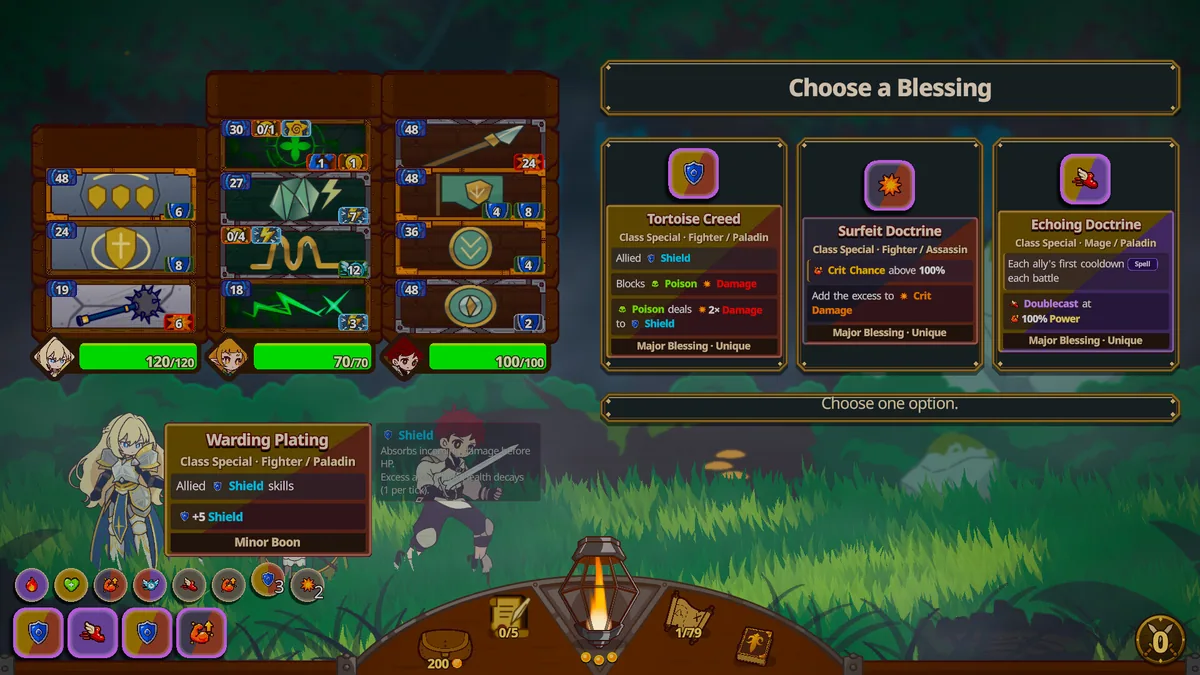
Using the Lanternwood trainer
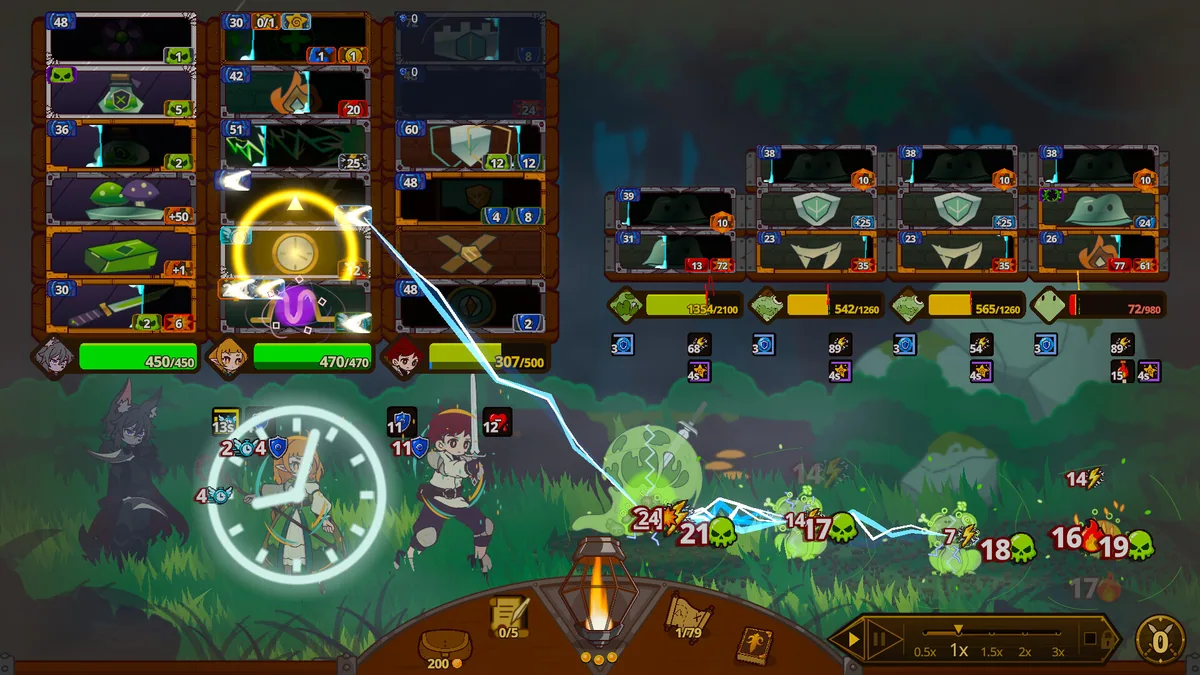
Open the Eagle menu with Insert to inspect equipment, spell timing and party formation. The battle journal links builds to outcomes. Use the synergy panel before replacing an item that enables several other effects. The item comparison stays available before every battle.