FREE CHEATS FOR
Neon Horde
Released November 10, 2026
Updated
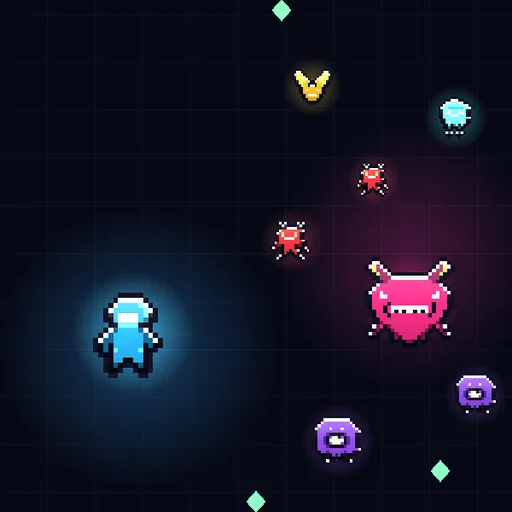
 EAGLE CHEATS
How to use Eagle in Neon Horde
With Neon Horde running, press Insert to open the Eagle menu. The quick keys give direct access to Hero Health and Weapon Evolutions. Use the menu for Enemy Wave, Run Timer and Idle Coins and the remaining listed features; close it with Insert to return to the app.
- F2 Hero Health
Press F2 to turn Hero Health on or off without opening the menu. - F3 Weapon Evolutions
Press F3 to turn Weapon Evolutions on or off without opening the menu. - Insert Enemy Wave
Press Insert, find Enemy Wave in the feature list, and switch it on or off. - Insert Run Timer
Press Insert, find Run Timer in the feature list, and switch it on or off. - Insert Idle Coins
Press Insert, find Idle Coins in the feature list, and switch it on or off.
EXPLORE THE MENUFeatures
8 features
The Eagle trainer for Neon Horde brings hero health, weapon evolutions, enemy wave together for the Windows PC release. Press Insert during play to open the menu, choose a control and return to the current session. Additional controls cover idle coins, permanent upgrades, and pickup range during play.
- Hero Health
- Weapon Evolutions
- Enemy Wave
- Idle Coins
- Permanent Upgrades
- Pickup Range
- Run Timer
- Hero Roster
About the game
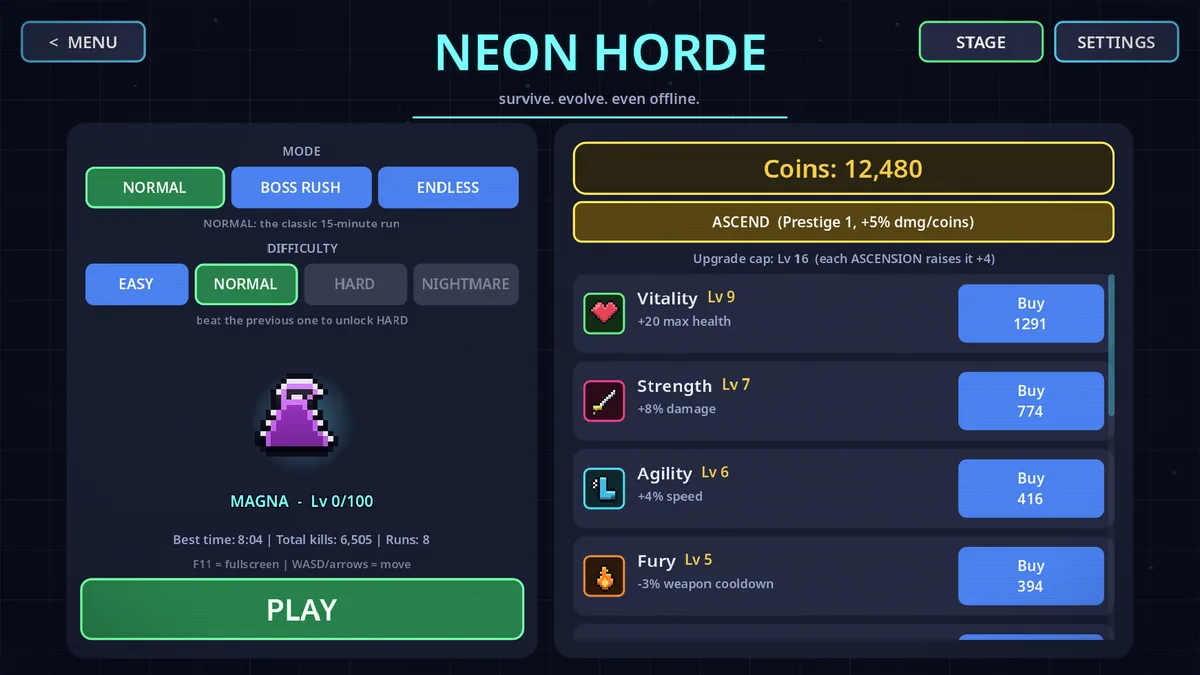
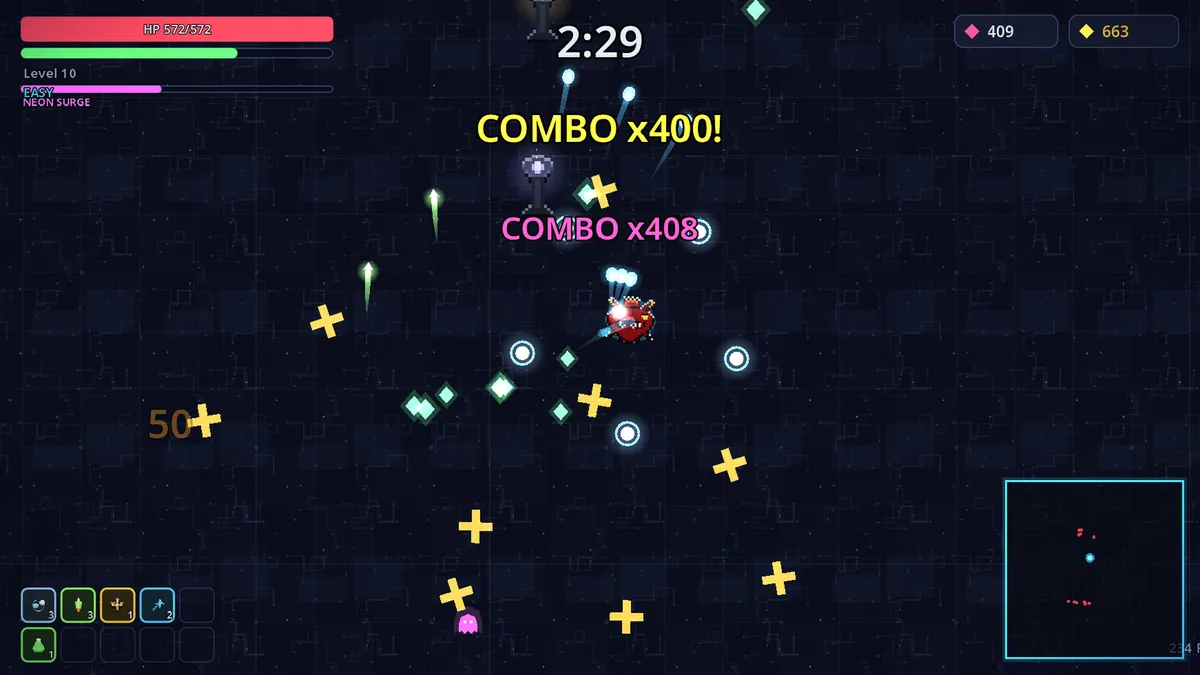
Neon Horde is a survivor game with auto-firing weapons and fifteen-minute runs. Seven heroes and screen-clearing evolutions offer different approaches to growing waves, while coins continue to accumulate when the game is closed. Permanent upgrades connect active attempts with idle progress.
A good run depends on choosing evolutions that work with the hero already selected, then moving through the crowd without losing pickup opportunities. Between runs, idle coins can strengthen a weak point. The two progression loops reward planning rather than only playing longer.
Official game page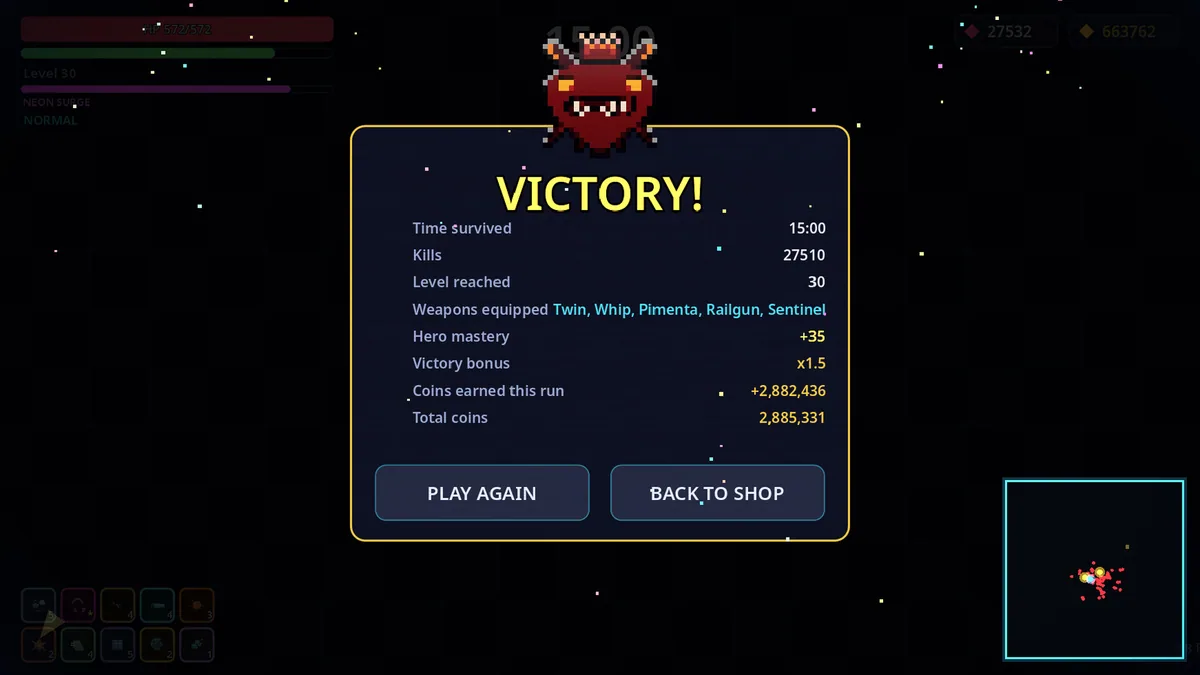
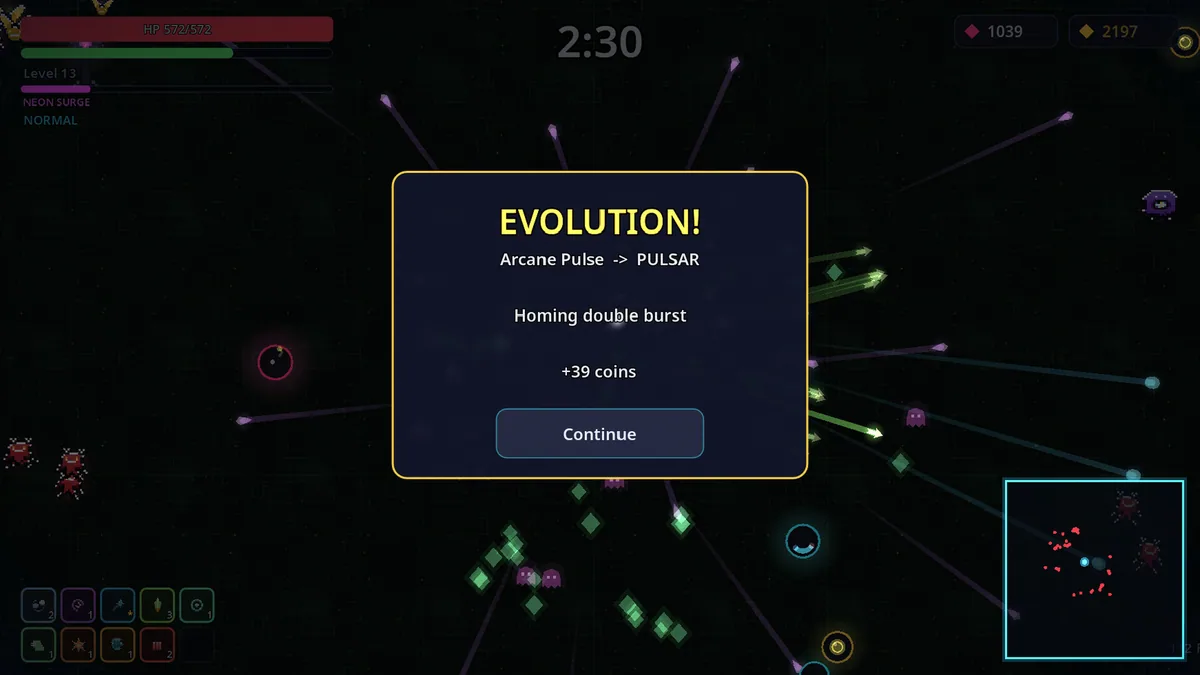
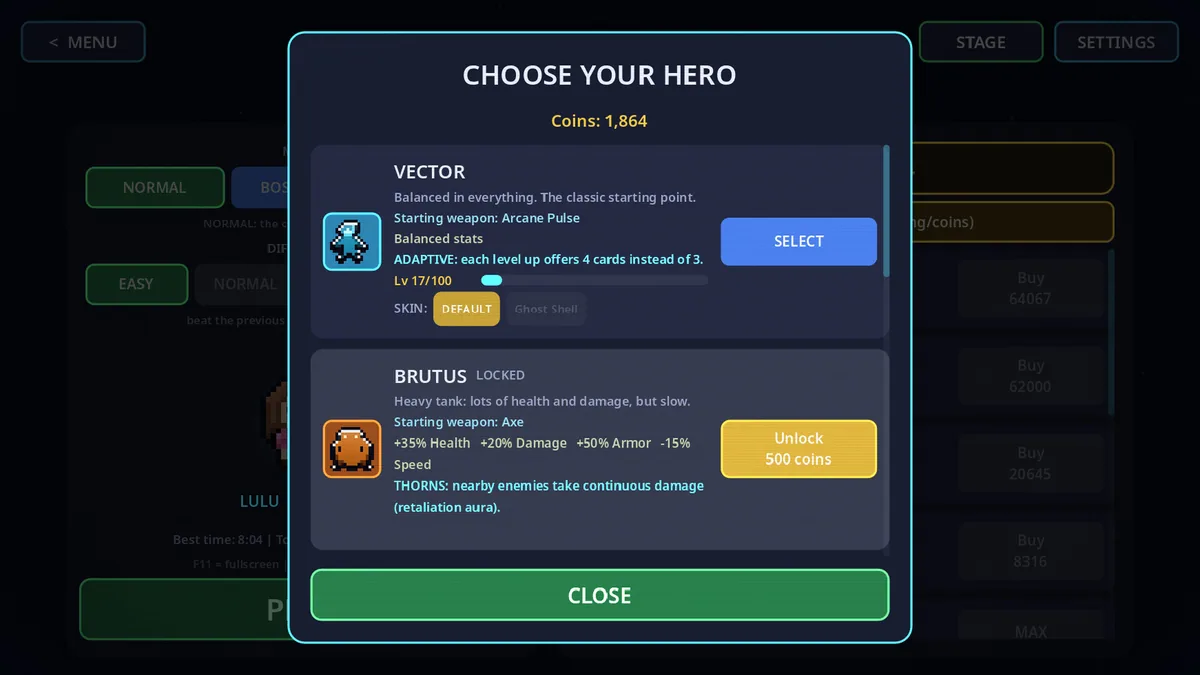
Using the Neon Horde trainer
The menu shows hero health, current weapon evolutions and idle income together. It helps compare a new permanent purchase with the build used in recent runs. Wave and pickup information remain visible during busy moments when the screen becomes difficult to read.