FREE CHEATS FOR
PegLotto!
Released November 11, 2026
Updated

 EAGLE CHEATS
How to use Eagle in PegLotto!
With PegLotto! running, press Insert to open the Eagle menu. The quick keys give direct access to Item Board and Ball Trajectory. Use the menu for Slot Results, Run Map and Deck View and the remaining listed features; close it with Insert to return to the app.
- F2 Item Board
Press F2 to turn Item Board on or off without opening the menu. - F3 Ball Trajectory
Press F3 to turn Ball Trajectory on or off without opening the menu. - Insert Slot Results
Press Insert, find Slot Results in the feature list, and switch it on or off. - Insert Run Map
Press Insert, find Run Map in the feature list, and switch it on or off. - Insert Deck View
Press Insert, find Deck View in the feature list, and switch it on or off.
EXPLORE THE MENUFeatures
8 features
The Eagle trainer for PegLotto! brings item board, ball trajectory, slot results together for the Windows PC release. Press Insert during play to open the menu, choose a control and return to the current session. Additional controls cover deck view, score multiplier, and reward choices during play.
- Item Board
- Ball Trajectory
- Slot Results
- Deck View
- Score Multiplier
- Reward Choices
- Run Map
- Drop History
About the game
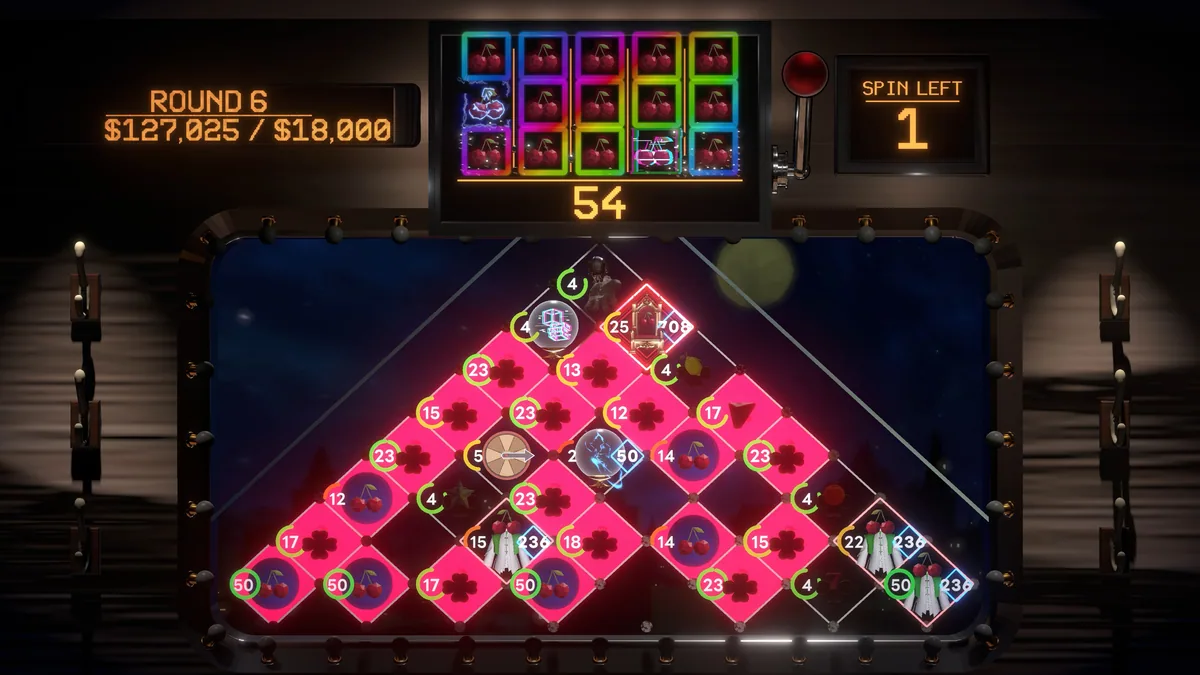
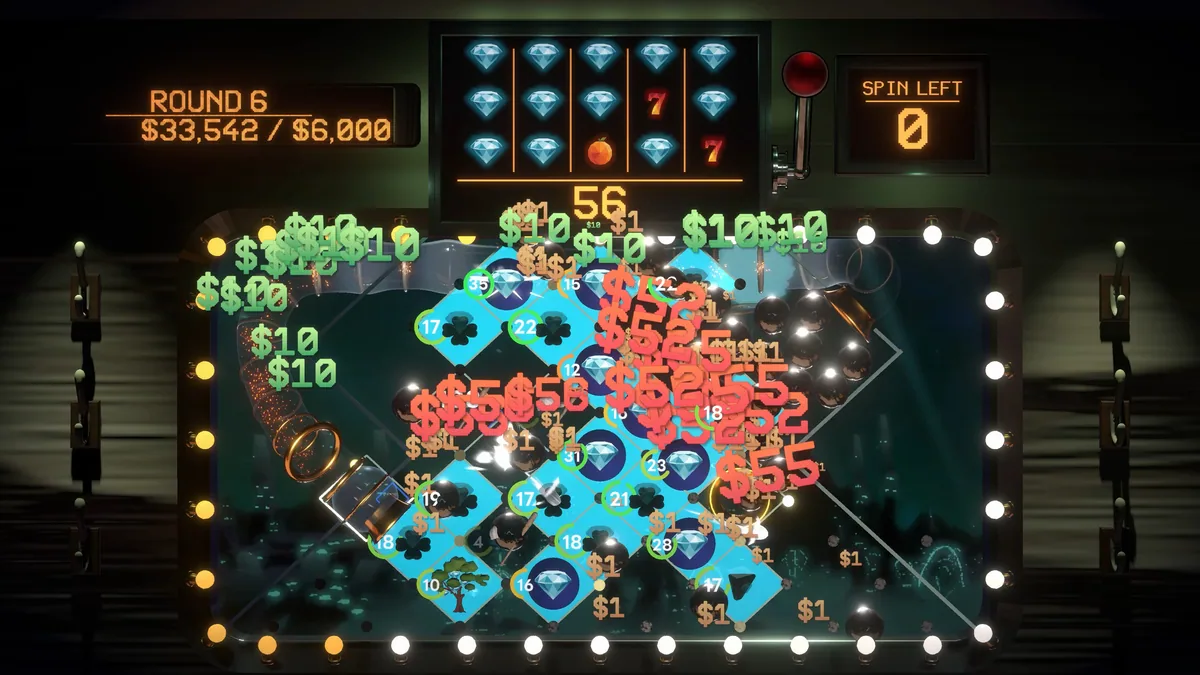
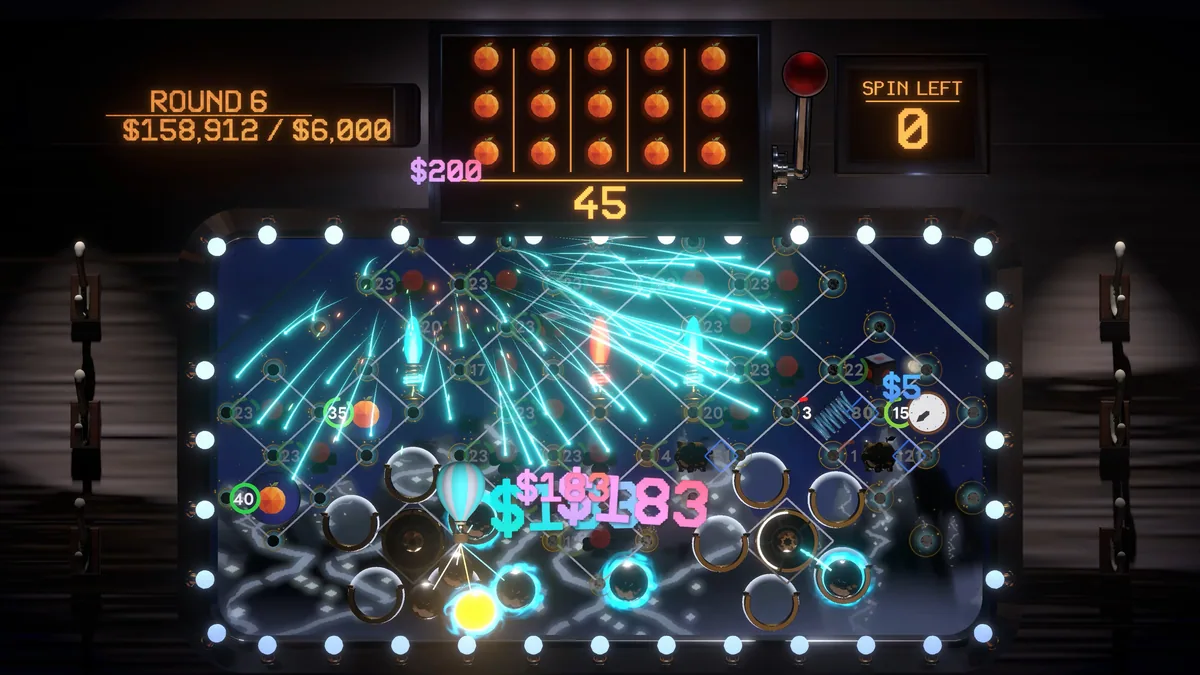
PegLotto! combines pachinko, slots and deckbuilding inside a roguelike journey. Items are placed on a board before chance-driven results unfold, so position and build choices can influence a lucky run. The train setting gives a calm frame to decisions about which rewards to keep.
A strong item is only useful if its position interacts with the rest of the board. Players have to think about possible ball paths, slot outcomes and future upgrades together. The excitement of a large payout comes from seeing several prepared effects activate in sequence.
Official game page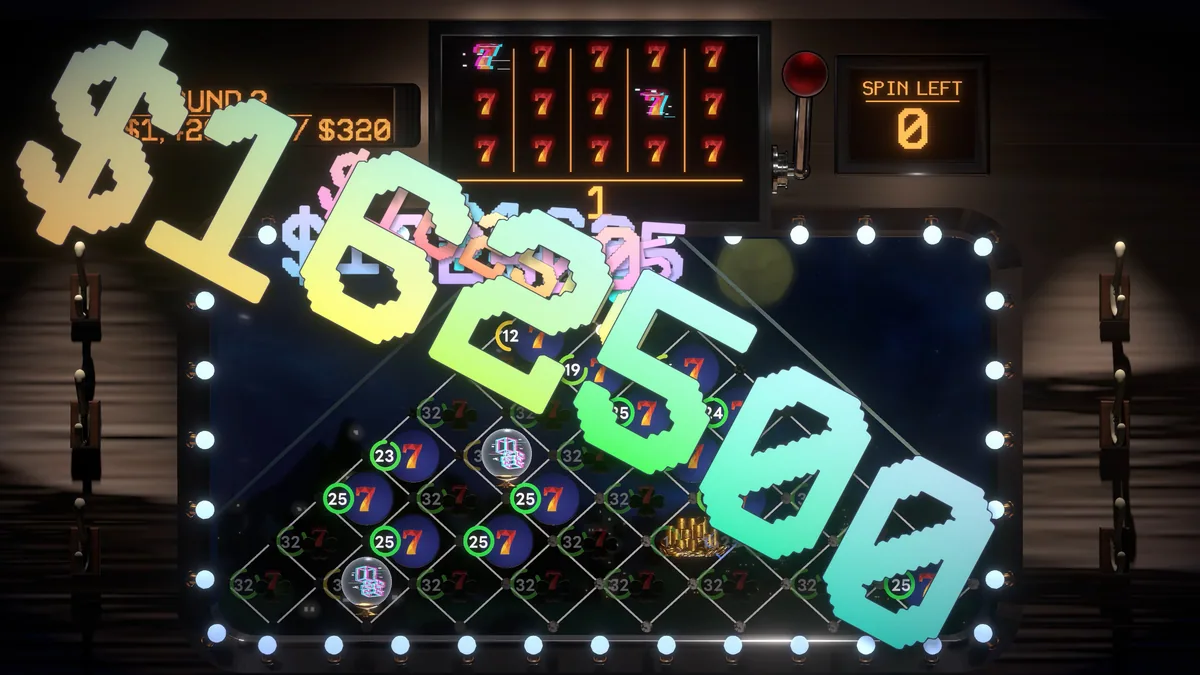
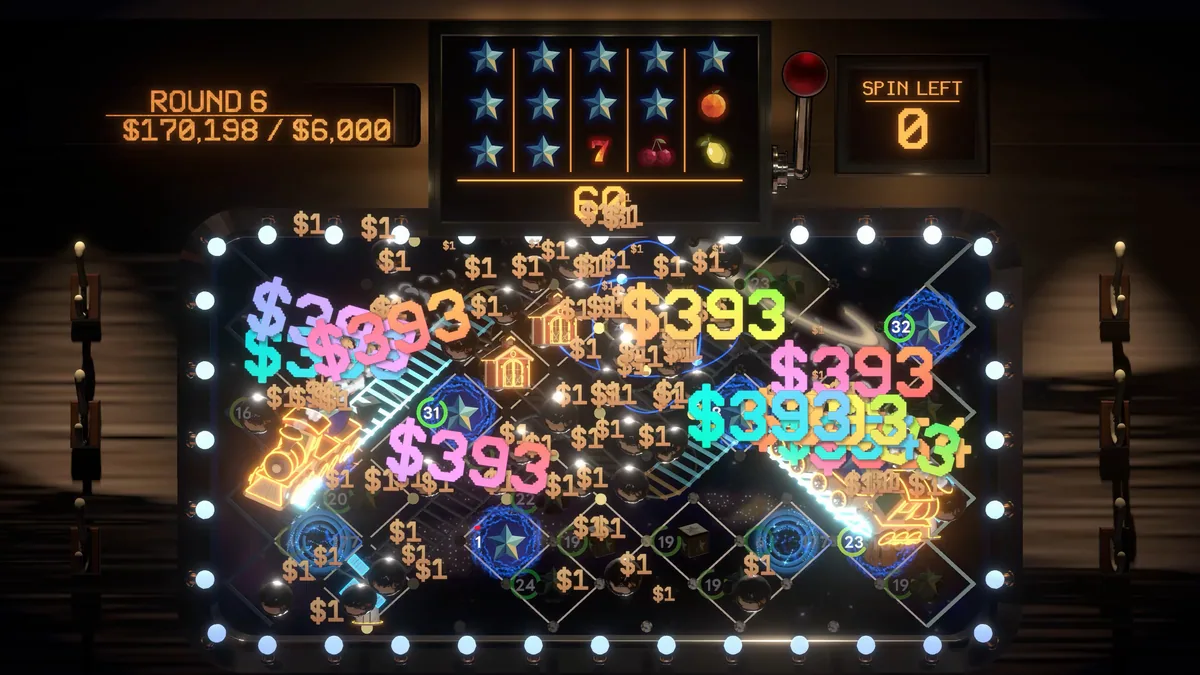
Using the PegLotto! trainer
The menu keeps the item grid, probability view and score history accessible before each drop. It helps compare a new reward with the board already assembled, then review which interactions produced the last result. Run progress tracks the route between stops.