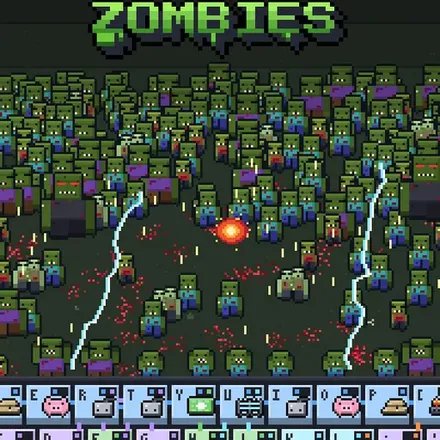
FREE CHEATS FOR
Ray Ray Zombies
Released November 14, 2026
Updated

 EAGLE CHEATS
How to use Eagle in Ray Ray Zombies
With Ray Ray Zombies running, press Insert to open the Eagle menu. The quick keys give direct access to Wave Tracker and Team Health. Use the menu for Ammo Reserve, Zombie Markers and Elemental Clues and the remaining listed features; close it with Insert to return to the app.
- F2 Wave Tracker
Press F2 to turn Wave Tracker on or off without opening the menu. - F3 Team Health
Press F3 to turn Team Health on or off without opening the menu. - Insert Ammo Reserve
Press Insert, find Ammo Reserve in the feature list, and switch it on or off. - Insert Zombie Markers
Press Insert, find Zombie Markers in the feature list, and switch it on or off. - Insert Elemental Clues
Press Insert, find Elemental Clues in the feature list, and switch it on or off.
EXPLORE THE MENUFeatures
8 features
The Eagle trainer for Ray Ray Zombies brings wave tracker, team health, ammo reserve together for the Windows PC release. Press Insert during play to open the menu, choose a control and return to the current session. Additional controls cover zombie markers, elemental clues, and objective route during play.
- Wave Tracker
- Team Health
- Ammo Reserve
- Zombie Markers
- Elemental Clues
- Objective Route
- Supply View
- Exit Marker
About the game
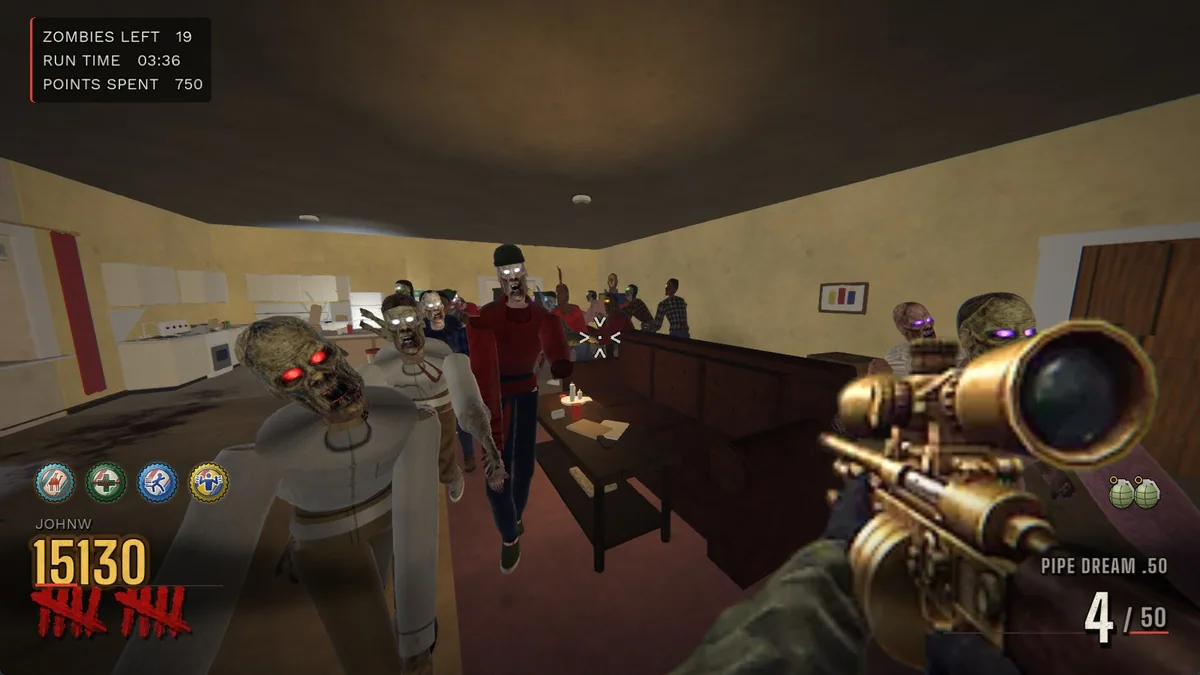
Ray Ray Zombies follows Ray Ray and his team through a survival-horror outbreak tied to the Wonderplex Corporation. Waves of undead turn each area into a test of positioning, ammunition and the team's ability to keep moving. The elemental mystery gives the action a reason to push beyond the next fight.
An encounter can become difficult when several zombies close the distance while a player is examining the environment. Tracking the current wave and the route ahead helps separate a useful discovery from a risky detour. The team must survive long enough to learn what Wonderplex has been hiding.
Official game page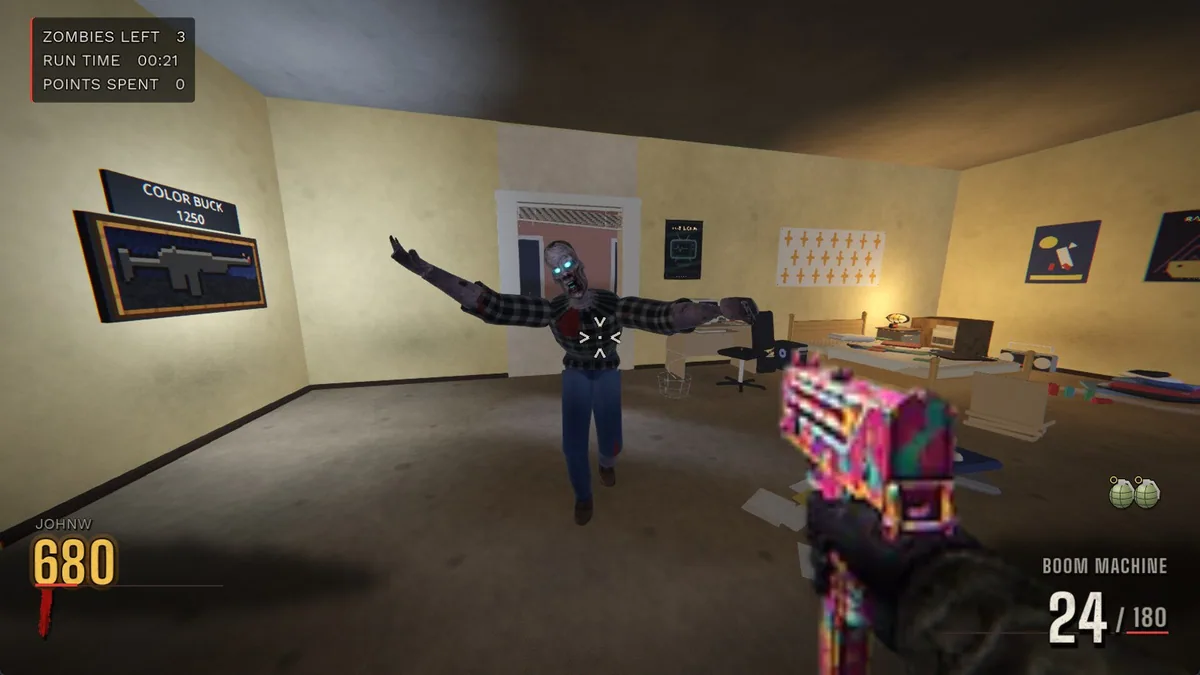
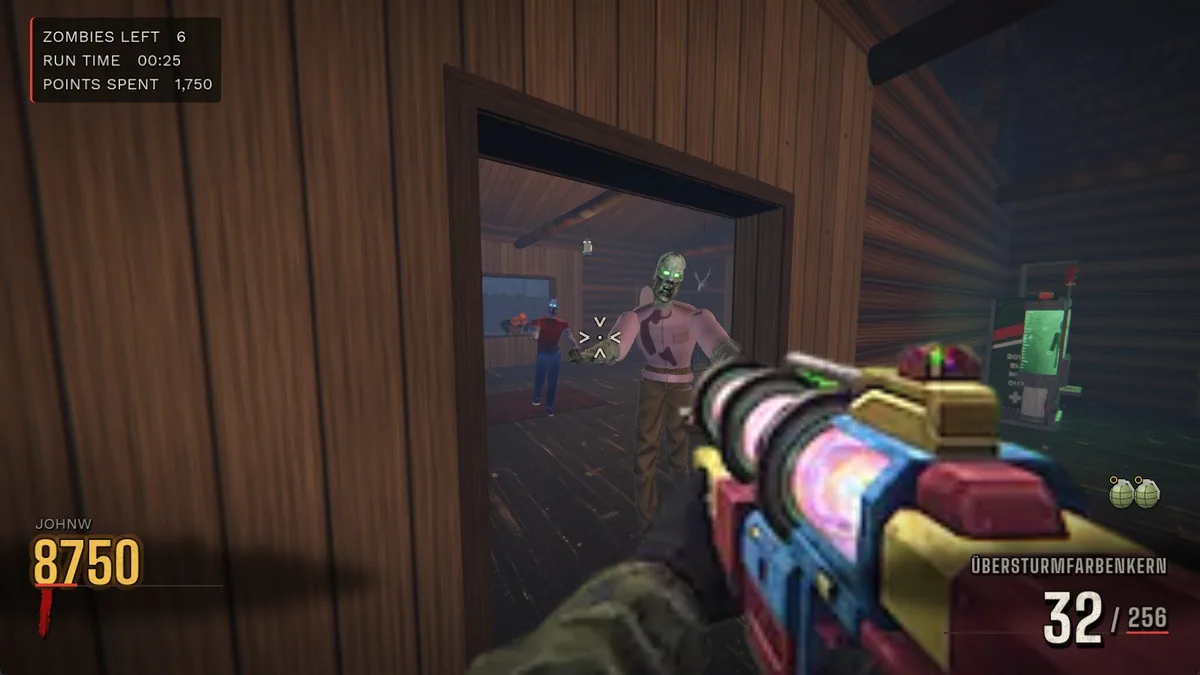
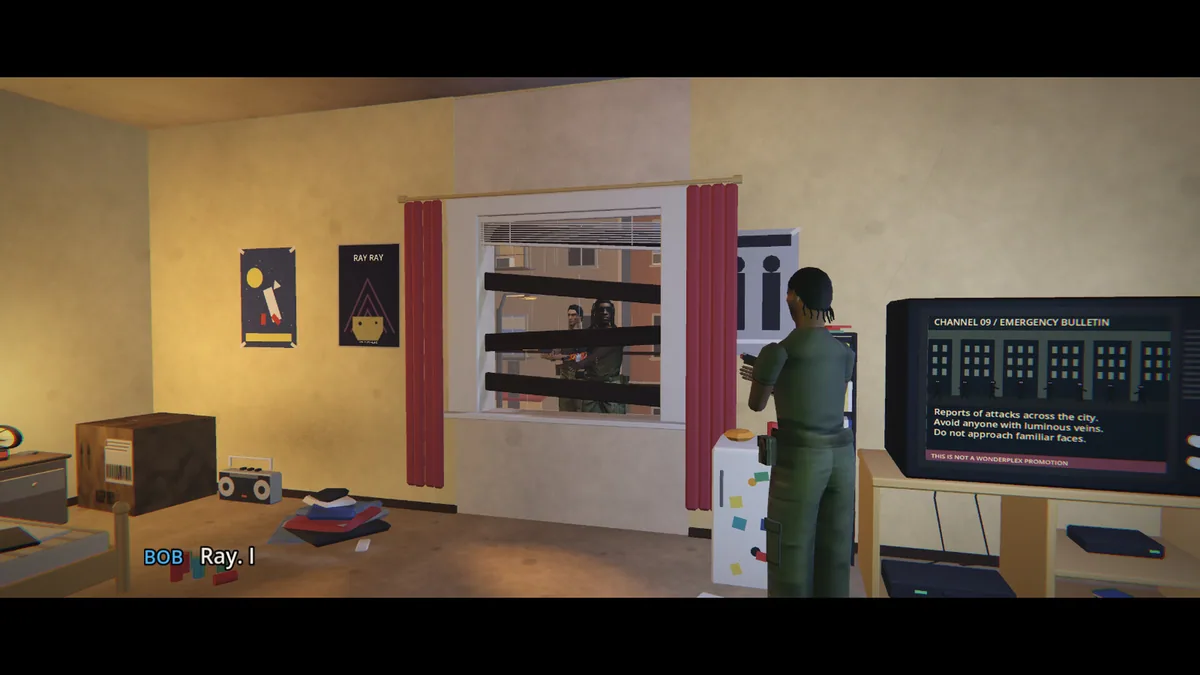
Using the Ray Ray Zombies trainer
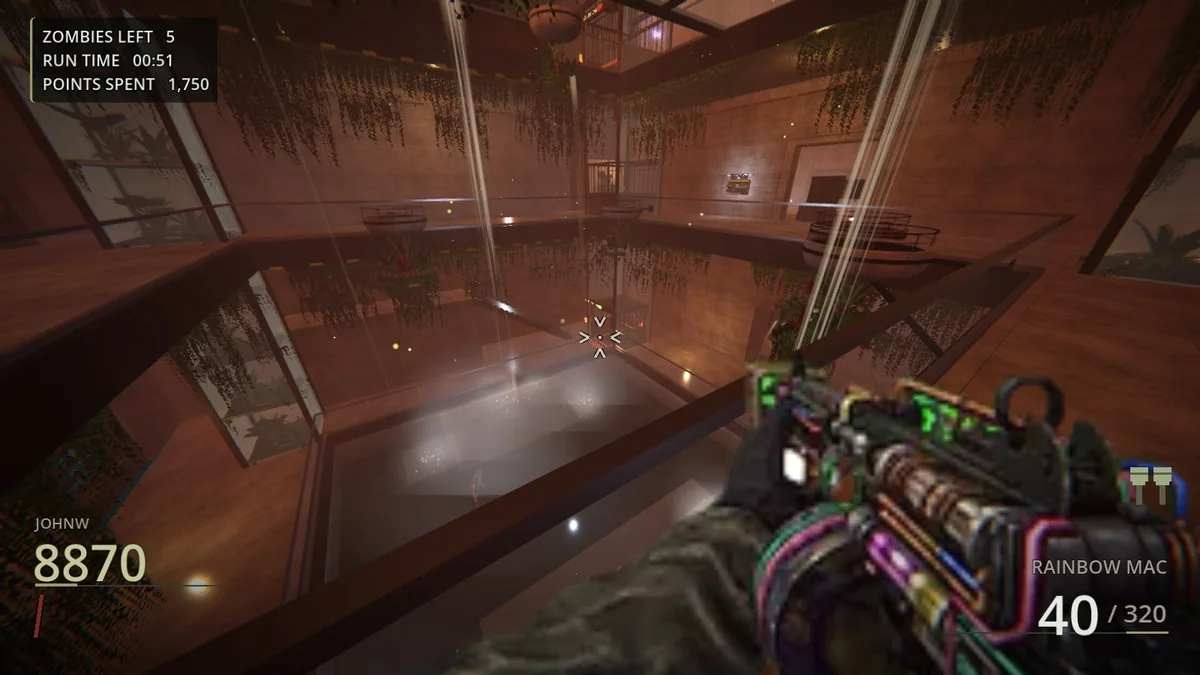
The Eagle menu presents the active wave, team condition and nearby threats beside the current objective. Open it with Insert to review supplies before entering a new space; the same view helps follow elemental clues without losing sight of the exit during a crowded fight.