FREE CHEATS FOR
Keyboard vs. Zombies
Released November 11, 2026
Updated
 EAGLE CHEATS
How to use Eagle in Keyboard vs. Zombies
With Keyboard vs. Zombies running, press Insert to open the Eagle menu. The quick keys give direct access to Key Layout and Weapon Slots. Use the menu for Synergy Links, Space Bar Health and Wave Preview and the remaining listed features; close it with Insert to return to the app.
- F2 Key Layout
Press F2 to turn Key Layout on or off without opening the menu. - F3 Weapon Slots
Press F3 to turn Weapon Slots on or off without opening the menu. - Insert Synergy Links
Press Insert, find Synergy Links in the feature list, and switch it on or off. - Insert Space Bar Health
Press Insert, find Space Bar Health in the feature list, and switch it on or off. - Insert Wave Preview
Press Insert, find Wave Preview in the feature list, and switch it on or off.
EXPLORE THE MENUFeatures
8 features
The Eagle trainer for Keyboard vs. Zombies brings key layout, weapon slots, synergy links together for the Windows PC release. Press Insert during play to open the menu, choose a control and return to the current session. Additional controls cover space bar health, wave preview, and cooldown view during play.
- Key Layout
- Weapon Slots
- Synergy Links
- Space Bar Health
- Wave Preview
- Cooldown View
- Zombie Count
- Upgrade Choices
About the game
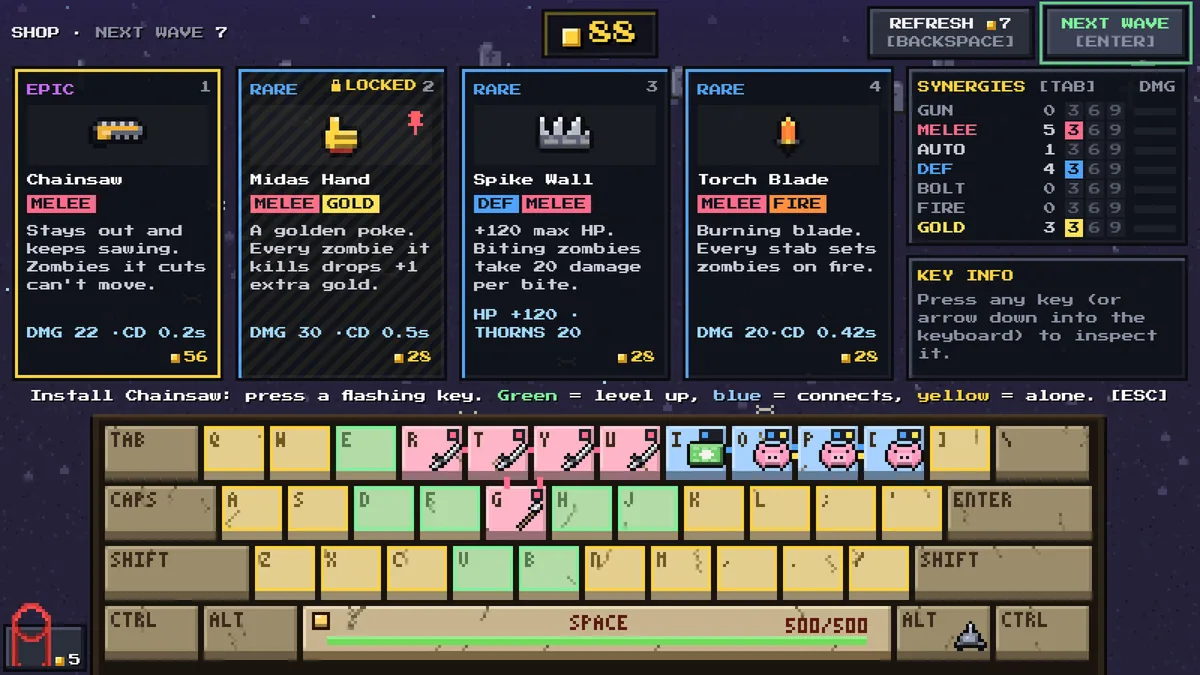
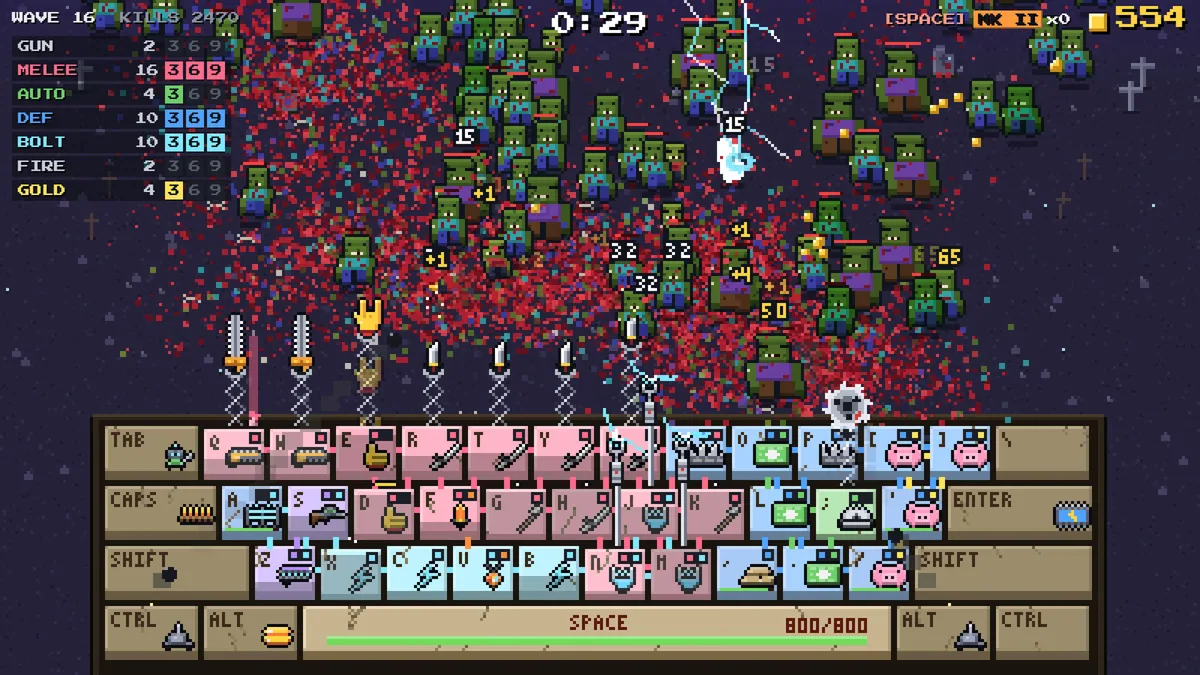
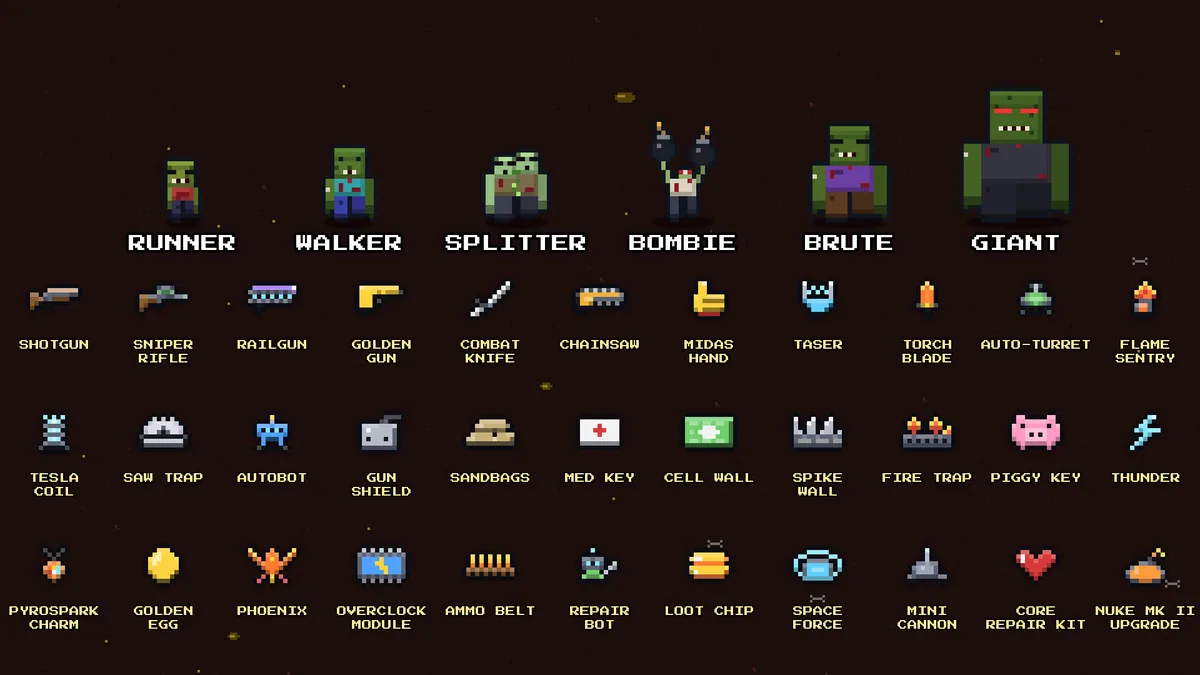
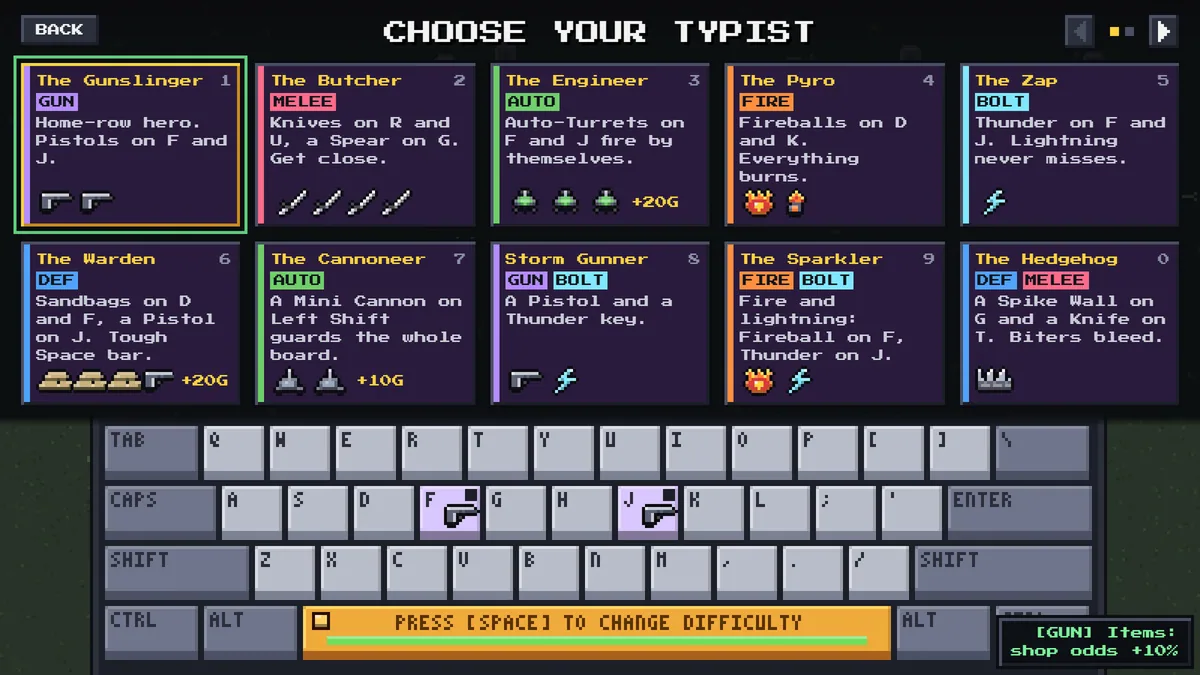
Keyboard vs. Zombies makes the keyboard itself a defensive position. Guns, blades, fire and lightning are assigned to keys, while matching keys can create synergies. The Space bar must survive twenty waves, making placement on the keyboard as important as raw damage.
A powerful weapon on a hard-to-reach key may be less useful when several threats arrive together. Players need to think about hand position, cooldowns and which attacks can be combined. Each wave tests whether the current layout covers both single targets and a crowded screen.
Official game page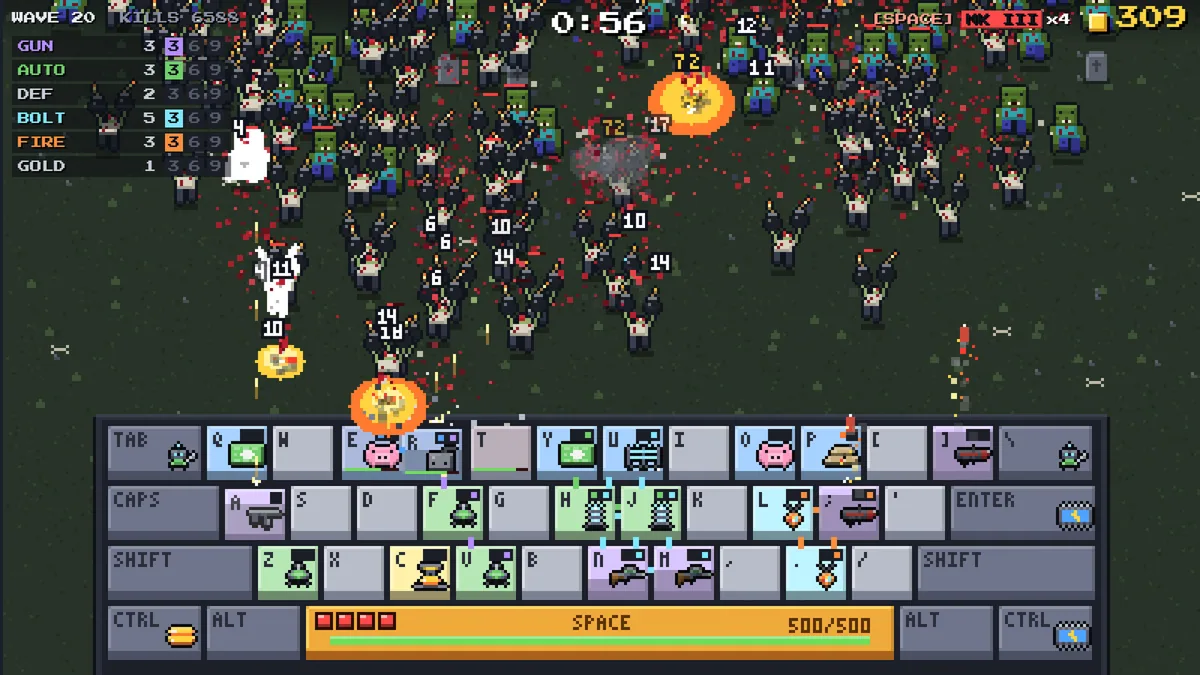
Using the Keyboard vs. Zombies trainer
The menu displays the key layout, active synergies and Space bar health. It helps rearrange a defense between waves and see which attack is ready during a rush. A wave preview gives the player time to choose a better setup before the next horde appears.