FREE CHEATS FOR
Skoot: Keyboard Brawl
Released November 11, 2026
Updated
 EAGLE CHEATS
How to use Eagle in Skoot: Keyboard Brawl
With Skoot: Keyboard Brawl running, press Insert to open the Eagle menu. The quick keys give direct access to Key Position Map and Skoot Health. Use the menu for Rival Direction, Ram Timing and Arena Hazards and the remaining listed features; close it with Insert to return to the app.
- F2 Key Position Map
Press F2 to turn Key Position Map on or off without opening the menu. - F3 Skoot Health
Press F3 to turn Skoot Health on or off without opening the menu. - Insert Rival Direction
Press Insert, find Rival Direction in the feature list, and switch it on or off. - Insert Ram Timing
Press Insert, find Ram Timing in the feature list, and switch it on or off. - Insert Arena Hazards
Press Insert, find Arena Hazards in the feature list, and switch it on or off.
EXPLORE THE MENUFeatures
8 features
The Eagle trainer for Skoot: Keyboard Brawl brings key position map, skoot health, rival direction together for the Windows PC release. Press Insert during play to open the menu, choose a control and return to the current session. Additional controls cover ram timing, arena hazards, and boss status during play.
- Key Position Map
- Skoot Health
- Rival Direction
- Ram Timing
- Arena Hazards
- Boss Status
- Endless Score
- Match Replay
About the game
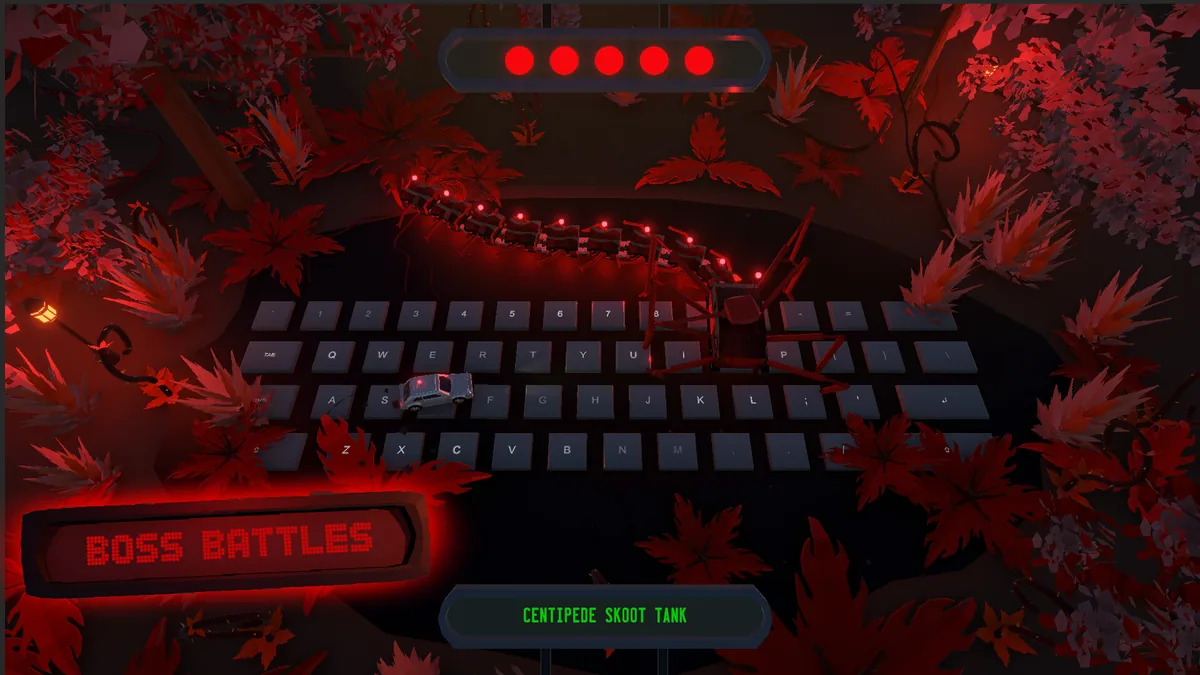
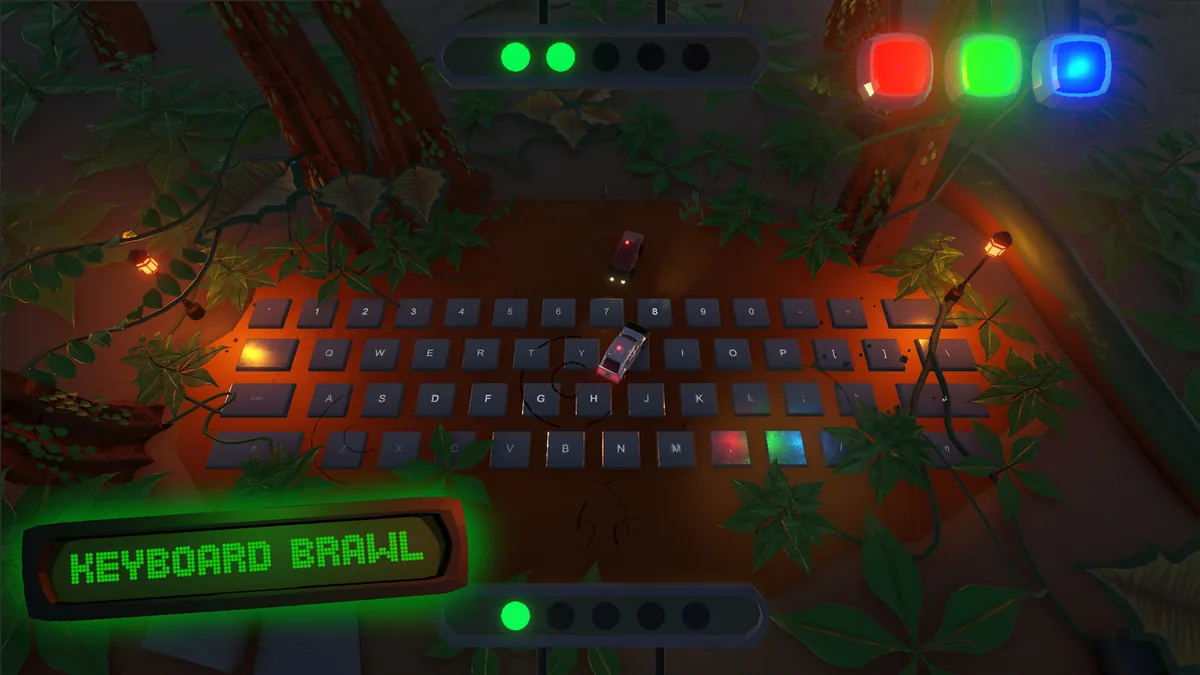
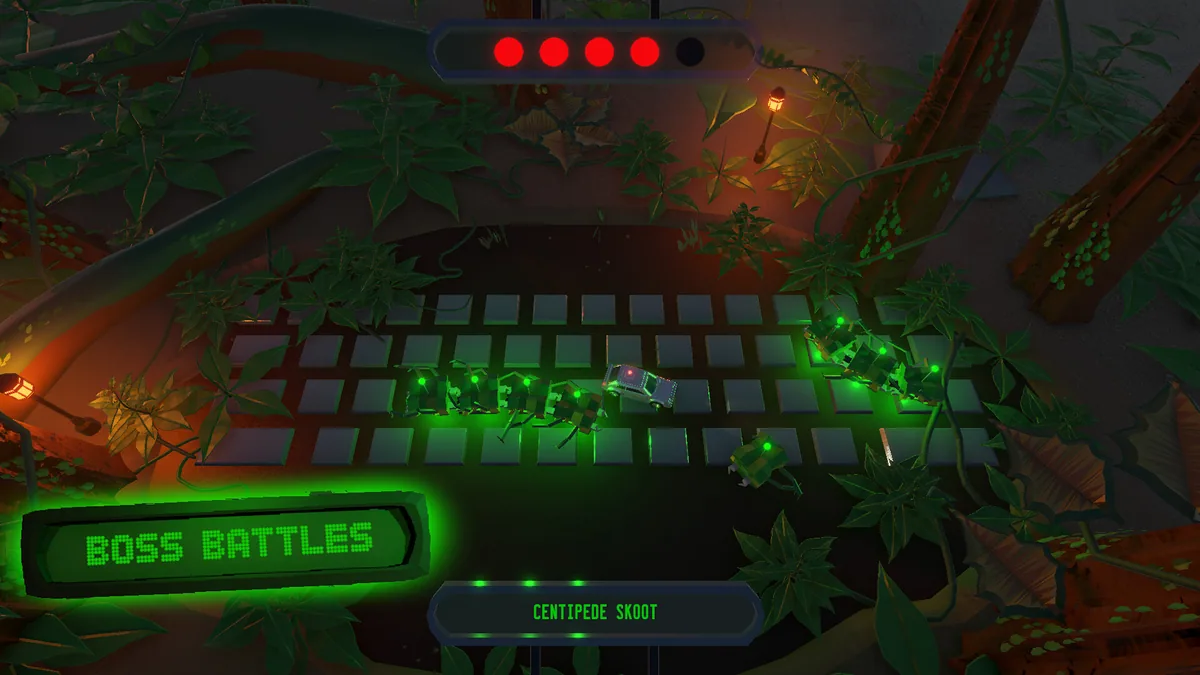
Skoot: Keyboard Brawl turns any key press into a move toward that key's position in the arena. Players dodge, ram and outmaneuver opponents with a control scheme that uses the entire keyboard. Boss fights, endless play and online matches give the mechanic different tests.
Fast input alone is not enough if a movement lands directly in an opponent's path. Players can learn which keys offer a safe escape and when a ram is worth the risk. A close arena fight rewards reading both the opponent and the geometry of the keyboard movement.
Official game page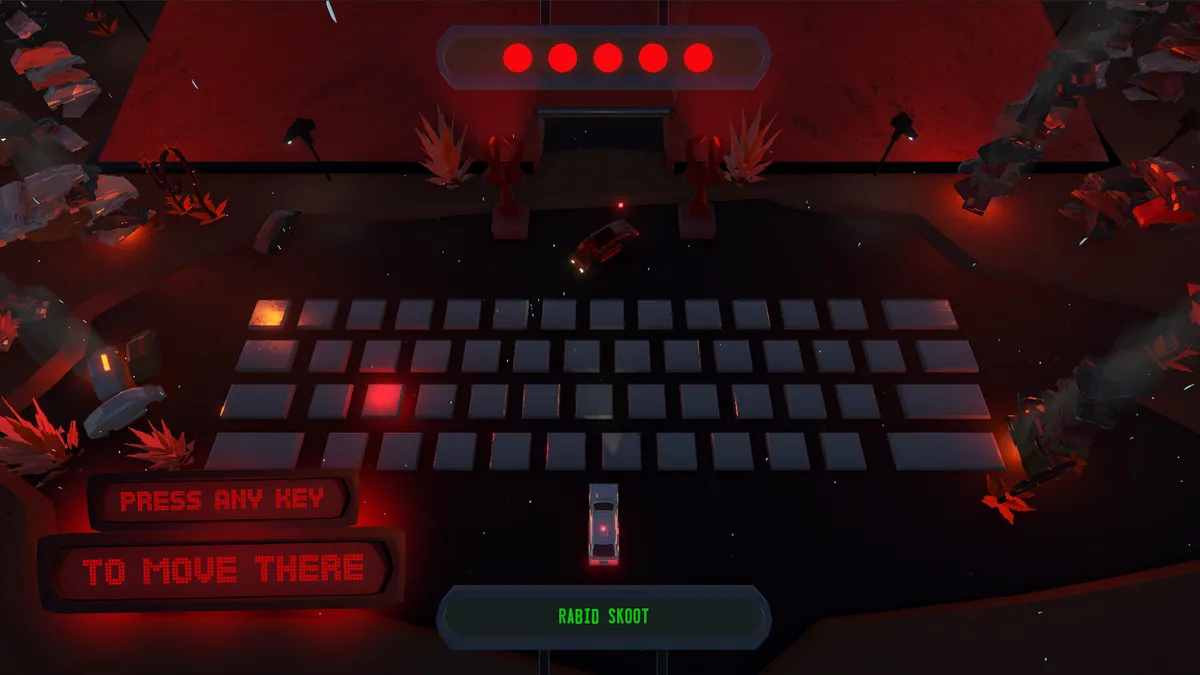
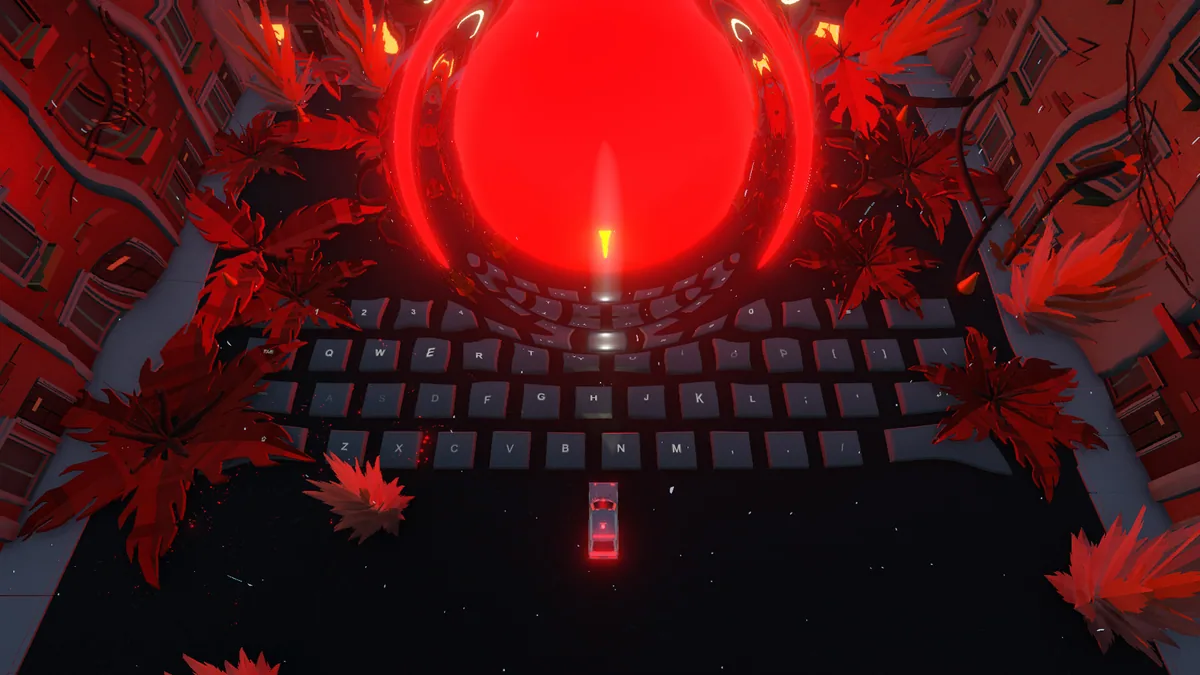
Using the Skoot: Keyboard Brawl trainer
The menu shows arena position, chosen key and rival direction before another dash. It helps review how a collision happened, while health and mode-specific progress remain visible. Boss and PvP views give the same movement mechanic a clear tactical frame.