FREE CHEATS FOR
Save Ruika! — Looping with a Losing Heroine
Released November 17, 2026
Updated

 EAGLE CHEATS
How to use Eagle in Save Ruika! — Looping with a Losing Heroine
With Save Ruika! — Looping with a Losing Heroine running, press Insert to open the Eagle menu. The quick keys give direct access to Loop Timeline and Choice History. Use the menu for Ending Gallery, Ruika Notes and Scene Index and the remaining listed features; close it with Insert to return to the app.
- F2 Loop Timeline
Press F2 to turn Loop Timeline on or off without opening the menu. - F3 Choice History
Press F3 to turn Choice History on or off without opening the menu. - Insert Ending Gallery
Press Insert, find Ending Gallery in the feature list, and switch it on or off. - Insert Ruika Notes
Press Insert, find Ruika Notes in the feature list, and switch it on or off. - Insert Scene Index
Press Insert, find Scene Index in the feature list, and switch it on or off.
EXPLORE THE MENUFeatures
8 features
The Eagle trainer for Save Ruika! — Looping with a Losing Heroine brings loop timeline, choice history, ending gallery together for the Windows PC release. Press Insert during play to open the menu, choose a control and return to the current session. Additional controls cover ruika notes, scene index, and dialogue review during play.
- Loop Timeline
- Choice History
- Ending Gallery
- Ruika Notes
- Scene Index
- Dialogue Review
- Route Progress
- Story Milestones
About the game
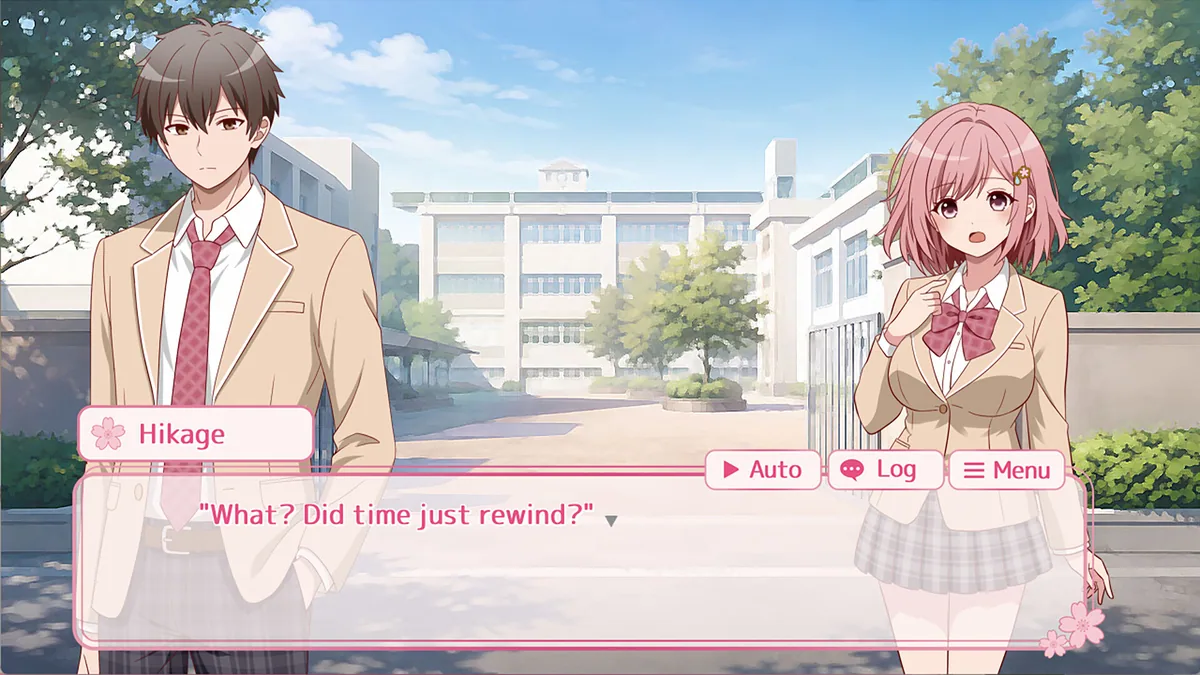
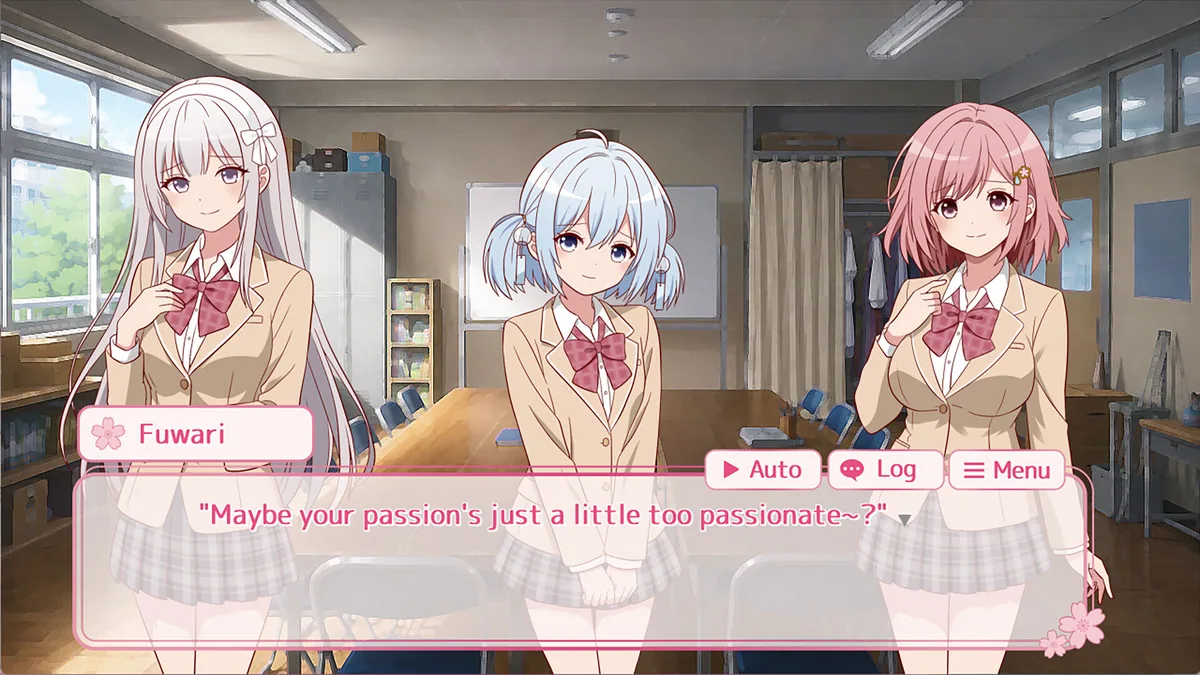
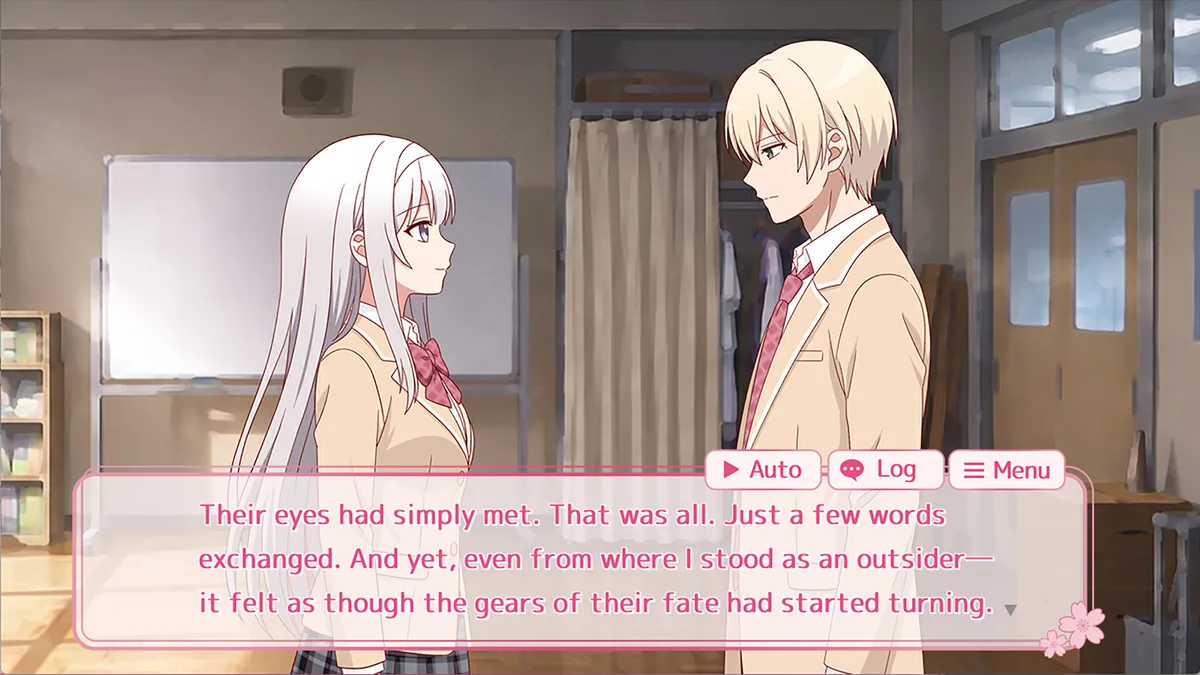
Save Ruika! is a looping romance visual novel about trying to help Ruika find love. Bad endings are part of the design, because each return can reveal another choice or piece of context. Reading closely matters more than racing through repeated scenes.
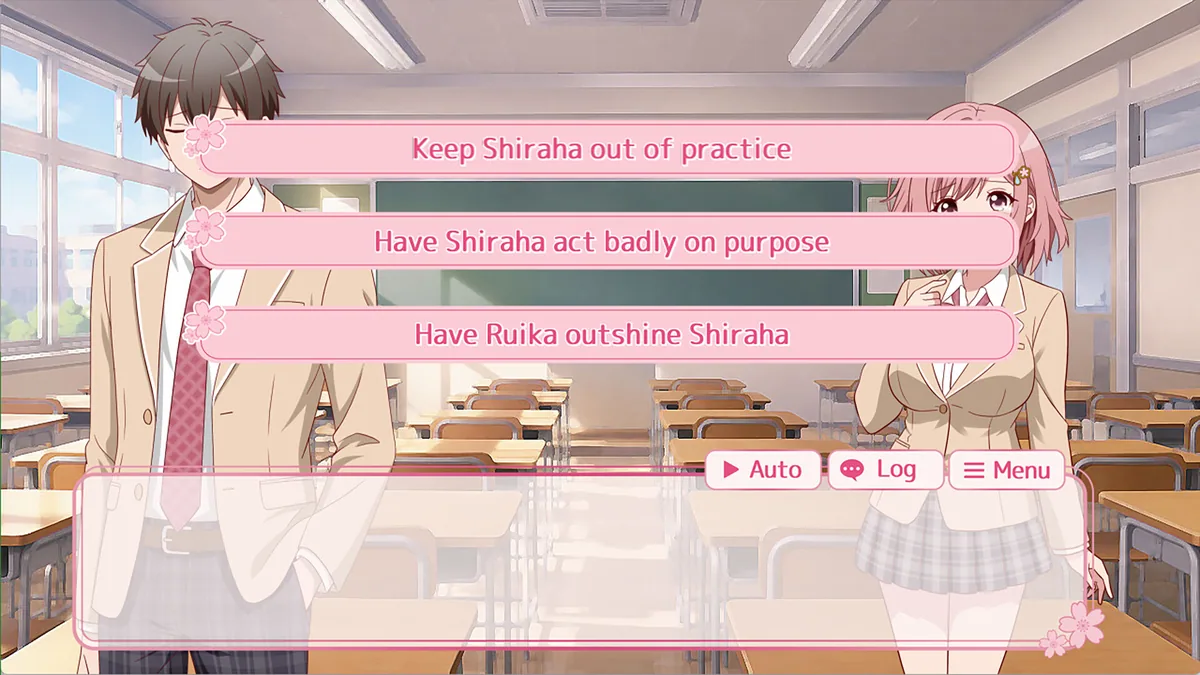
One dialogue choice may seem harmless until the next loop shows what it changed. Tracking the endings already seen prevents accidental repetition and makes new routes easier to recognize. The story's emotional turn depends on learning from those failed attempts.
Official game page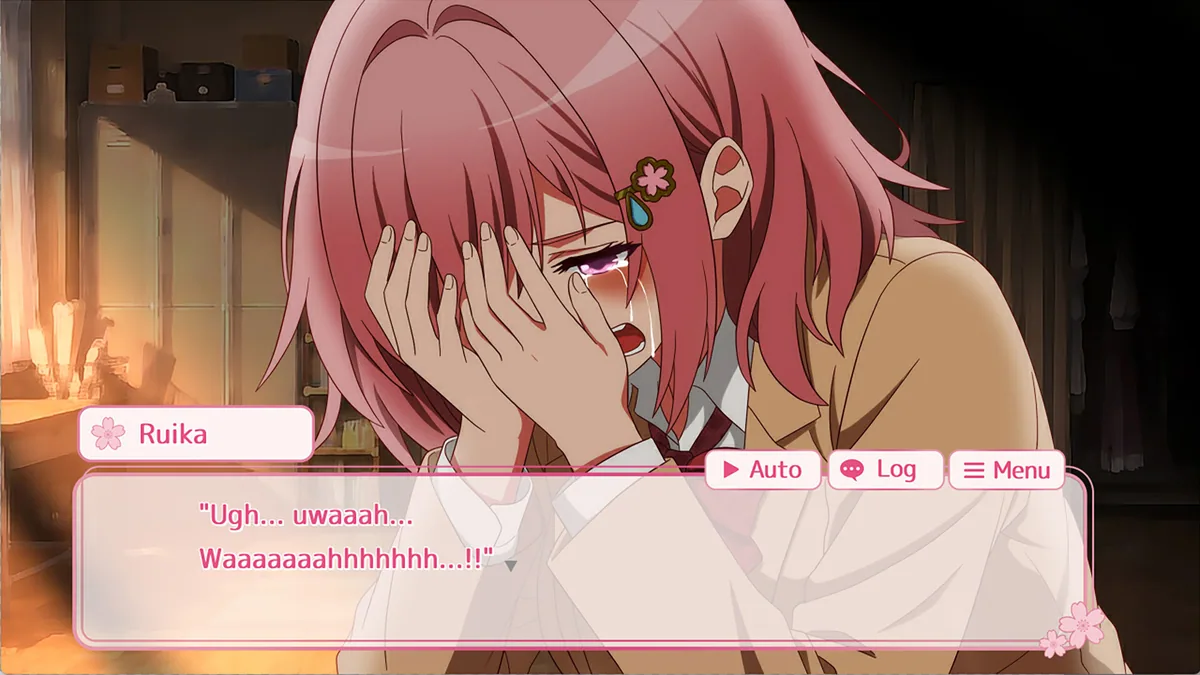
Using the Save Ruika! — Looping with a Losing Heroine trainer
Open the Eagle menu with Insert between scenes to review choices, loop order and discovered endings. Its character notes keep Ruika's conversations in context. Use the route record as a memory aid while making the next choice yourself.