FREE CHEATS FOR
Star-Coat
Released November 17, 2026
Updated
 EAGLE CHEATS
How to use Eagle in Star-Coat
With Star-Coat running, press Insert to open the Eagle menu. The quick keys give direct access to Loadout View and Generated Map. Use the menu for Enemy Types, Recovered Items and Objective List and the remaining listed features; close it with Insert to return to the app.
- F2 Loadout View
Press F2 to turn Loadout View on or off without opening the menu. - F3 Generated Map
Press F3 to turn Generated Map on or off without opening the menu. - Insert Enemy Types
Press Insert, find Enemy Types in the feature list, and switch it on or off. - Insert Recovered Items
Press Insert, find Recovered Items in the feature list, and switch it on or off. - Insert Objective List
Press Insert, find Objective List in the feature list, and switch it on or off.
EXPLORE THE MENUFeatures
8 features
The Eagle trainer for Star-Coat brings loadout view, generated map, enemy types together for the Windows PC release. Press Insert during play to open the menu, choose a control and return to the current session. Additional controls cover objective list, cover notes, and recovered items during play.
- Loadout View
- Generated Map
- Enemy Types
- Objective List
- Cover Notes
- Recovered Items
- Mission Log
- Extraction Plan
About the game
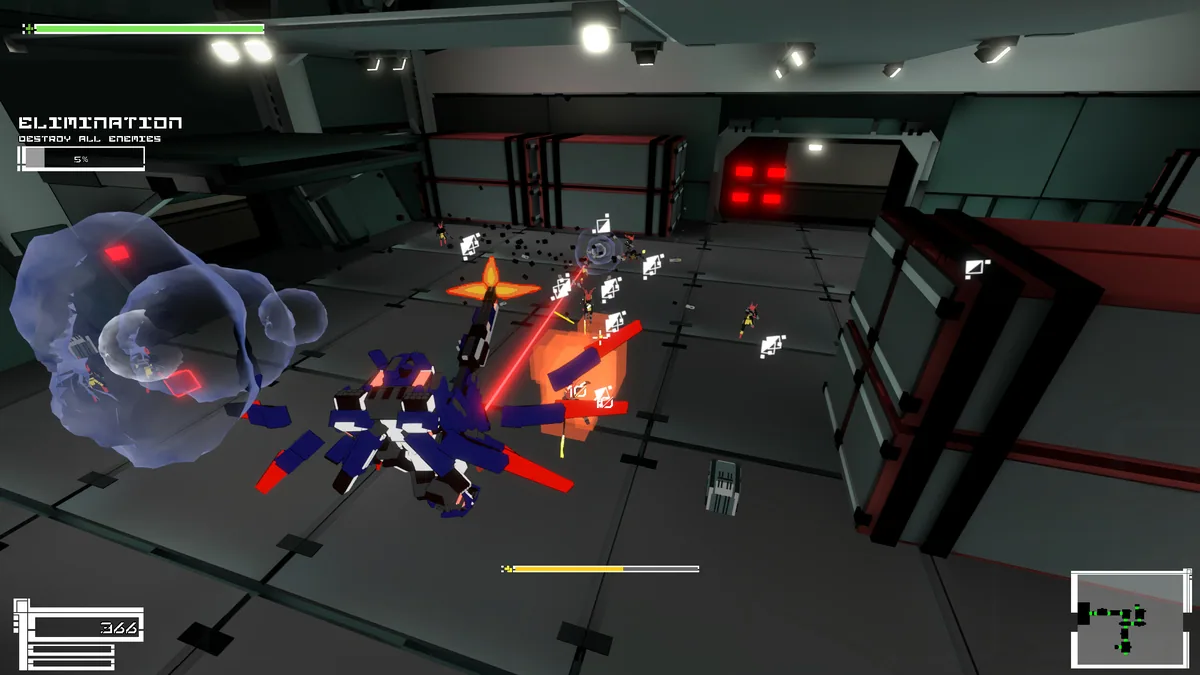
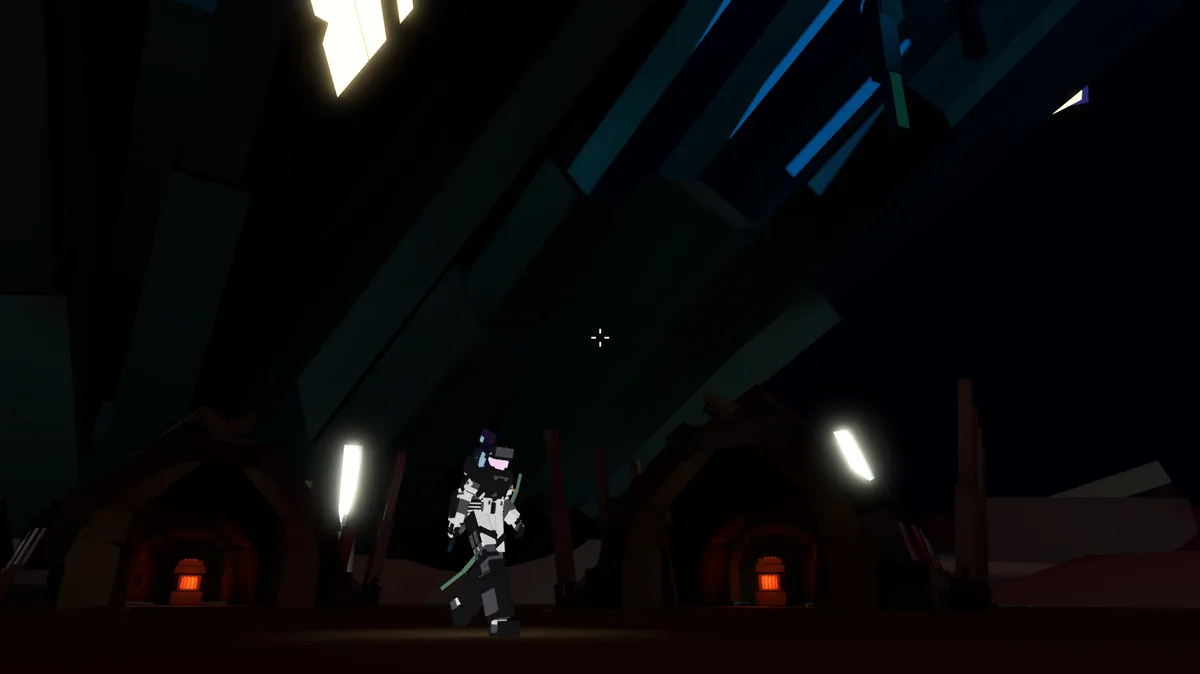
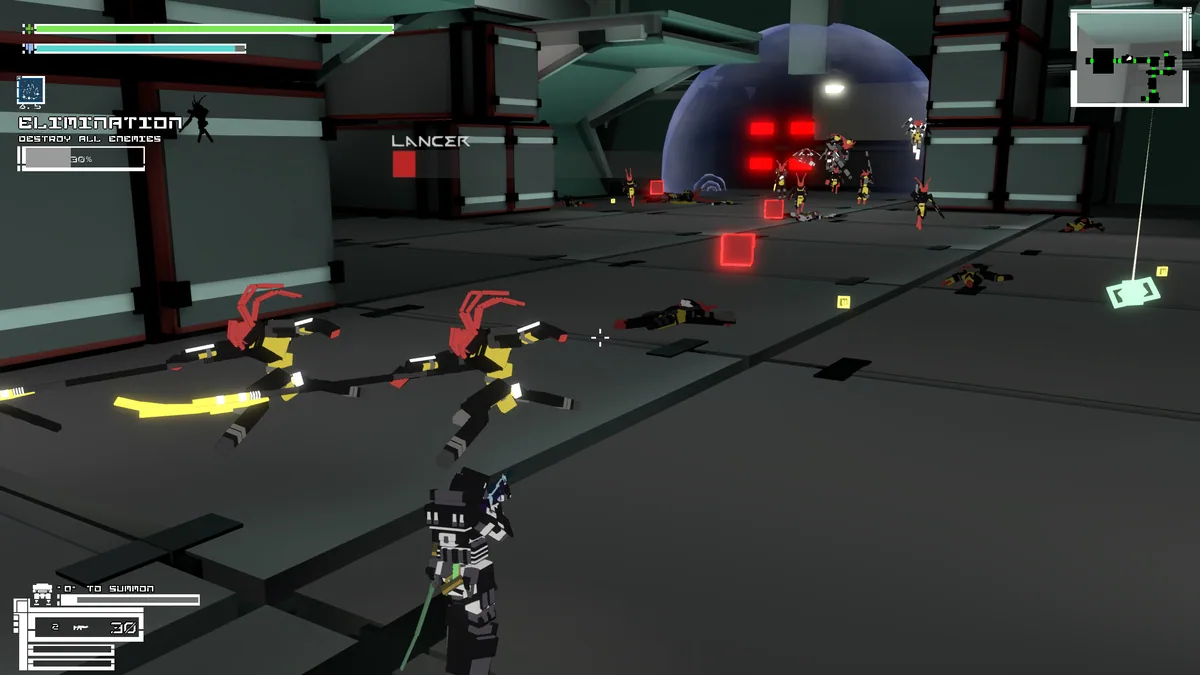
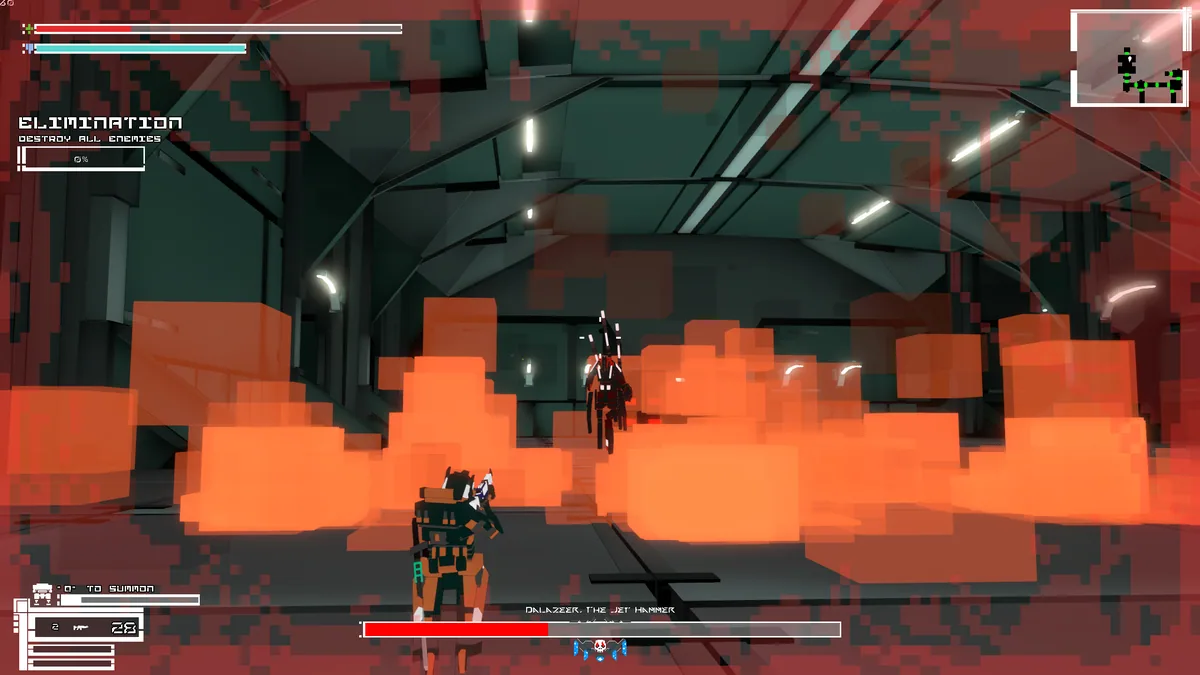
Star-Coat is a third-person shooter about entering generated maps to fight corrupted enemies. Each drop changes the layout, so the player must adapt rather than memorize one route. Equipment and extraction decisions influence the value of a run.
A strong weapon can still be a poor choice in a tight map with limited cover. Pressing for another objective may risk the items already gathered. Reviewing threat locations and successful routes helps plan the next dive.
Official game page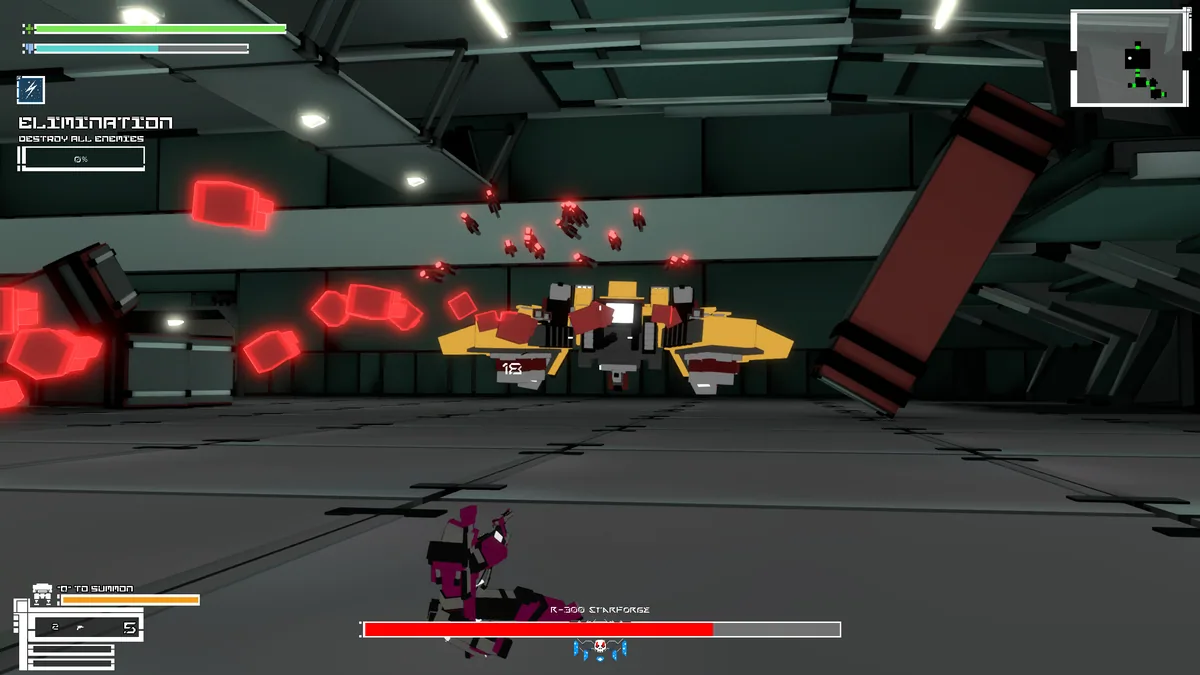
Using the Star-Coat trainer
Open the Eagle menu with Insert before deployment to inspect loadout, map objectives and expected threats. The mission log records discovered routes and recovered items. Use the extraction panel when deciding whether to continue deeper.