FREE CHEATS FOR
taCam
Released November 18, 2026
Updated
 EAGLE CHEATS
How to use Eagle in taCam
With taCam running, press Insert to open the Eagle menu. The quick keys give direct access to Weapon Loadouts and Attachment List. Use the menu for Objective Routes, Team Positions and Sightline Notes and the remaining listed features; close it with Insert to return to the app.
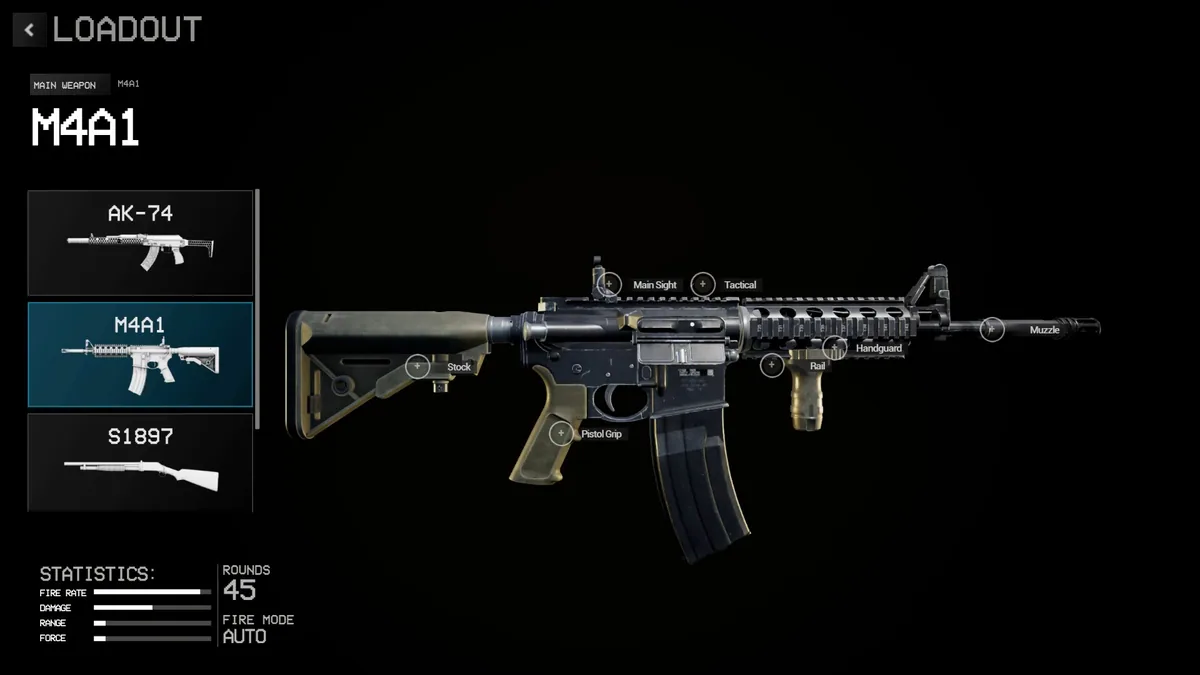
- F2 Weapon Loadouts
Press F2 to turn Weapon Loadouts on or off without opening the menu. - F3 Attachment List
Press F3 to turn Attachment List on or off without opening the menu. - Insert Objective Routes
Press Insert, find Objective Routes in the feature list, and switch it on or off. - Insert Team Positions
Press Insert, find Team Positions in the feature list, and switch it on or off. - Insert Sightline Notes
Press Insert, find Sightline Notes in the feature list, and switch it on or off.
EXPLORE THE MENUFeatures
8 features
The Eagle trainer for taCam brings weapon loadouts, attachment list, objective routes together for the Windows PC release. Press Insert during play to open the menu, choose a control and return to the current session. Additional controls cover team positions, sightline notes, and round log during play.
- Weapon Loadouts
- Attachment List
- Objective Routes
- Team Positions
- Sightline Notes
- Round Log
- Match Results
- Tactical Plan
About the game
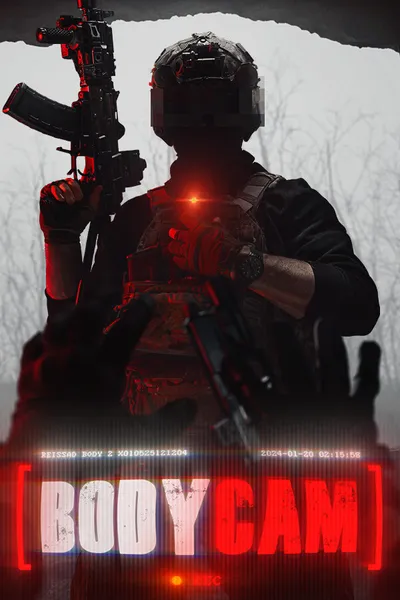
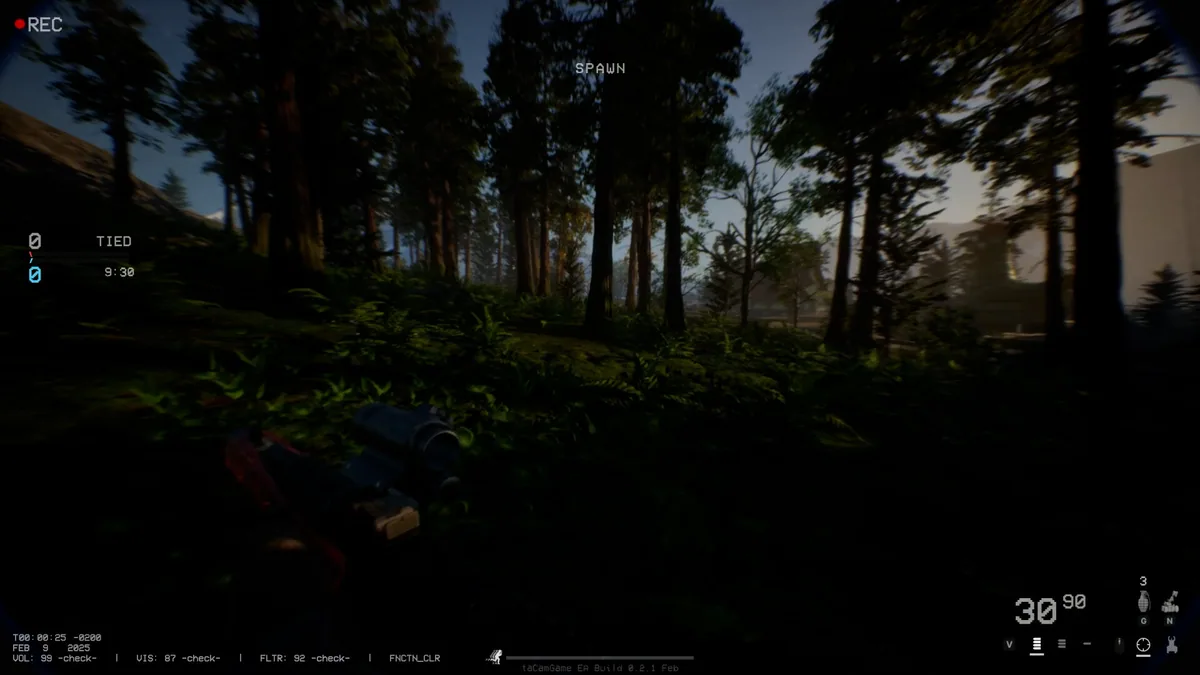
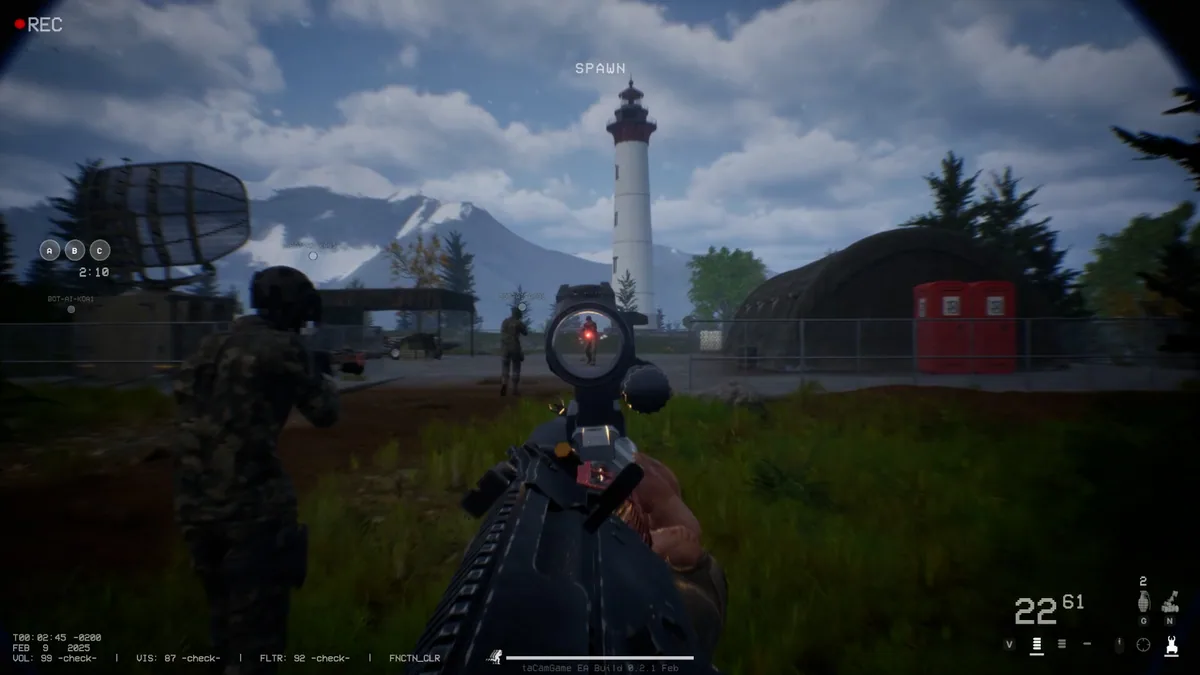
taCam is a tactical multiplayer shooter presented through a bodycam perspective. Weapon customization and deliberate movement shape how each engagement feels. Team decisions matter because a convincing individual push can still leave the objective unguarded.
A loud approach may reveal position before the squad is ready. Choosing attachments should support the expected range rather than a favorite weapon in isolation. Reviewing a round's sightlines and timing helps explain why an apparently safe route failed.
Official game page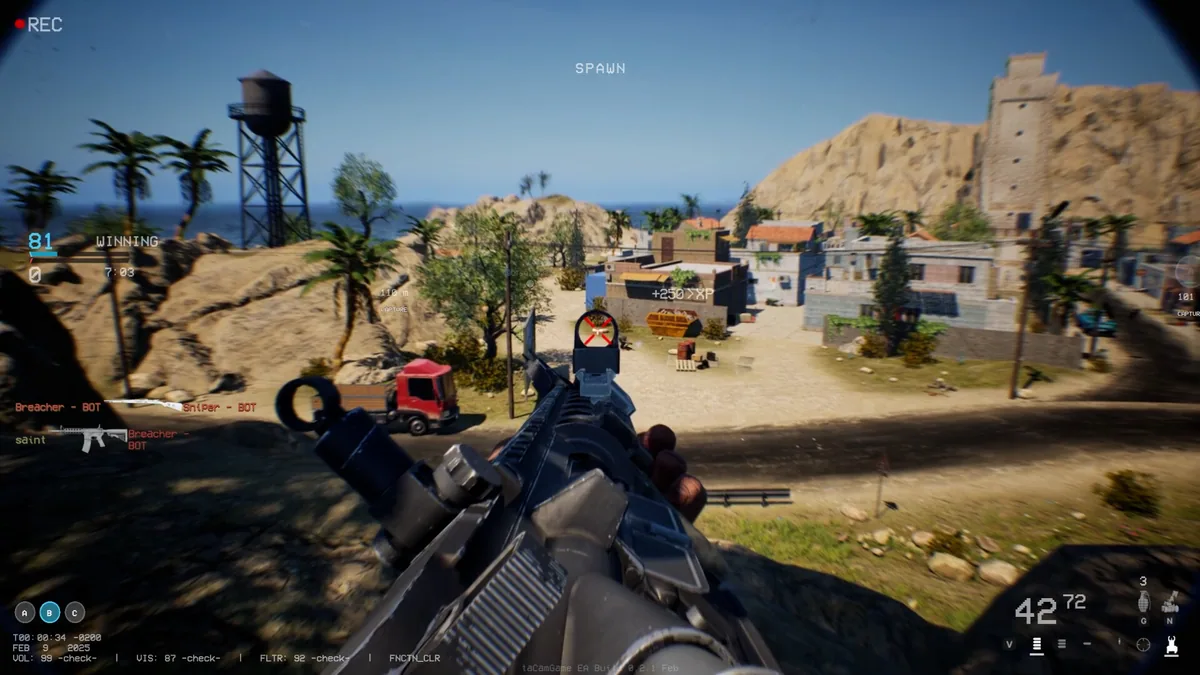
Using the taCam trainer
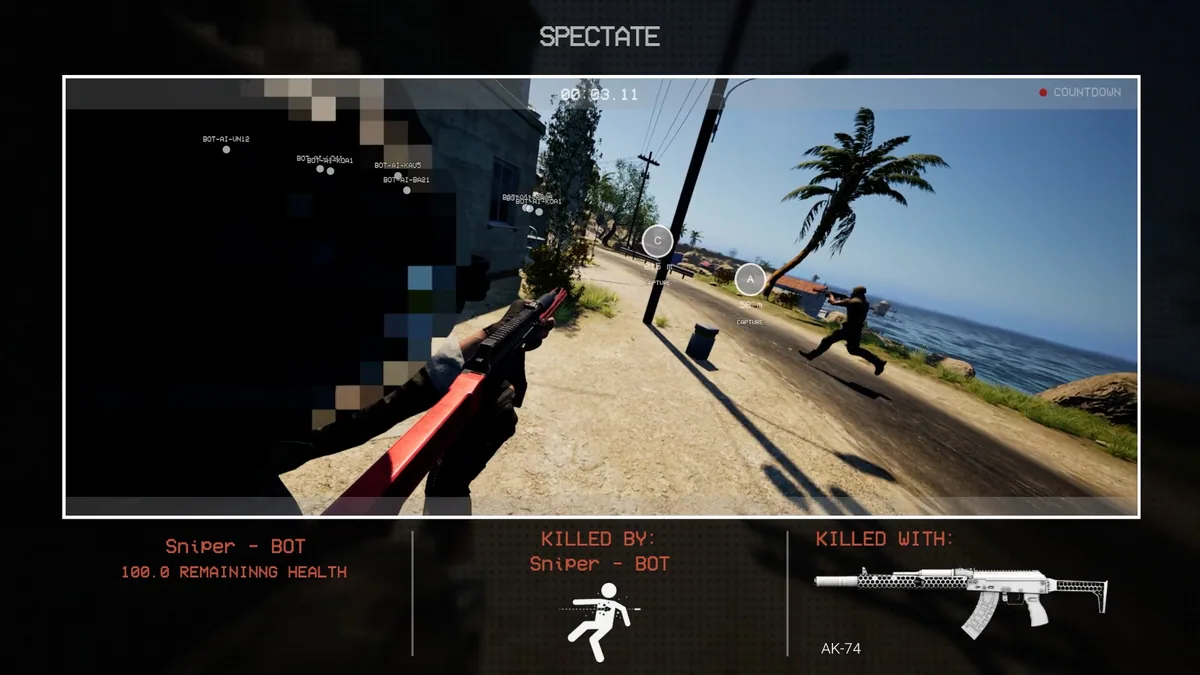
Open the Eagle menu with Insert between rounds to compare weapon loadouts, objective routes and team positions. The match log records observed engagements and equipment choices. Use the map notes to prepare a coordinated approach for the next round.