FREE CHEATS FOR
Trust Your Gut
Released November 18, 2026
Updated

 EAGLE CHEATS
How to use Eagle in Trust Your Gut
With Trust Your Gut running, press Insert to open the Eagle menu. The quick keys give direct access to Wheel Sectors and Ball Count. Use the menu for Payout Table, Color Mix and Spin Ledger and the remaining listed features; close it with Insert to return to the app.
- F2 Wheel Sectors
Press F2 to turn Wheel Sectors on or off without opening the menu. - F3 Ball Count
Press F3 to turn Ball Count on or off without opening the menu. - Insert Payout Table
Press Insert, find Payout Table in the feature list, and switch it on or off. - Insert Color Mix
Press Insert, find Color Mix in the feature list, and switch it on or off. - Insert Spin Ledger
Press Insert, find Spin Ledger in the feature list, and switch it on or off.
EXPLORE THE MENUFeatures
8 features
The Eagle trainer for Trust Your Gut brings wheel sectors, ball count, payout table together for the Windows PC release. Press Insert during play to open the menu, choose a control and return to the current session. Additional controls cover color mix, spin ledger, and build view during play.
- Wheel Sectors
- Ball Count
- Payout Table
- Color Mix
- Spin Ledger
- Build View
- Risk History
- Run Progress
About the game
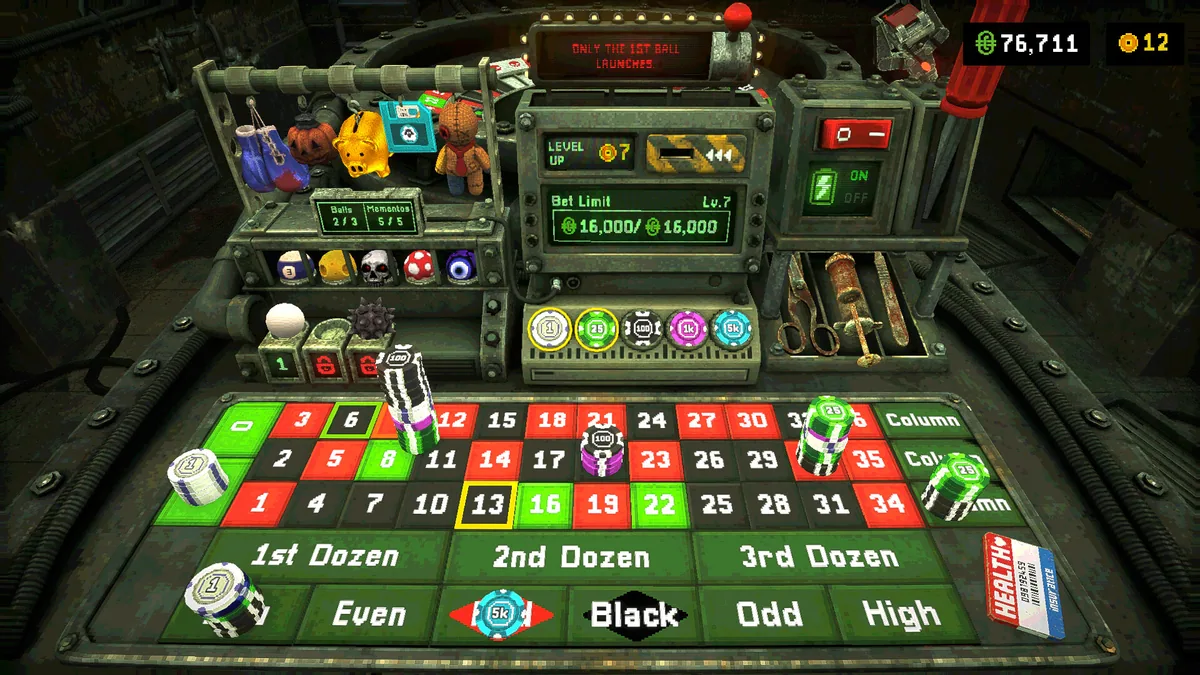
Trust Your Gut is a roulette roguelite where several balls spin together and the wheel itself can be rewritten. Colors, numbers and payouts become build choices rather than fixed odds. Each run is a balance of risk and control.
Adding a high payout number can be tempting when its chance of landing is low. Rebalancing several outcomes may create steadier progress. Looking at actual rolls over time helps judge whether a wheel change supports the intended strategy.
Official game page
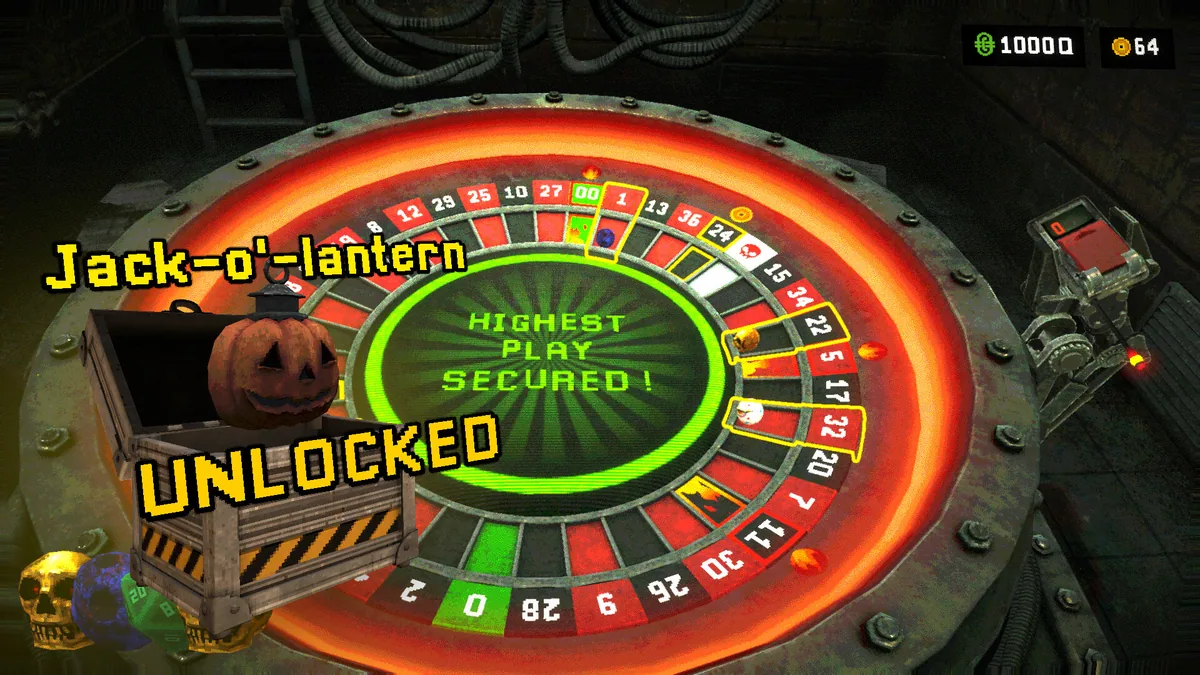
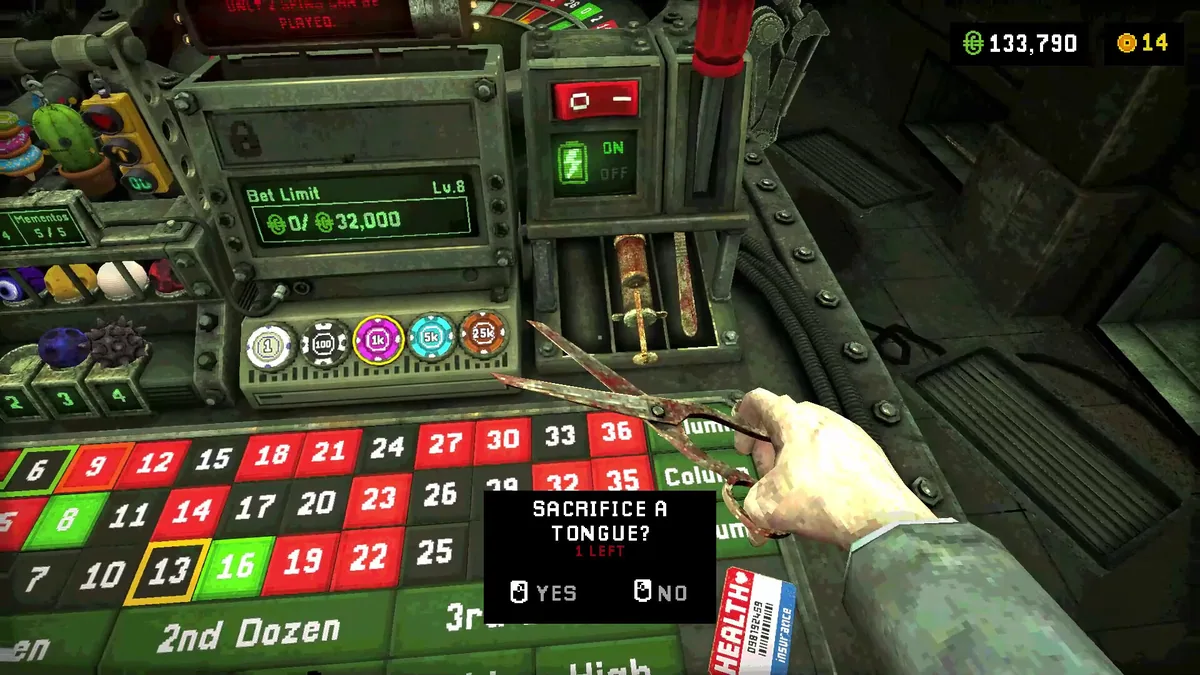
Using the Trust Your Gut trainer
Open the Eagle menu with Insert to inspect wheel sectors, ball count and current payouts. The spin ledger records outcomes beside the version of the wheel used. Use the build view before replacing a reliable result with a riskier one.