FREE CHEATS FOR
What the Puck?!
Released November 18, 2026
Updated

 EAGLE CHEATS
How to use Eagle in What the Puck?!
With What the Puck?! running, press Insert to open the Eagle menu. The quick keys give direct access to Puck Positions and Rink Map. Use the menu for Team Roles, Shot History and UFO Events and the remaining listed features; close it with Insert to return to the app.
- F2 Puck Positions
Press F2 to turn Puck Positions on or off without opening the menu. - F3 Rink Map
Press F3 to turn Rink Map on or off without opening the menu. - Insert Team Roles
Press Insert, find Team Roles in the feature list, and switch it on or off. - Insert Shot History
Press Insert, find Shot History in the feature list, and switch it on or off. - Insert UFO Events
Press Insert, find UFO Events in the feature list, and switch it on or off.
EXPLORE THE MENUFeatures
8 features
The Eagle trainer for What the Puck?! brings puck positions, rink map, team roles together for the Windows PC release. Press Insert during play to open the menu, choose a control and return to the current session. Additional controls cover shot history, ufo events, and scoreboard during play.
- Puck Positions
- Rink Map
- Team Roles
- Shot History
- UFO Events
- Scoreboard
- Match Log
- Season Record
About the game
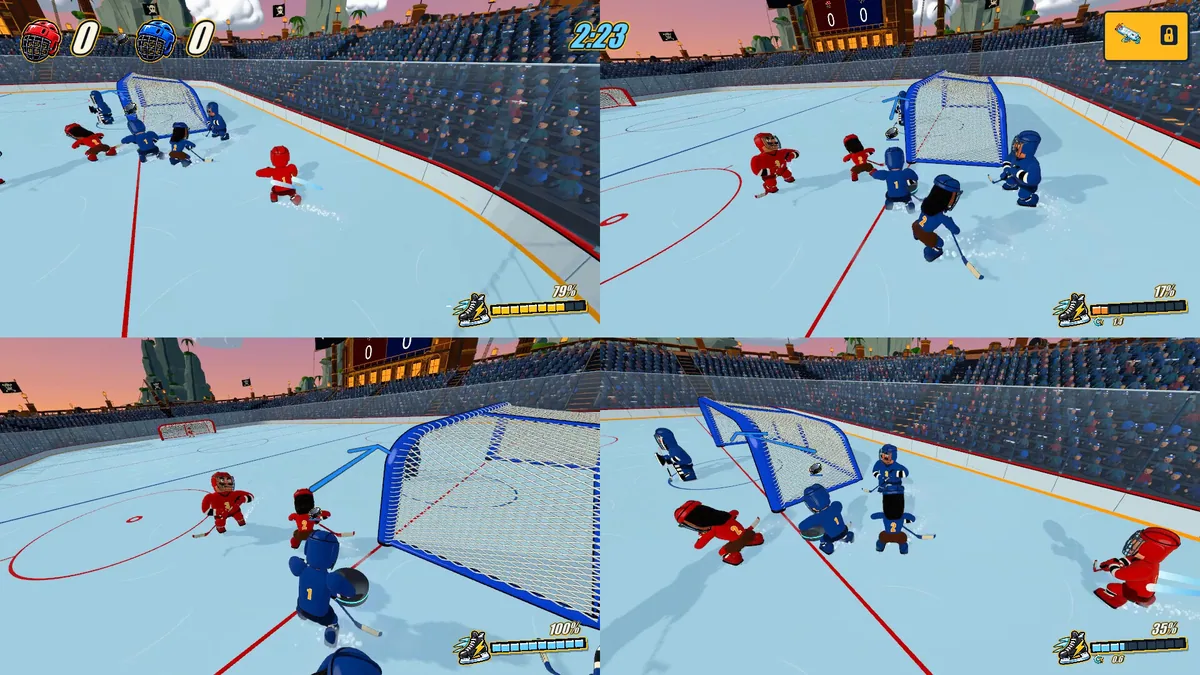
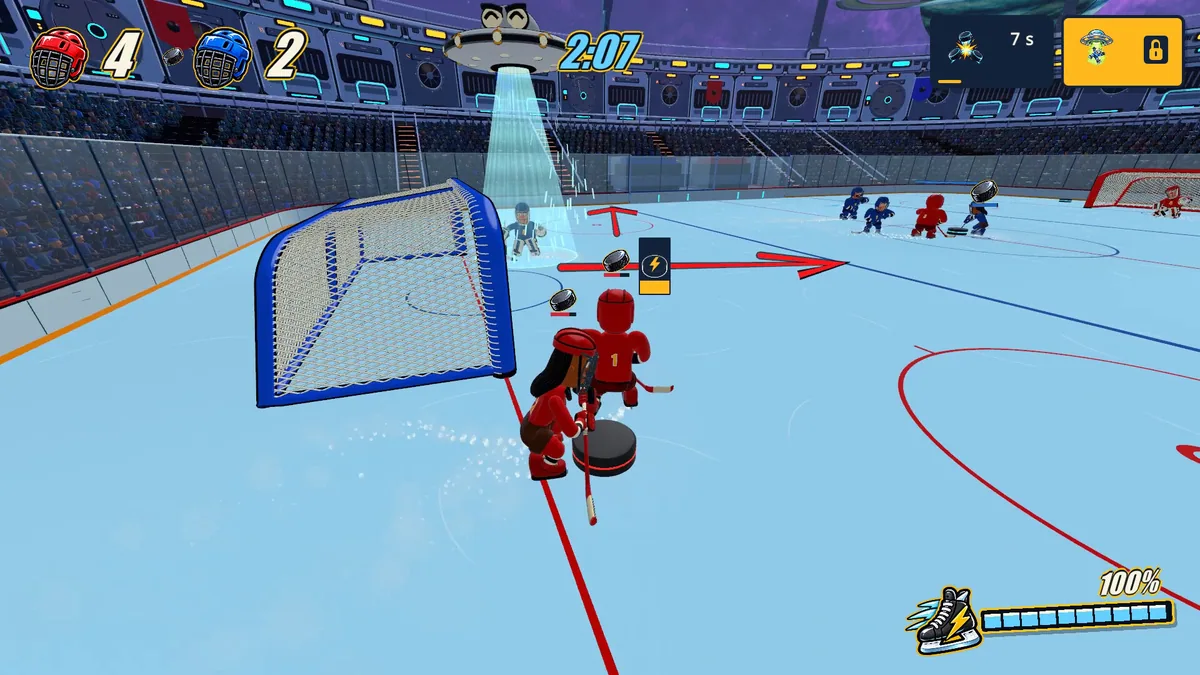
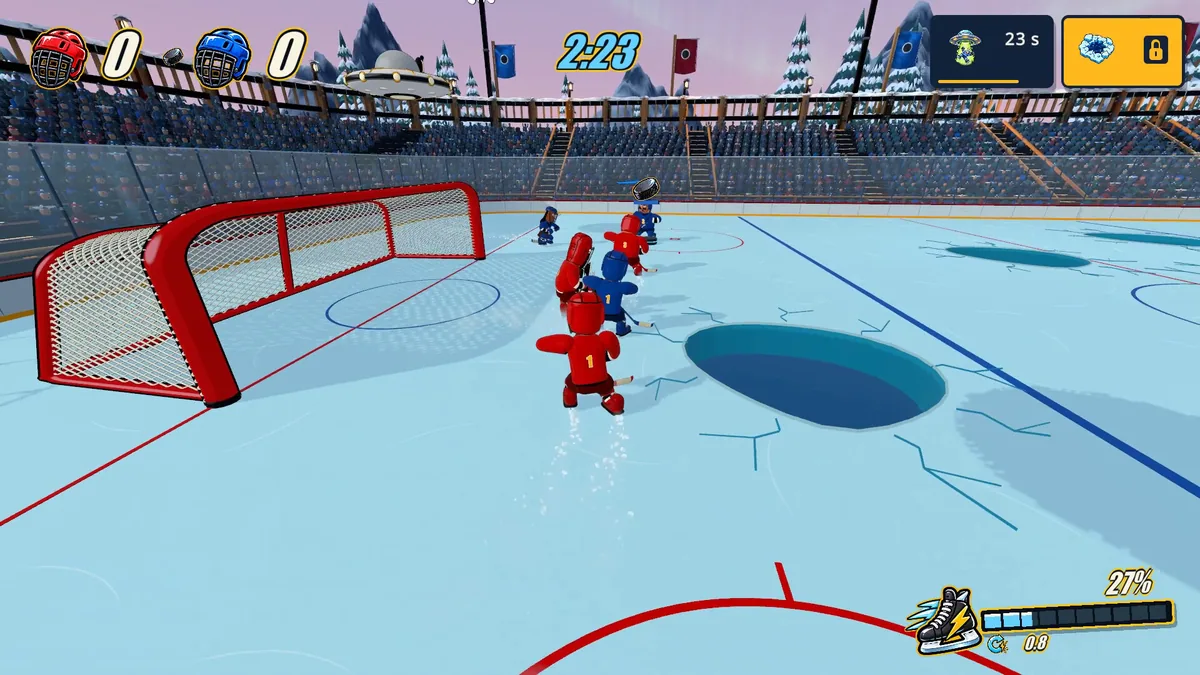
What the Puck?! is an arcade hockey game with online and local multiplayer. UFOs, extra pucks and sudden collisions turn a normal match into an unpredictable contest. Scoring still requires reading the rink while everything else moves.
Chasing every puck can pull a defender away from the goal. A well-timed hit may create a chance for a teammate rather than a direct shot. Reviewing chaotic goals helps distinguish a useful play from a fortunate bounce.
Official game page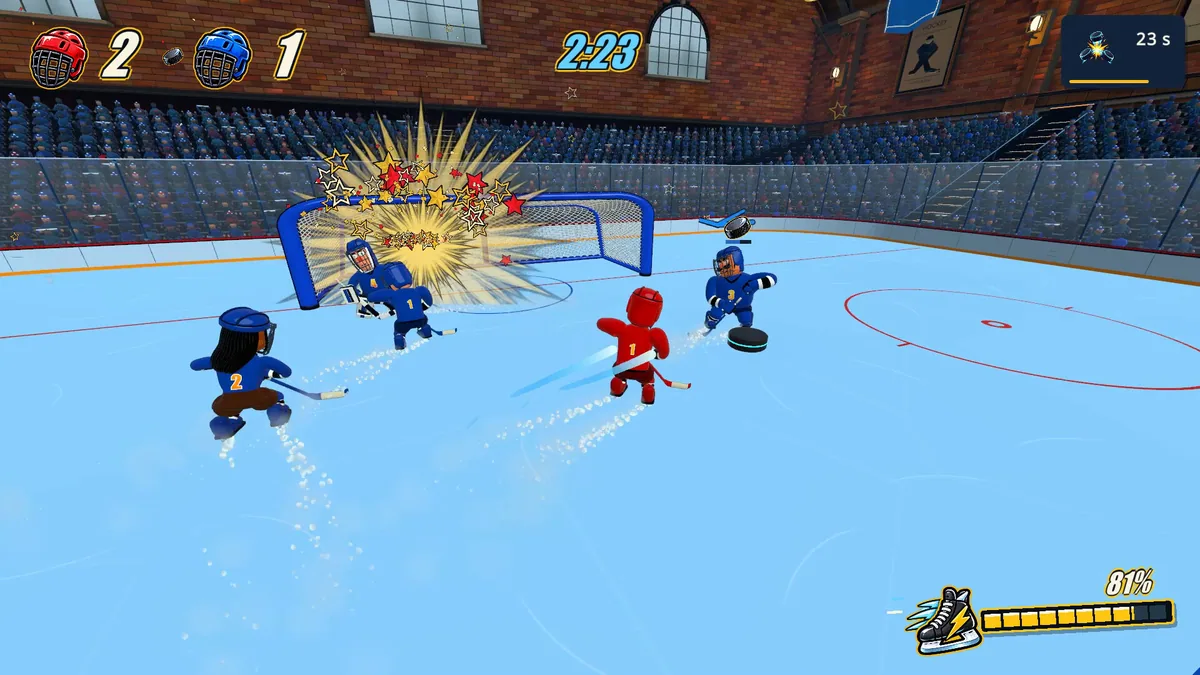
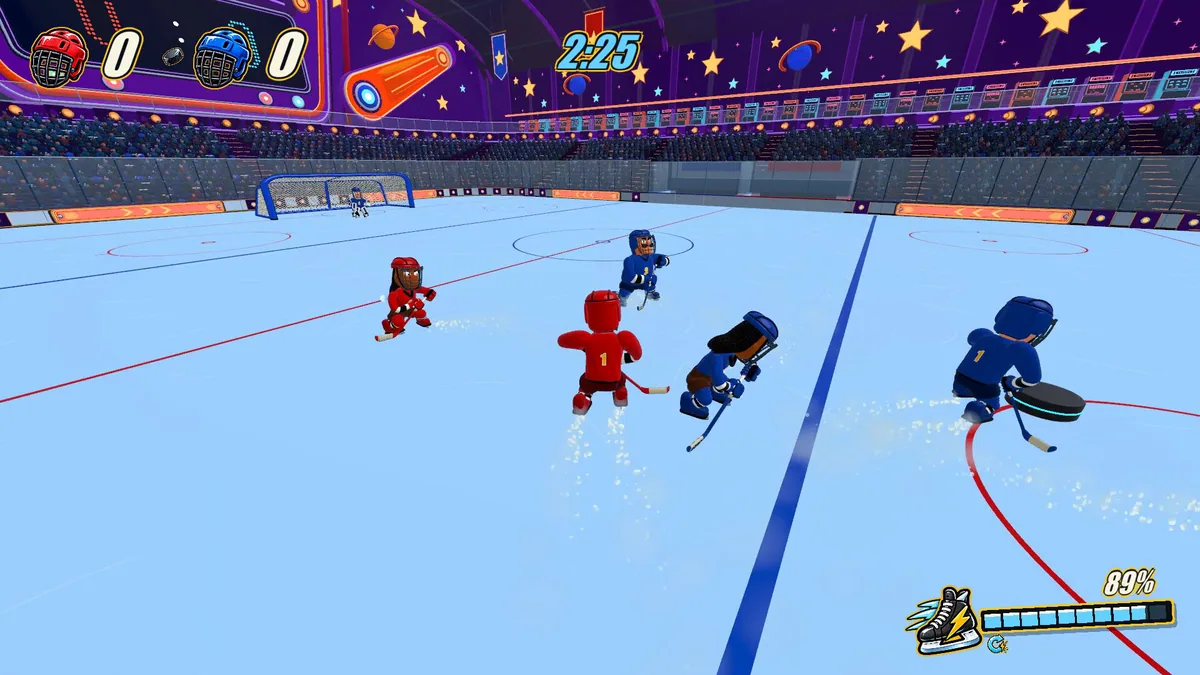
Using the What the Puck?! trainer
Open the Eagle menu with Insert between periods to review puck positions, player roles and scoring. The match log records multi-puck events and UFO interruptions. Use the rink map to plan a safer formation for the next faceoff.