FREE CHEATS FOR
AdventureDefence
Released November 16, 2026
Updated

 EAGLE CHEATS
How to use Eagle in AdventureDefence
With AdventureDefence running, press Insert to open the Eagle menu. The quick keys give direct access to Tower Positions and Coverage Map. Use the menu for Monster Waves, Base Health and Tower Synergies and the remaining listed features; close it with Insert to return to the app.
- F2 Tower Positions
Press F2 to turn Tower Positions on or off without opening the menu. - F3 Coverage Map
Press F3 to turn Coverage Map on or off without opening the menu. - Insert Monster Waves
Press Insert, find Monster Waves in the feature list, and switch it on or off. - Insert Base Health
Press Insert, find Base Health in the feature list, and switch it on or off. - Insert Tower Synergies
Press Insert, find Tower Synergies in the feature list, and switch it on or off.
EXPLORE THE MENUFeatures
8 features
The Eagle trainer for AdventureDefence brings tower positions, coverage map, monster waves together for the Windows PC release. Press Insert during play to open the menu, choose a control and return to the current session. Additional controls cover tower synergies, region progress, and unlock roster during play.
- Tower Positions
- Coverage Map
- Monster Waves
- Tower Synergies
- Region Progress
- Unlock Roster
- Base Health
- Endless Record
About the game
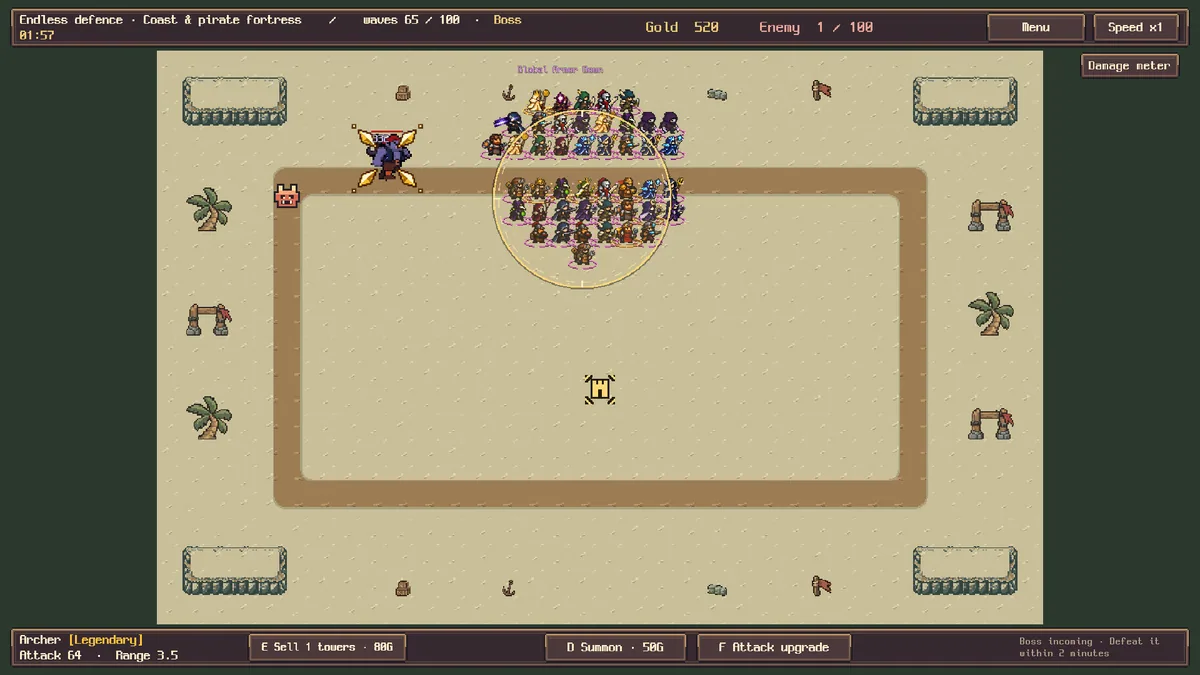
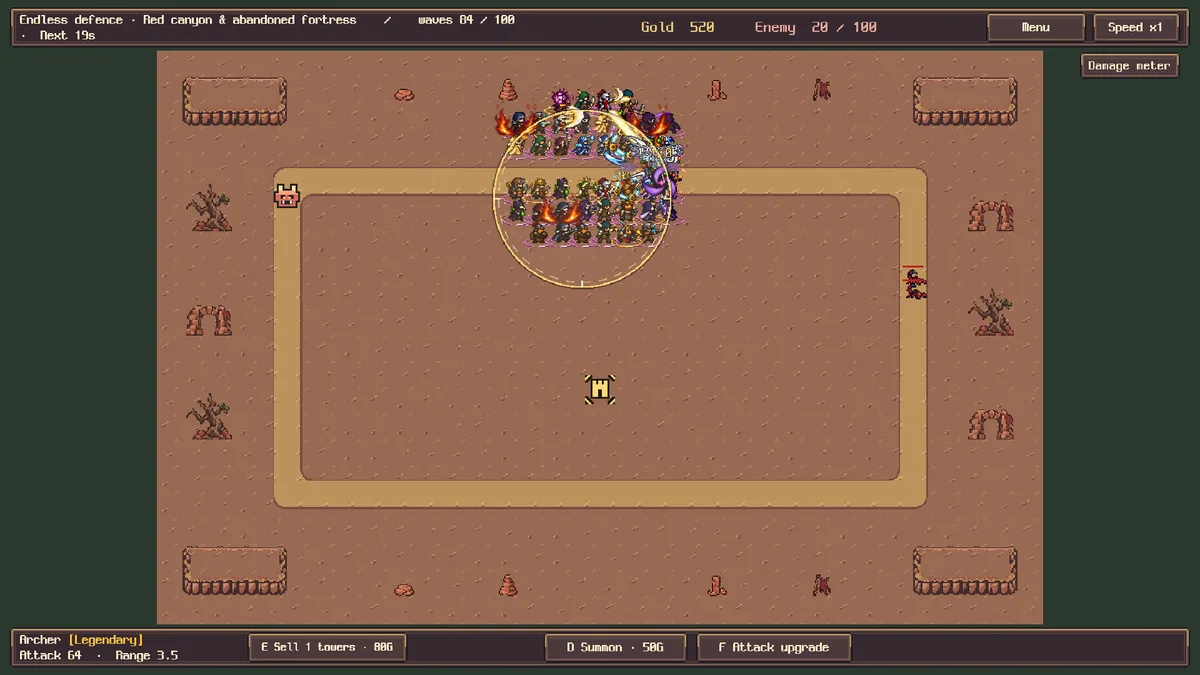
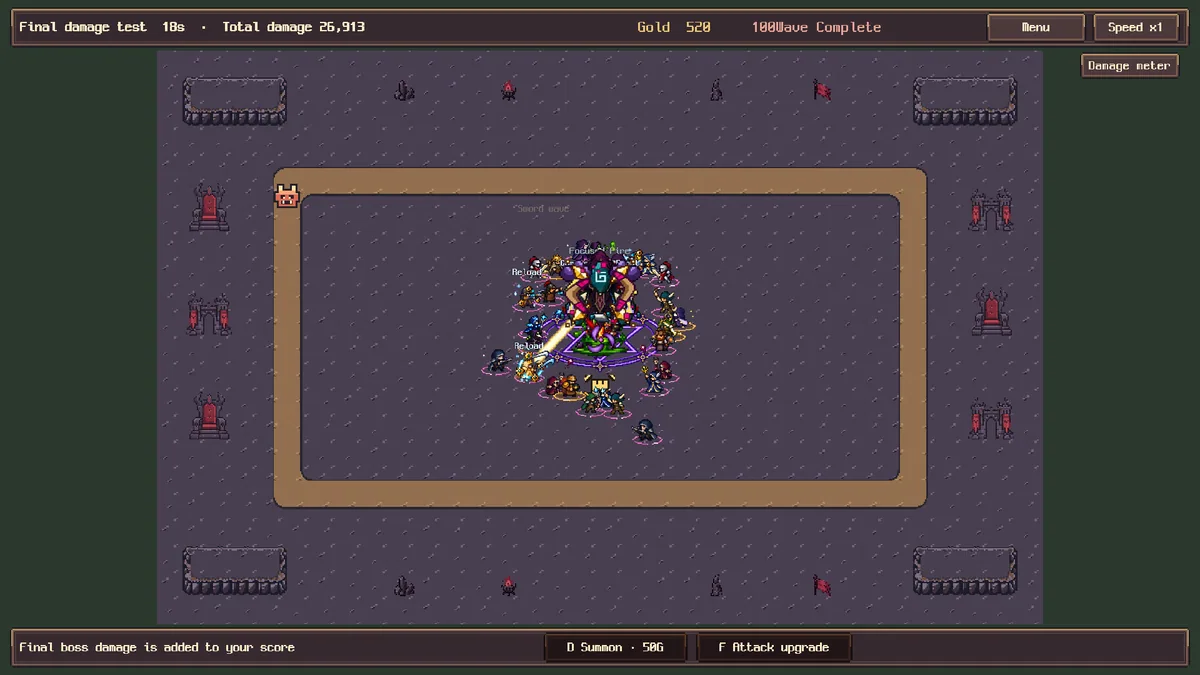
AdventureDefence lets players move towers directly as monster waves approach. Ten regions introduce new tower types, while an Endless Battle tests combinations across a hundred waves. The unusual mobility of defenses changes where and when a tower should be committed.
A strong tower on one lane may need to shift when the next group appears elsewhere. Moving it too late can leave both routes exposed. Unlocking another type broadens the synergies available in later regions, so each campaign step changes the defensive puzzle.
Official game page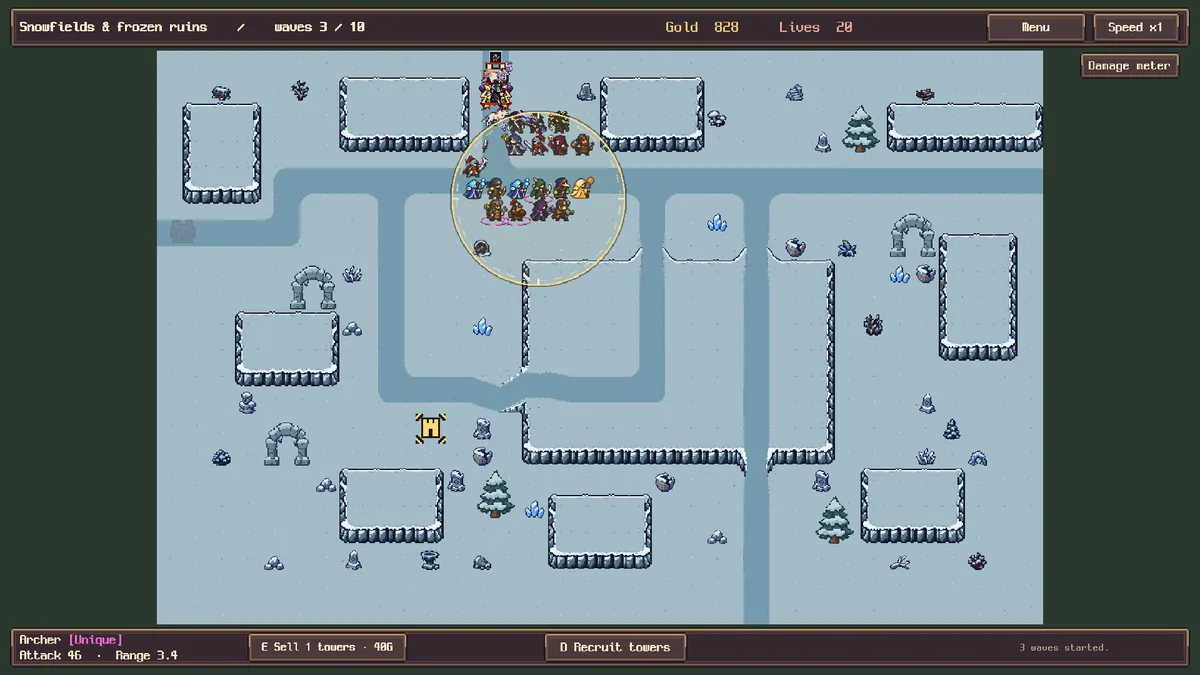
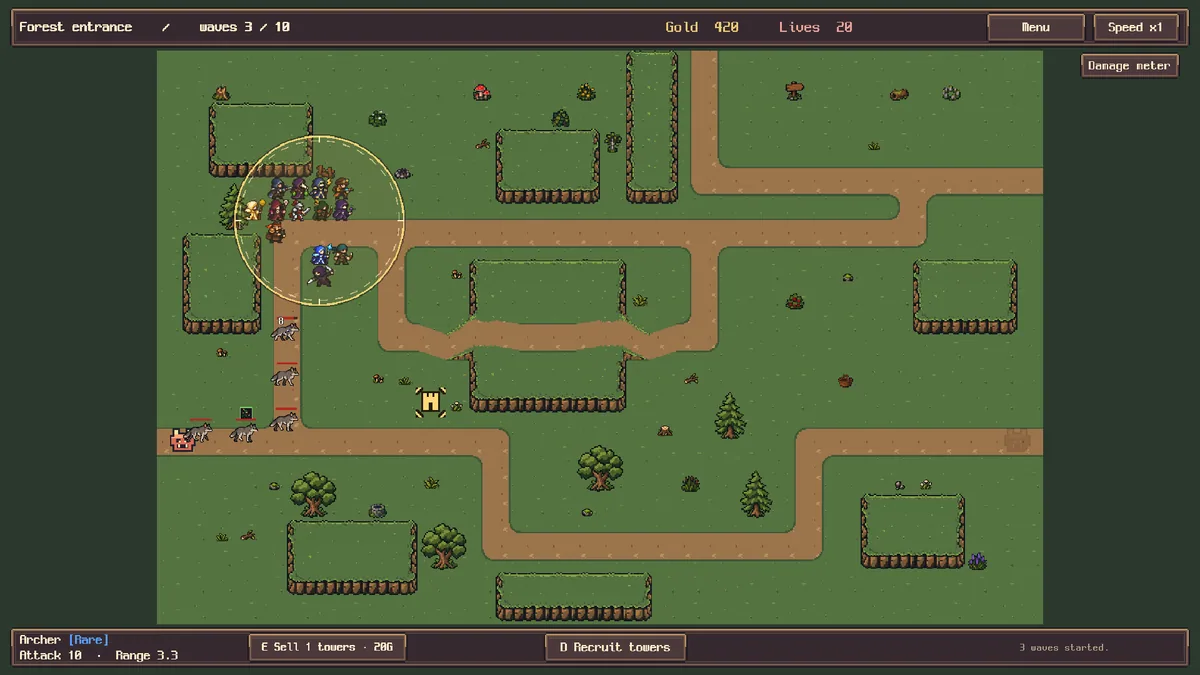
Using the AdventureDefence trainer
The Eagle menu maps tower positions, coverage and incoming waves. Use Insert between assaults to compare a new arrangement with the previous one. An Endless tracker records wave progress and tower unlocks without moving a defense for the player.