FREE CHEATS FOR
Patience Is Key
Released November 17, 2026
Updated

 EAGLE CHEATS
How to use Eagle in Patience Is Key
With Patience Is Key running, press Insert to open the Eagle menu. The quick keys give direct access to Checkpoint List and Hazard Map. Use the menu for Jump Timing, Route Journal and Attempt Count and the remaining listed features; close it with Insert to return to the app.
- F2 Checkpoint List
Press F2 to turn Checkpoint List on or off without opening the menu. - F3 Hazard Map
Press F3 to turn Hazard Map on or off without opening the menu. - Insert Jump Timing
Press Insert, find Jump Timing in the feature list, and switch it on or off. - Insert Route Journal
Press Insert, find Route Journal in the feature list, and switch it on or off. - Insert Attempt Count
Press Insert, find Attempt Count in the feature list, and switch it on or off.
EXPLORE THE MENUFeatures
8 features
The Eagle trainer for Patience Is Key brings checkpoint list, hazard map, jump timing together for the Windows PC release. Press Insert during play to open the menu, choose a control and return to the current session. Additional controls cover route journal, attempt count, and landing notes during play.
- Checkpoint List
- Hazard Map
- Jump Timing
- Route Journal
- Attempt Count
- Landing Notes
- Stage Progress
- Best Run
About the game
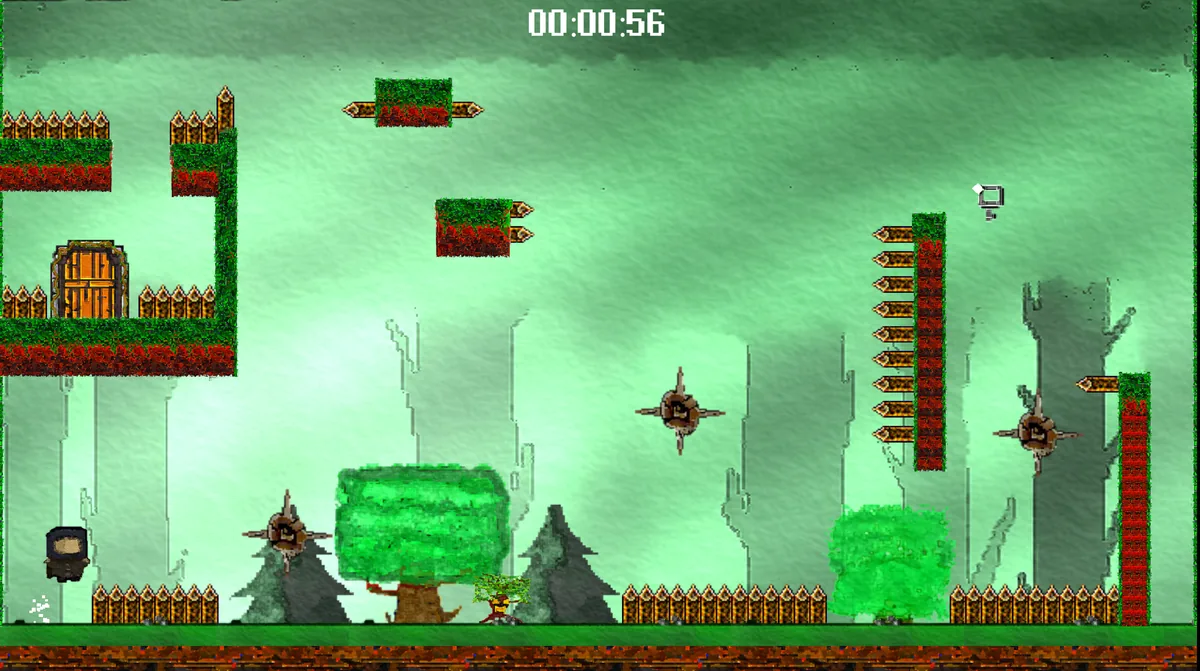
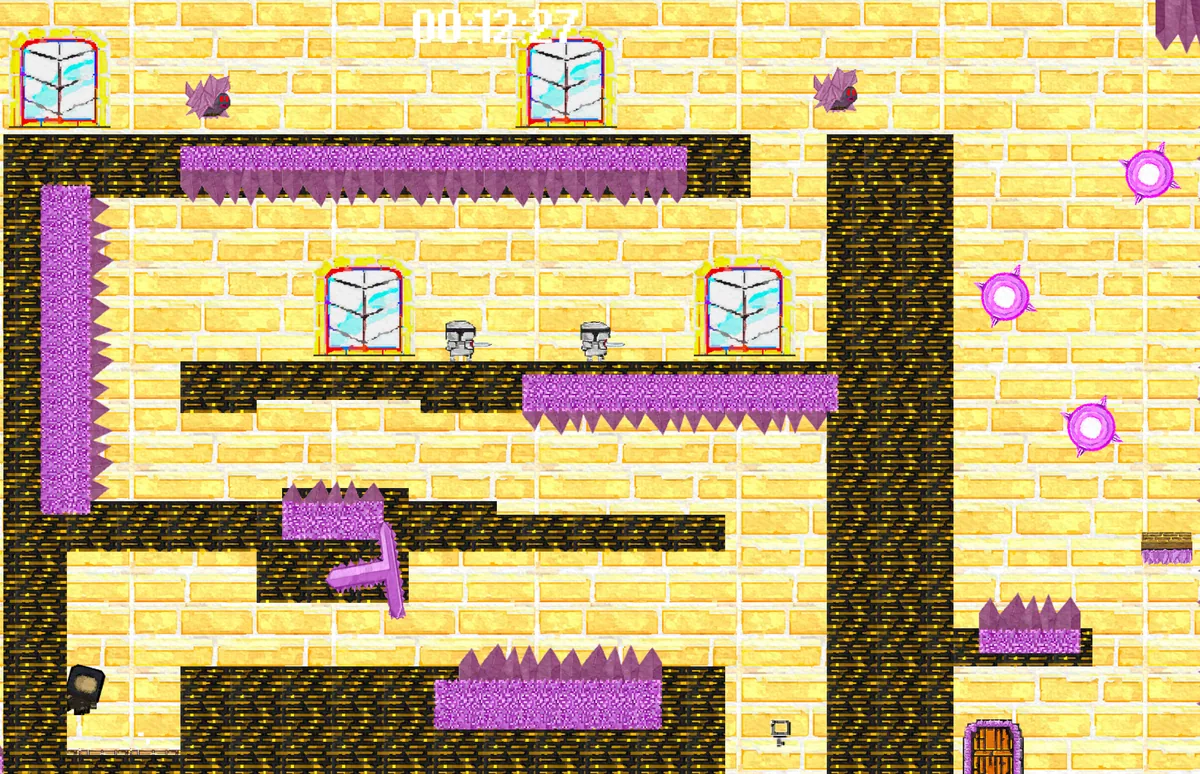
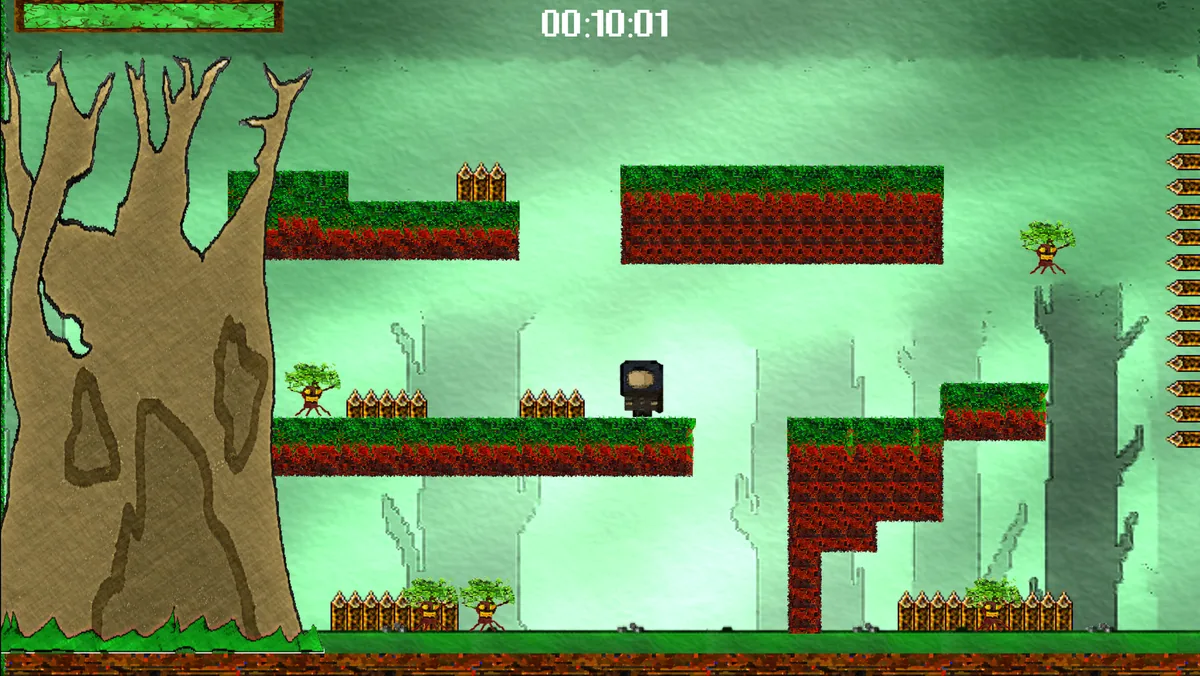
Patience Is Key is a demanding two-dimensional platformer filled with tricky hazards. Each stage asks the player to learn movement timing through repeated attempts. The title points to the central strategy: slow observation before another jump.
A small change in takeoff position can alter where a landing happens. Rushing back to the same obstacle without changing the method wastes attempts. Recording reliable steps helps carry progress from one try into the next.
Official game page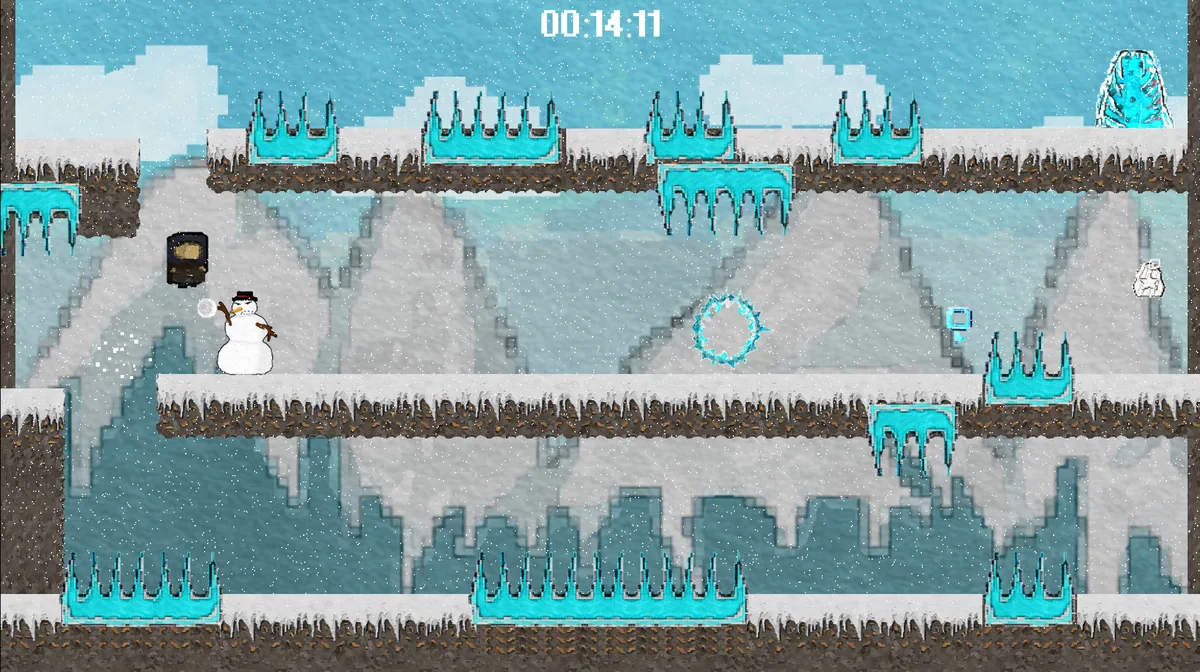
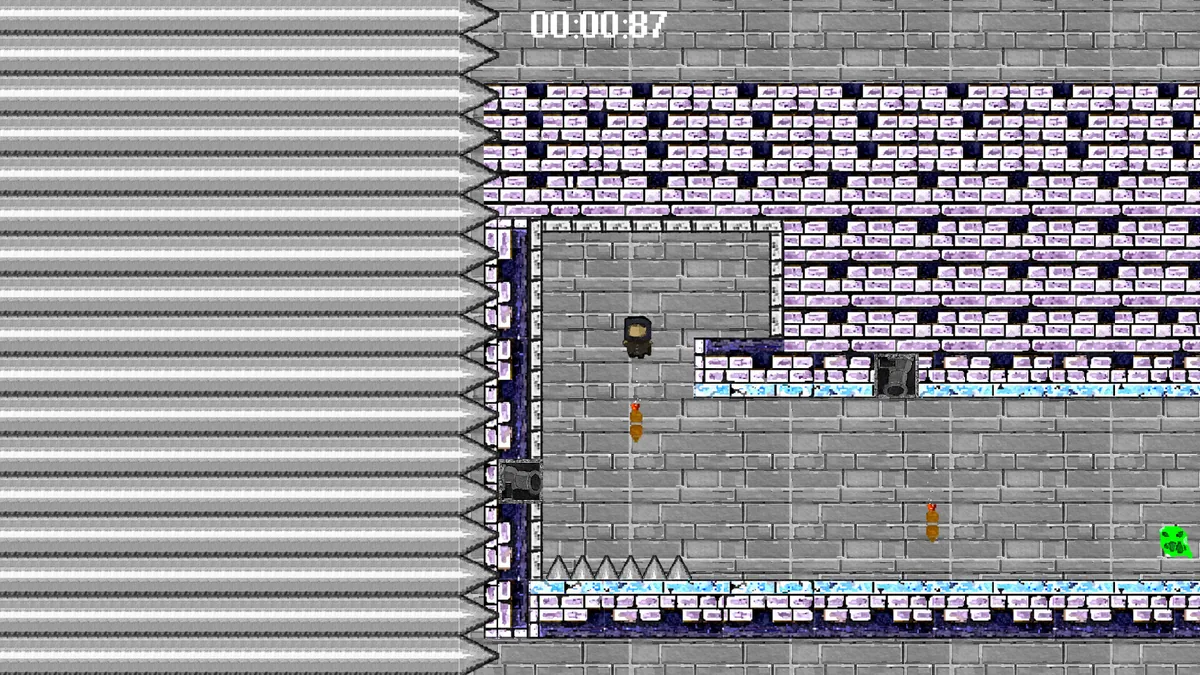
Using the Patience Is Key trainer
Open the Eagle menu with Insert between attempts to review checkpoints, hazards and the last failed jump. The route journal keeps successful sequences in order. Use the timing notes before trying a section whose trap pattern was previously misunderstood.